


Invent: Aeronautics
Build planes, helicopters, airships, cars, boats and machines from blocks, then fly and drive them with real physics.
Build planes, helicopters, airships, cars, boats and working machines out of blocks, then take the controls. Everything you glue together moves as one contraption with real physics, so a light frame with big propellers climbs fast and a heavy one needs more power.
What you can build
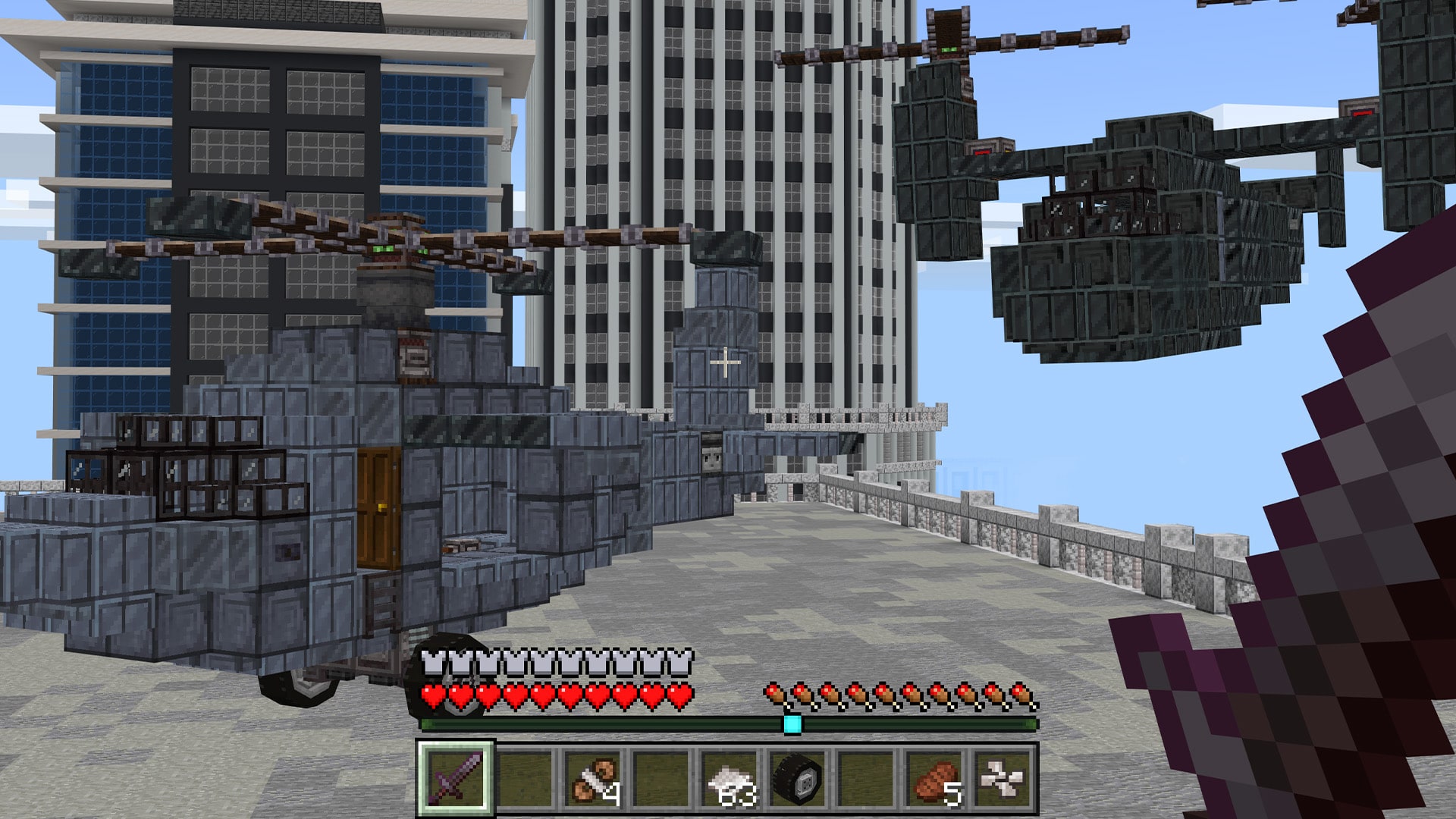
Planes and helicopters
Propellers, wings, wing roots, flaps and landing gear. Tiltrotors switch between hover and forward flight.
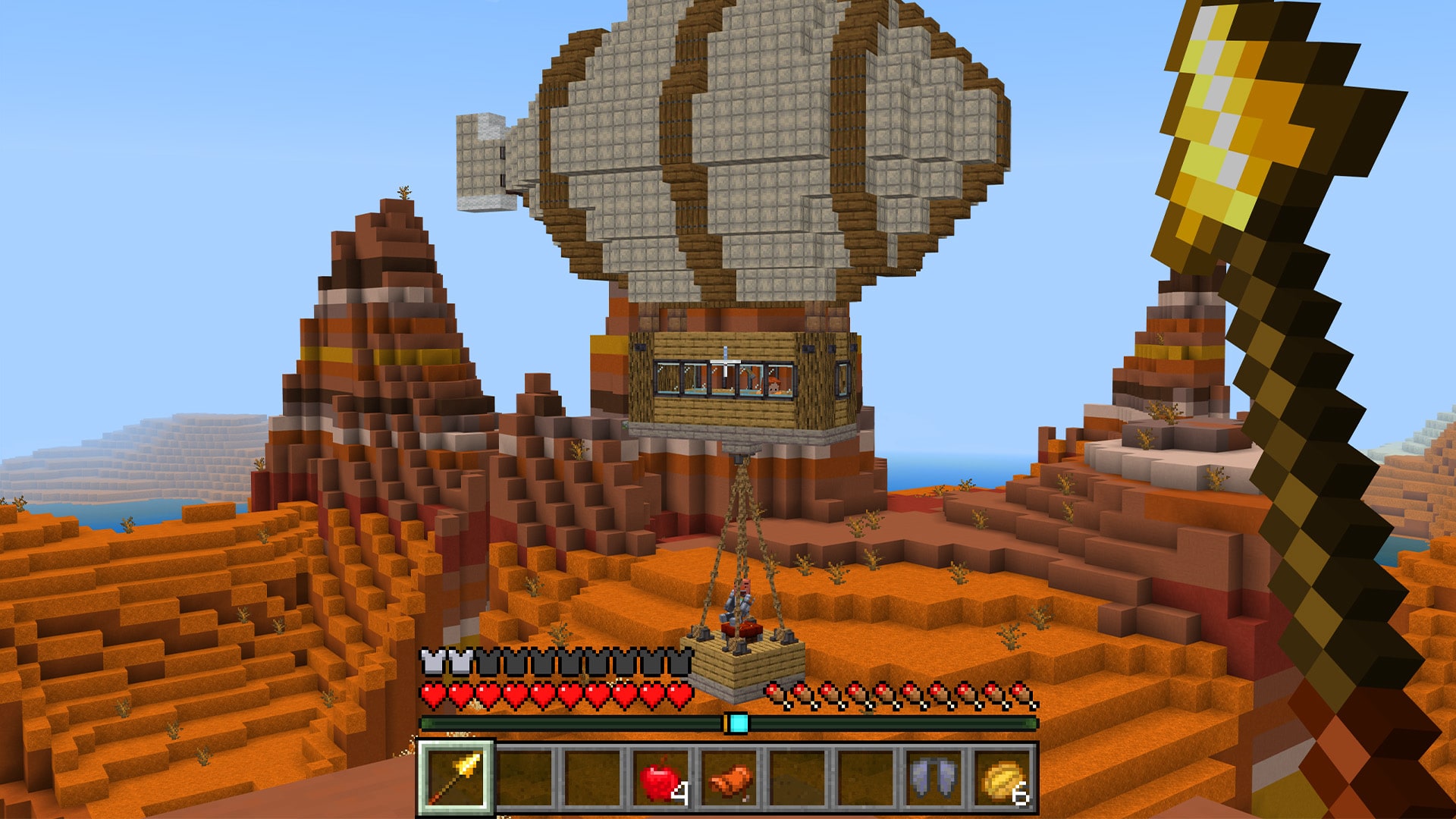
Airships
Balloon fabric and hot air burners lift whole builds. Hang baskets and cargo on chained rope.
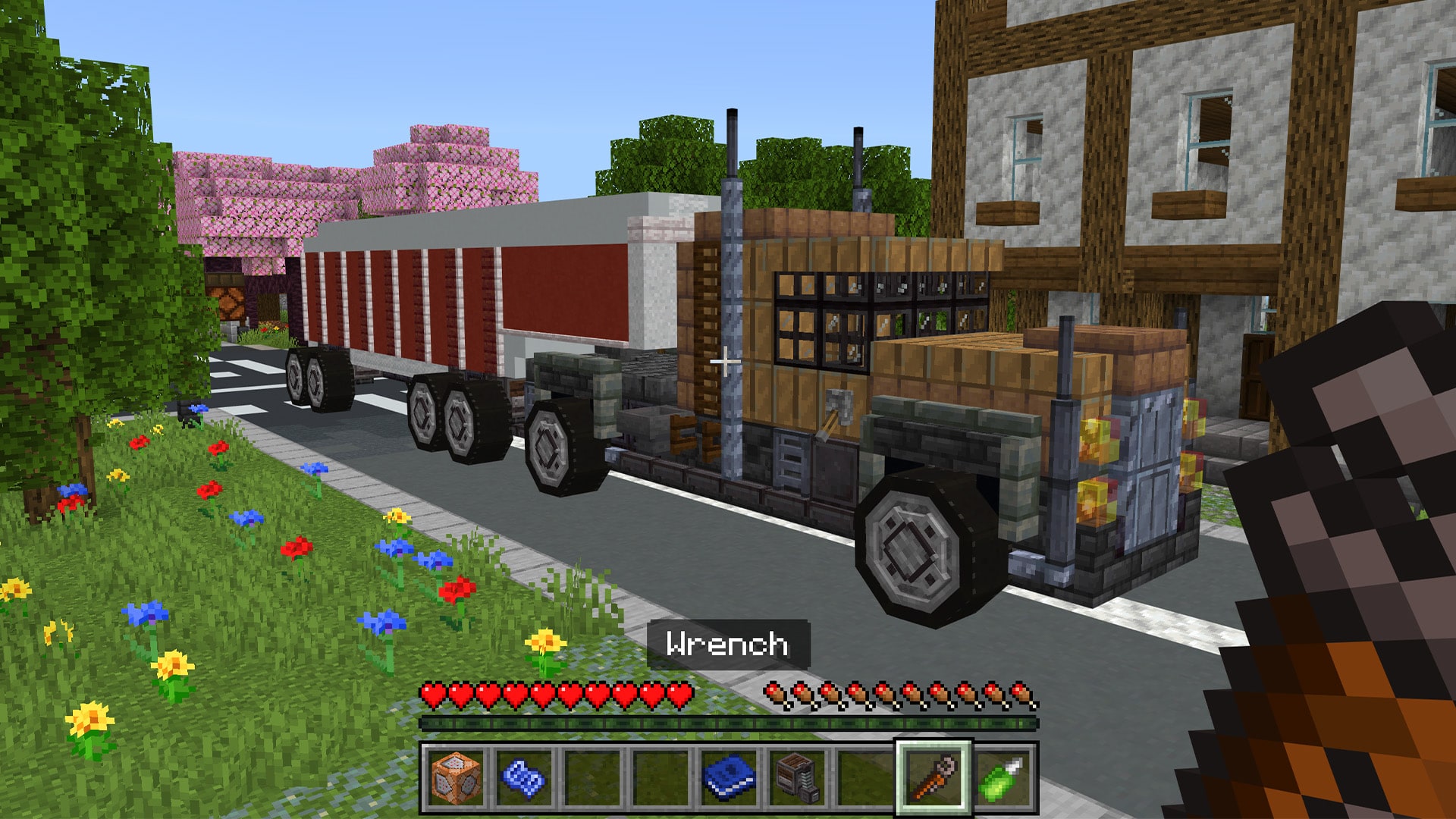
Cars, trucks and buses
Engines, gearboxes, wheel mounts and tires from small to enormous, with steering, suspension, horns and frontlights.
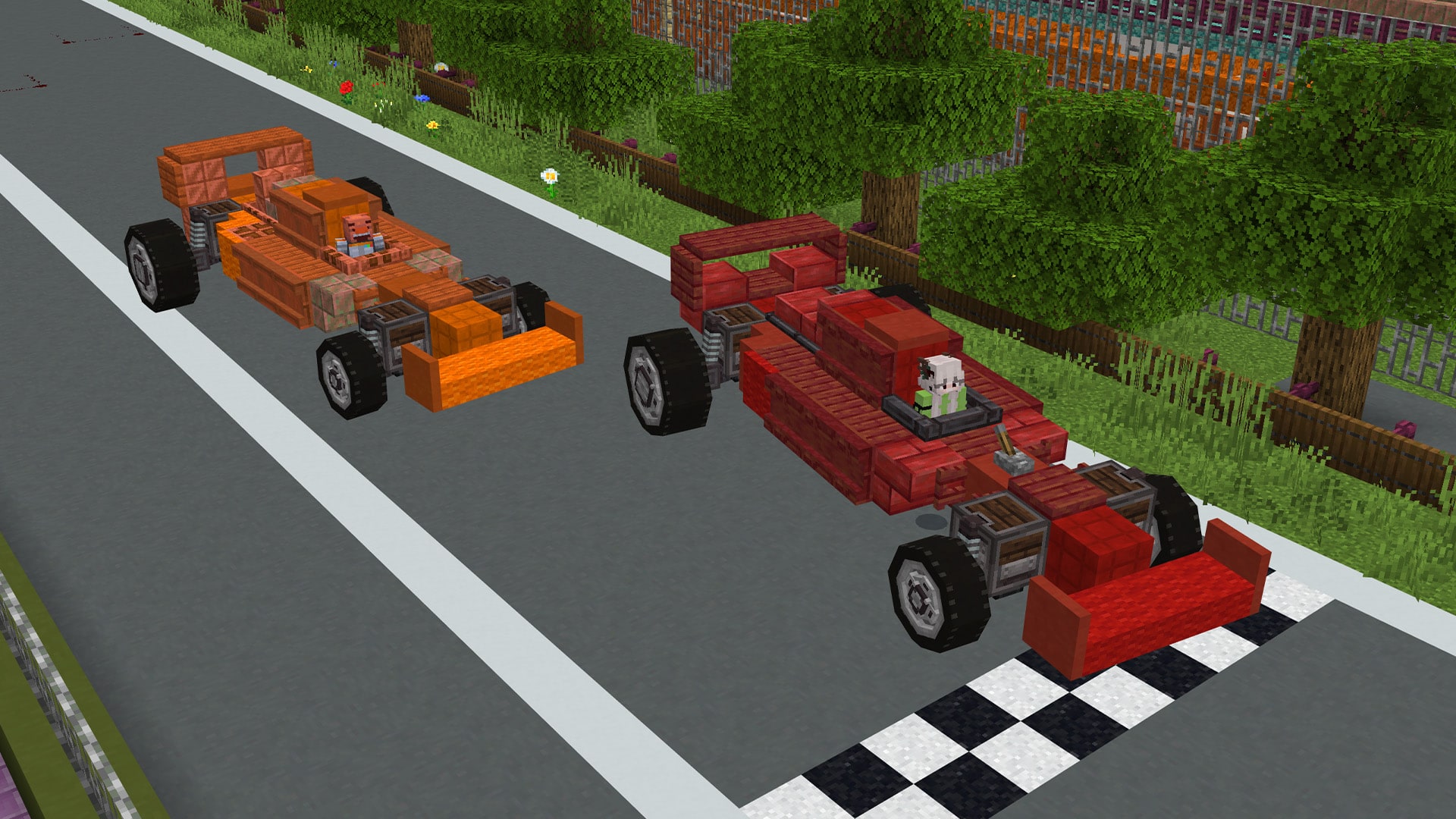
Race cars
Light frames and big engines. Build a grid and race.
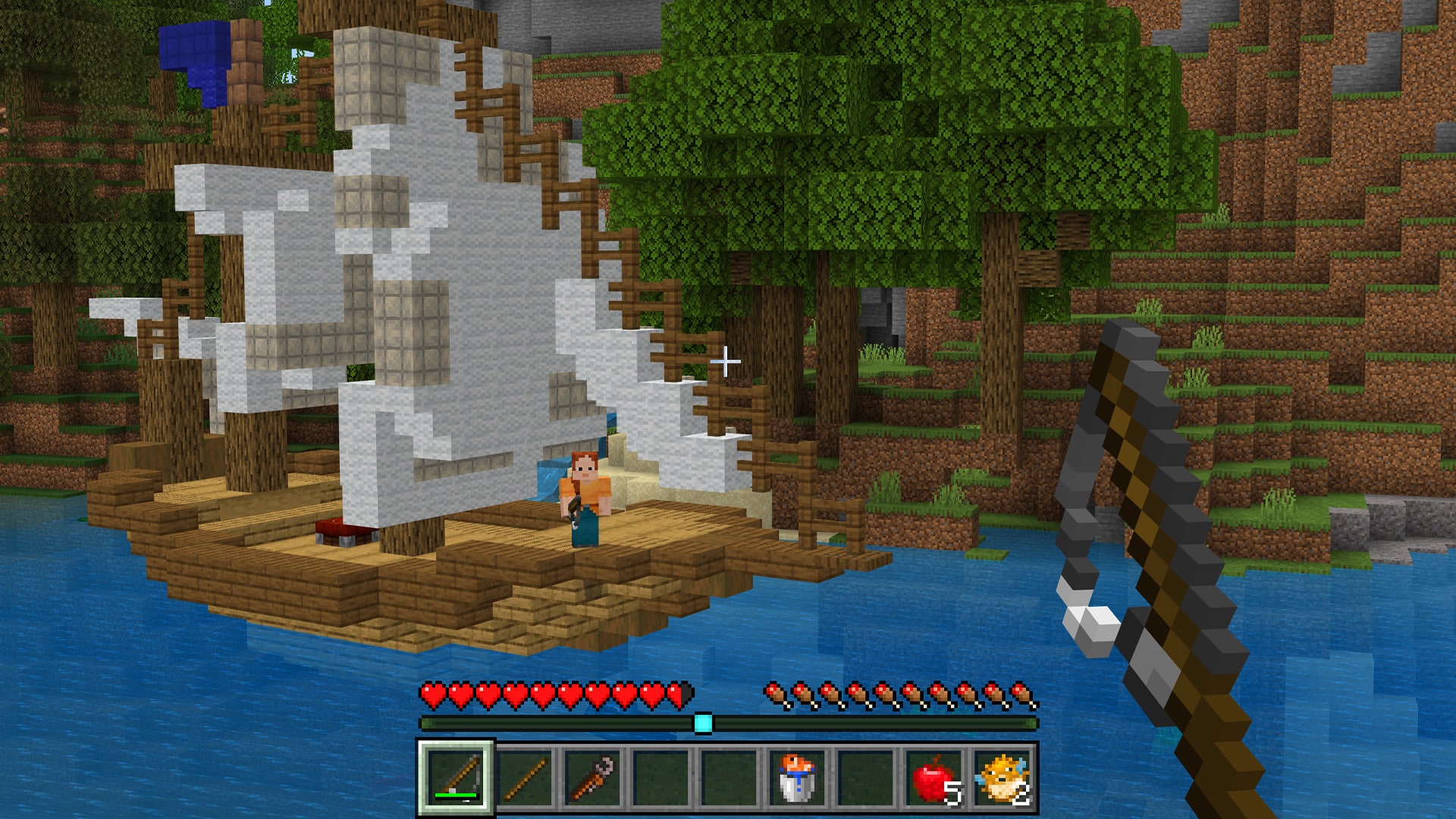
Boats
Hulls float without fuel. A powered propeller at the waterline pushes you along.
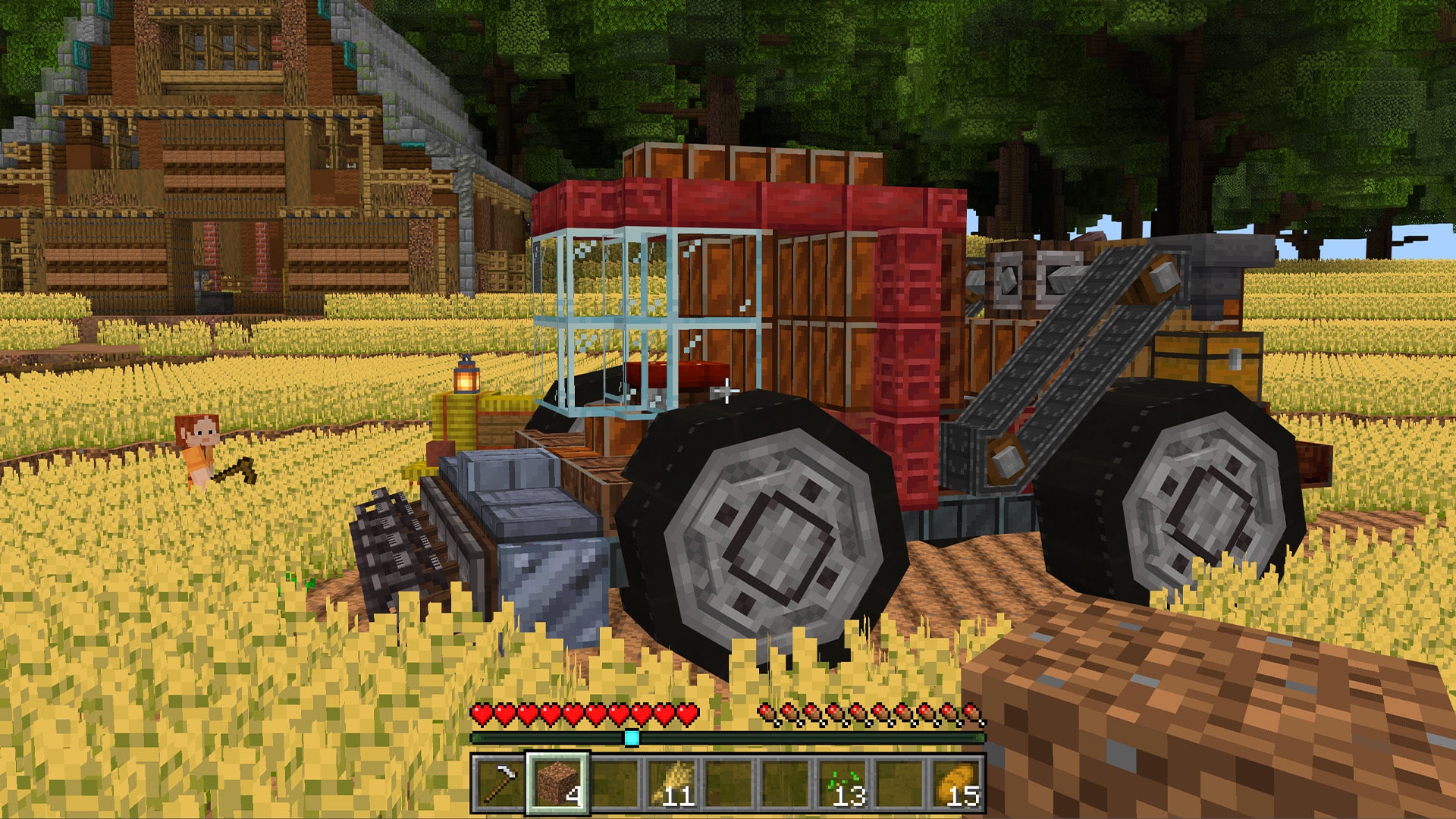
Working machines
Harvesters, rock cutters, presses and conveyor belts that keep working while the build moves.
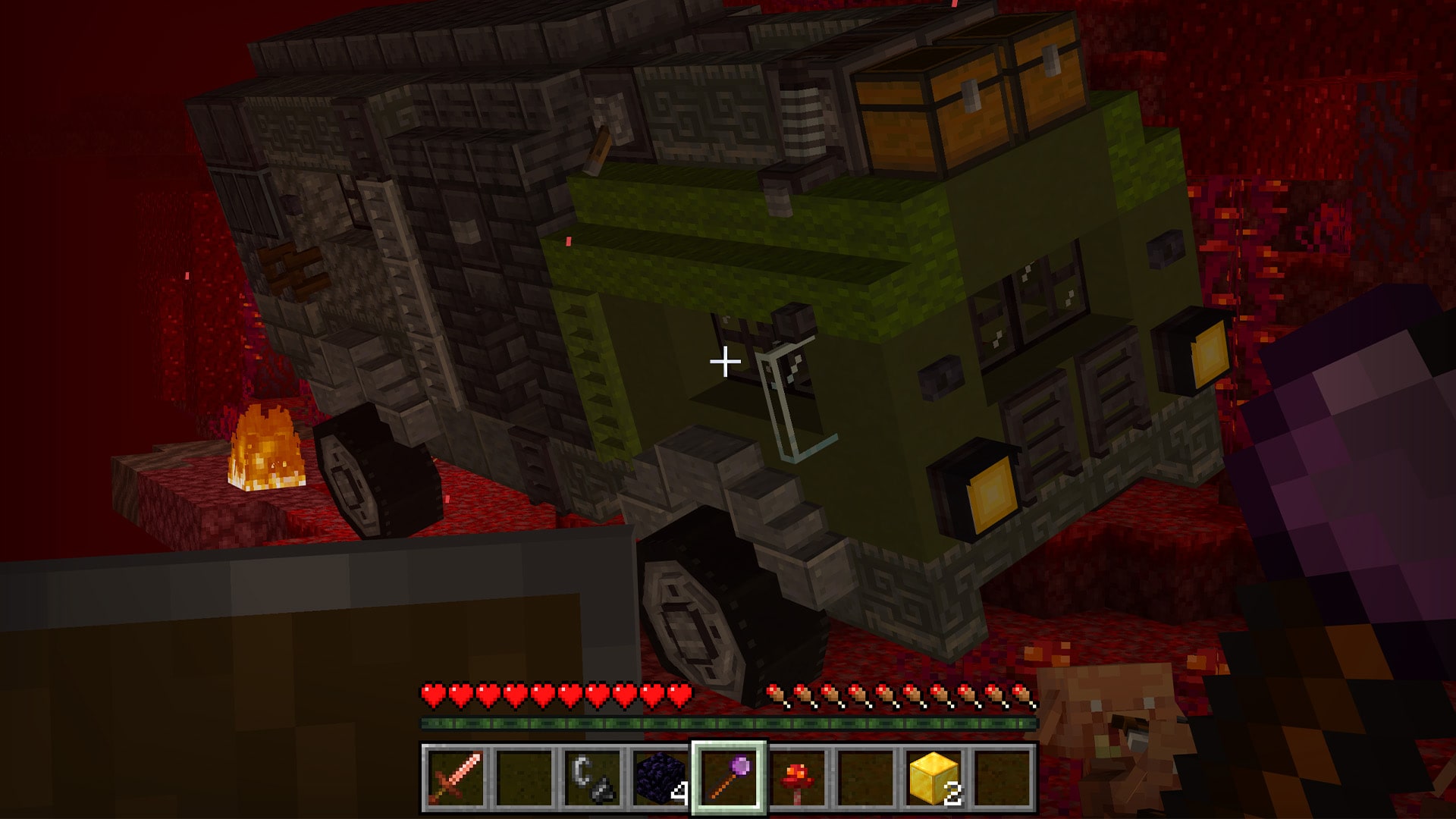
Nether travel
Drive through a Nether portal with riders and cargo on board.
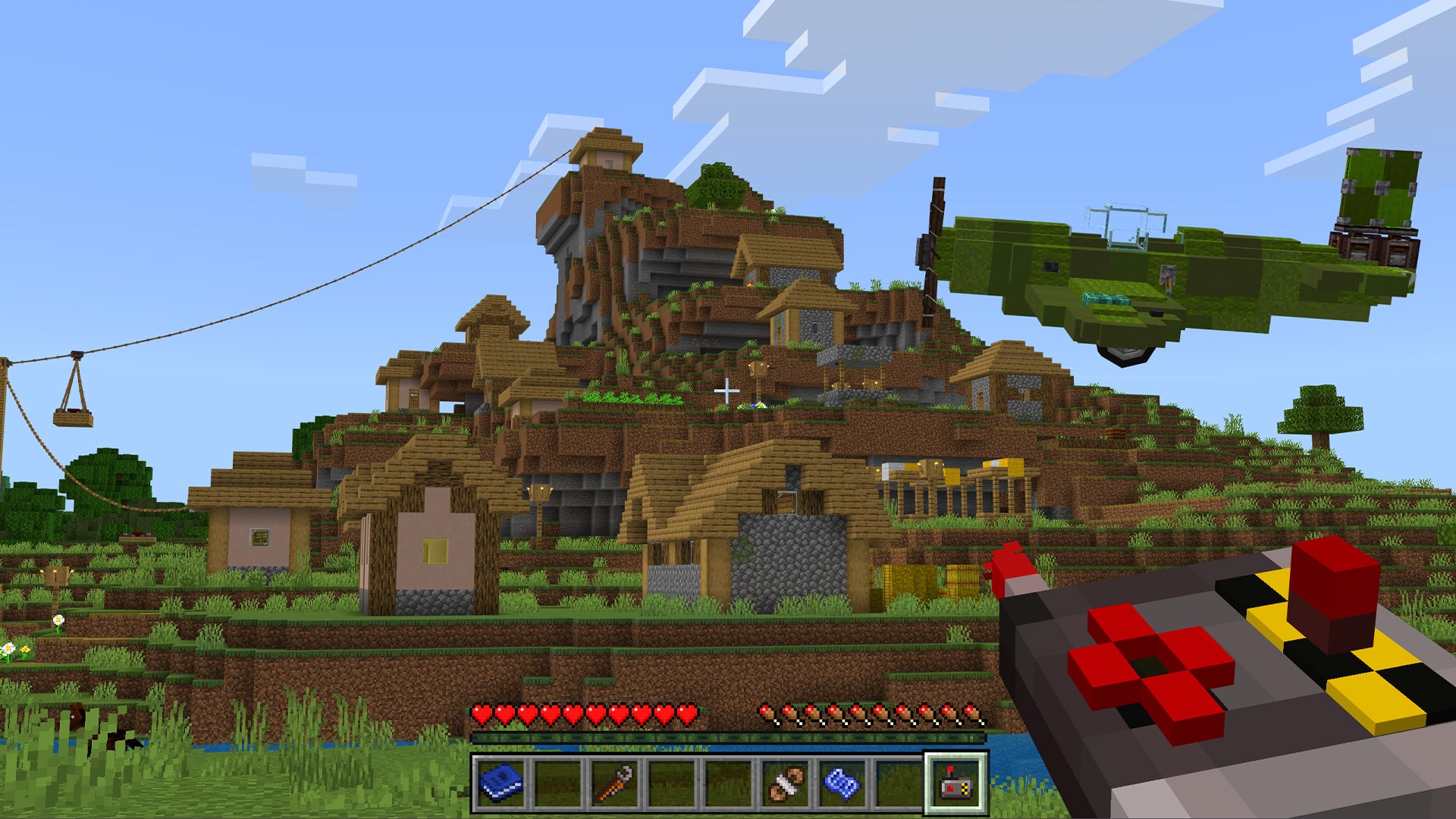
Cable cars
String an overhead cable between rope attachers and ride a cable carriage across.
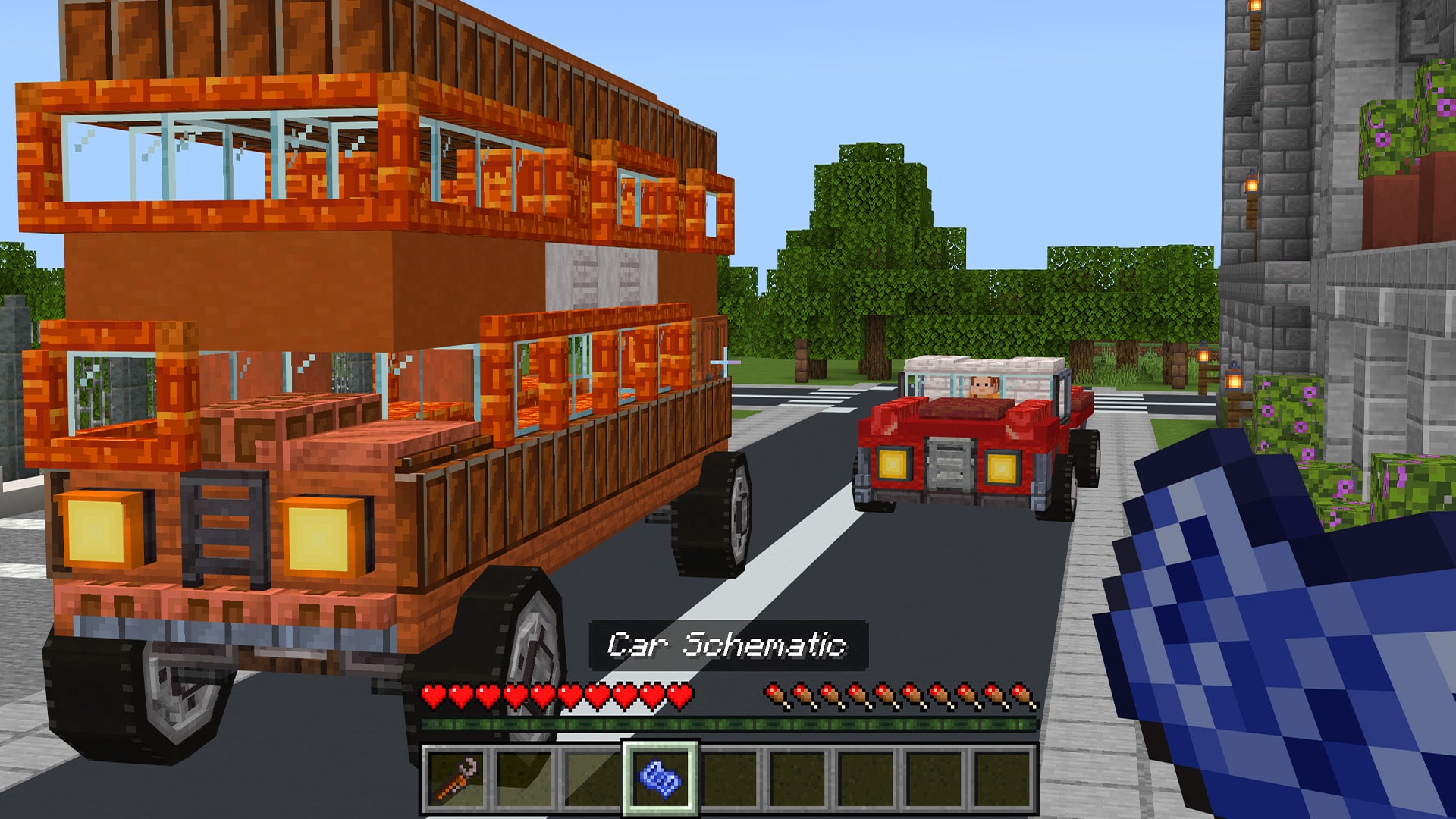
Schematics
Save any build as a schematic, place it again or share it as import codes.
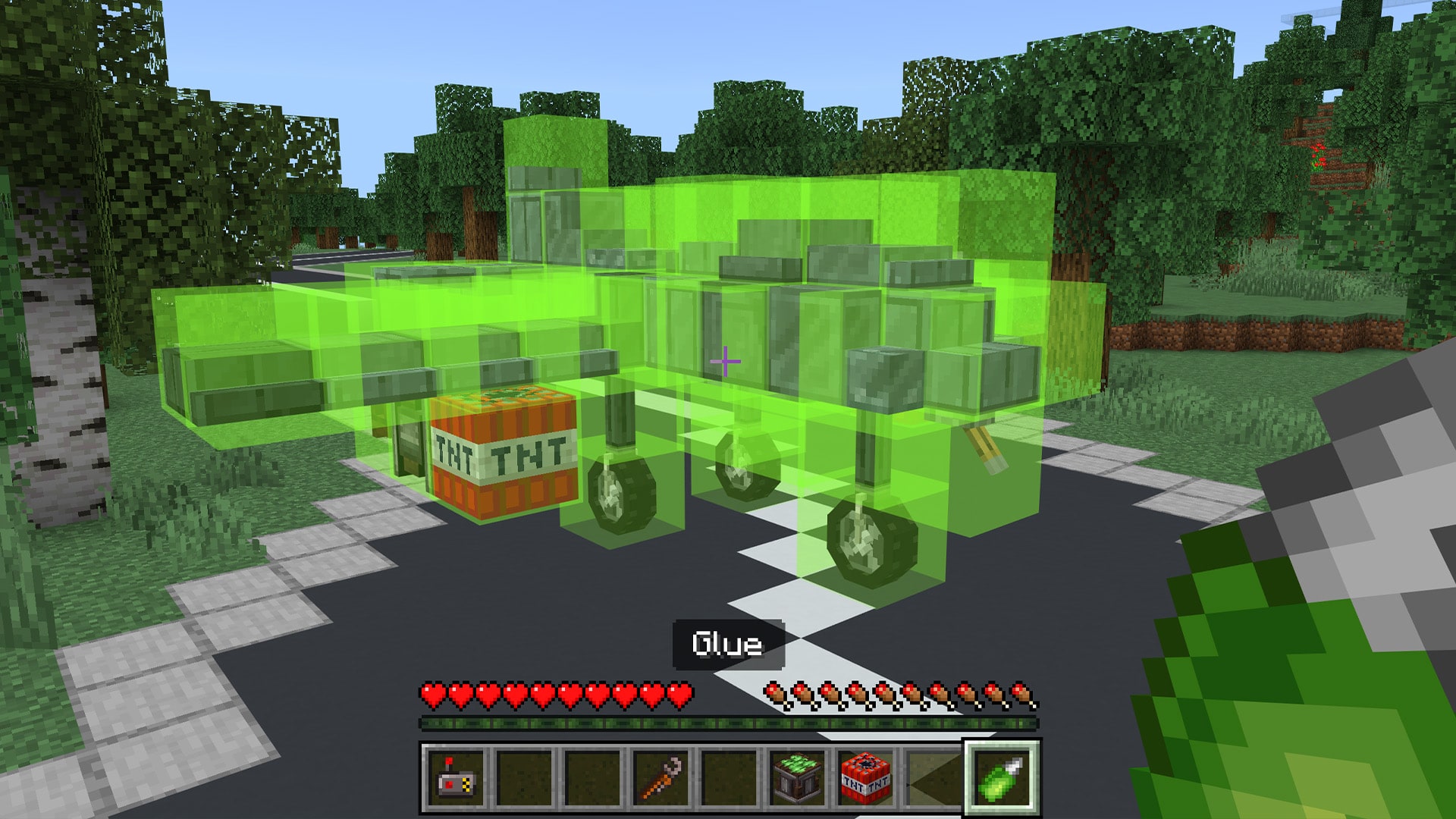
Your first plane
- Open the Contraption Builder's Guide and turn to Starter Plane.
- Build the lower layer, then add wings and a Seat.
- Hold Glue and select the whole build. Pick which way is forward.
- Fill the Engine with a Fuel Gallon.
- Set up the Contraption Controller, sit down and take off.
The first Seat you place is the Control Seat. Every other Seat carries a passenger.
Tools
Wrench
Forward direction, settings, parking and saving schematics.
Glue
Selects the blocks that move together as one contraption.
Contraption Controller
Bind each action to a key. Drive remotely or call a parked build back.
Builder's Guide
Searchable chapters, recipes and animated lessons in game.
Mechanic's Tool
Fine-tunes parts, like tire position on Wheel Mounts and Rock Cutter rotation.
Chisel and copycats
Miniblocks, microblocks and copycat blocks for fine detail.
FAQ
Do I need experimental toggles?
No. Activate both the behavior pack and the resource pack on your world. No experiments are needed.
Which Minecraft version does it need?
Minecraft Bedrock 1.26.40 or newer.
Does it work on phones and consoles?
Yes. The controls are mapped for touch, controller and keyboard.
Where do the parts come from?
Mine Bauxite Ore (about as common as coal) and smelt it into ingots. A powered Press on a Material Stand turns ingots into Aluminum Sheets. Every recipe is in the guide's Crafting Catalog.
My vehicle won't move. What now?
Check that every block is glued, the first Seat is the Control Seat, forward points at the nose, and every Engine has fuel and touches the part it powers.
Can I go to the End?
Not yet. Nether portals work. A world operator can turn Dimension Travel off in the Wrench settings.
Why is my world lagging?
Very large builds, or several of them at once, use a lot of physics. Start small and grow. Performance depends on your device.
- Download v1.1.0v1.1.0Latest
Oct 19, 2026 · Bedrock 1.26.40+ · 5.2 MB
Invent: Aeronautics
- Bananapisang2193 hr ago
I'm so dissapointed, i really want to stand on the build while the build were moving😔
- Skyrogue1173 hr ago
Doesn't seem to work with actions and stuff, hopefully the marketplace version plays nice with marketplace packs, loving it so far
- DcodingHalycon6 hr ago
Thanks to the creator this should have been a mod a long time ag i hope i will enjoy it :)
- Vila543216 hr ago
Could you maybe add lighting for the blocks that have it? Like Sea Lanterns? Also some blocks squish together randomly if the block next to them is being rotated by engine
- davikece270018 hr ago
Addon nya keren tapi pas aku turun atau kendaraan saya berhenti saya tidak bisa berdiri di atasnya layak nya entity walaupun kendaraan nya berhenti
- YolkyWings946020 hr ago
Addon nya bagus ringan lagi,tapi masalahnya harus menunggu lama untuk masuk ke dunia kadang berjalan kadang engga,semoga aja di perbaiki bug ini,aku sudah menunggu lama addon ini
- BERMUDA 7101723 hr ago
So add on is awesome ! However I have noticed some bugs, when deploying TNT from the vehicle the tnt and bomb bearing will detach and explode. But the a duplicate tnt model will still be attached to the vehicle but is not there. Also would be awesome if we can get support for dispensers so we can shoot arrows or fire charges from the vehicle. Also I know optimization can be a challenge but if using on a server every person would have to build something kinda small to stay under the block limit set by the add on. These are just a couple things I can think of so far, Il continue to play test and share more if need be. Overall having this on bedrock is an absolute game changer ! Keep up the great work !
- UjjWasHereyesterday
While the addon runs smoothly in android, for some reason the loading screens are ridiculously long. I am not even kidding it took me 10 minutes just for the world to load with this. And you have to go through this everytime you want to play
- BERMUDA 7101723 hr ago
Agreed 4 full minutes to load a game on console and PC. But could be fixed once the add on is officially released.
The issue is unfortunately with how Minecraft runs on Android and other devices, it is slow, and this addon adds a lot of stuff, we will try to optimize it but no guarantees :(
- UjjWasHere20 hr ago
Well I'll hope the Market place release goes through smoothly for you guys. though the addon does have issues. It is still something bedrock has never seen. Which is worthy of praise!
- Yuxuf05yesterday
It looks like a very nice mod but i cant Download it because i Play on ps five and dont have minecraft on my phone



