


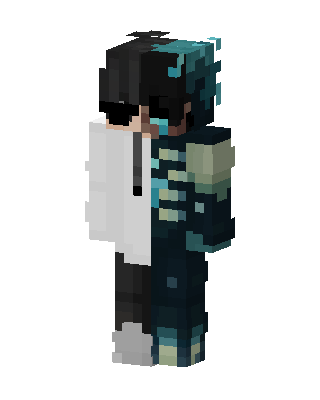
Sculk Split
Slim arms · mostly teal · first seen Oct 2026
0 viewsBlack-haired character with sunglasses, split down the middle: left side a white hoodie and black pants, right side a dark teal sculk-textured outfit.
How to use on Bedrock
- Download the skin.
- In Minecraft, open Dressing Room, then Classic skins.
- Choose Import, pick the file, then choose the slim (Alex) arms.
Similar skins
 McDonald's Miku9 views · Worn by 0
 Enderman Steve3 views · Worn by 0
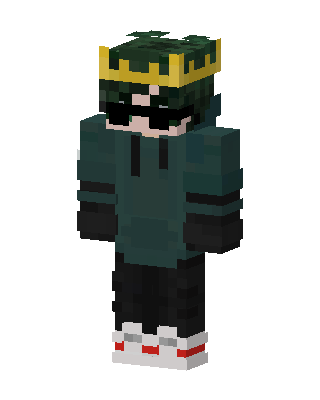 Crowned Green Hoodie0 views · Worn by 0
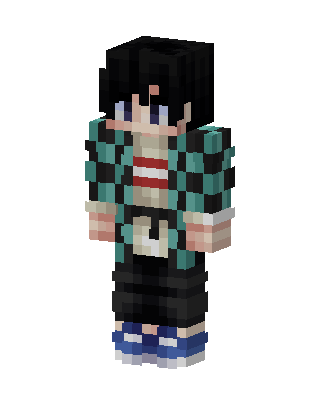 Tanjiro Kamado0 views · Worn by 0
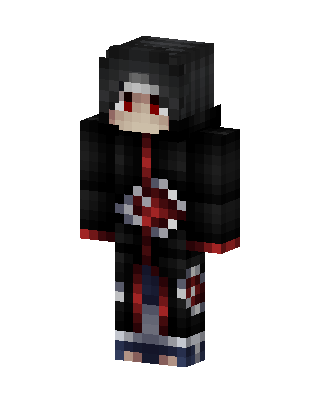 Itachi Uchiha57 views · Worn by 1
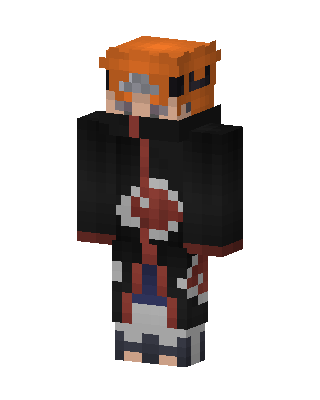 Black Anime Boy25 views · Worn by 1
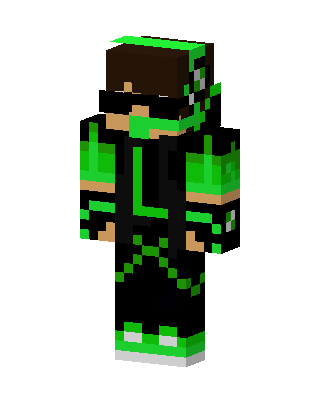 Green Masked Hero Boy24 views · Worn by 1
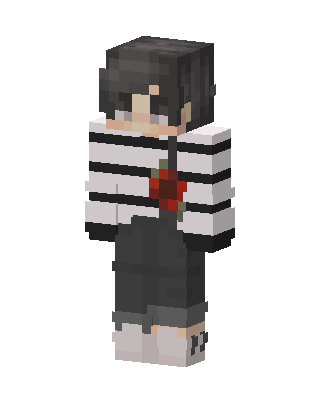 Rose Stripe Boy19 views · Worn by 1
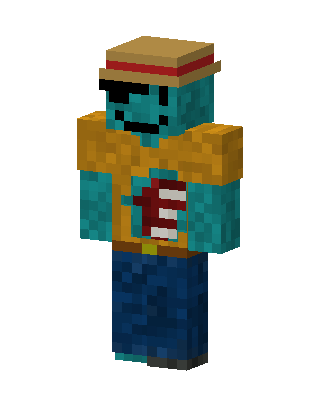 Pirate Zombie11 views · Worn by 1
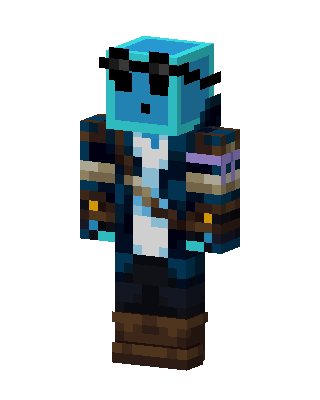 Slime Pirate12 views · Worn by 1
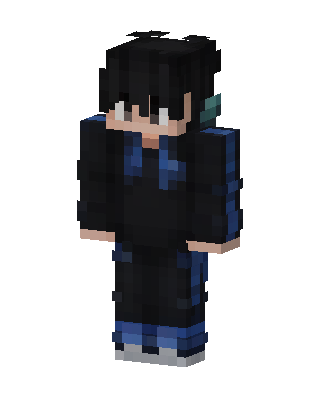 Midnight Hoodie11 views · Worn by 1
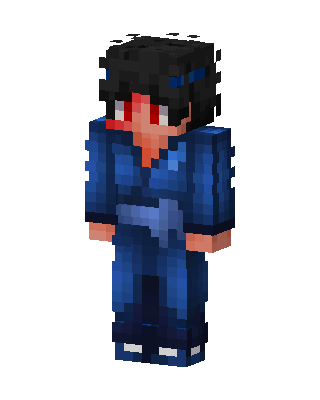 Blue Kimono Swordsman11 views · Worn by 1


