


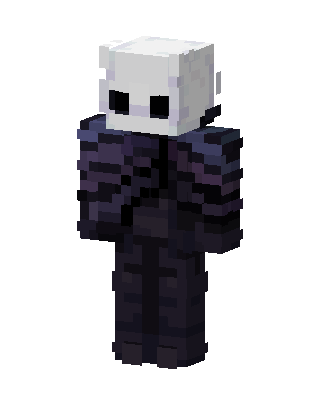
The Knight
Classic arms · mostly black · first seen Oct 2026
0 viewsA pale white round mask head with two black oval eyes, over a dark navy and purple cloak and body, styled after the Hollow Knight.
How to use on Bedrock
- Download the skin.
- In Minecraft, open Dressing Room, then Classic skins.
- Choose Import, pick the file, then choose the classic (Steve) arms.
Similar skins
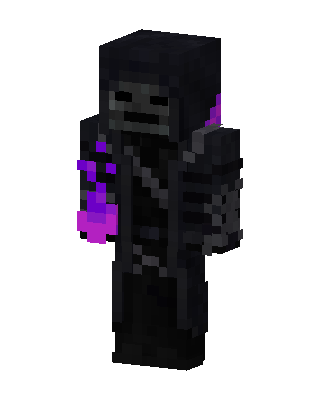 Black Hero Boy3 views · Worn by 0
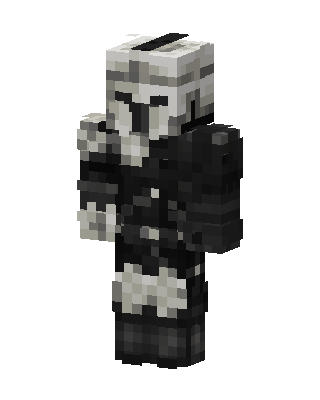 Scout Trooper2 views · Worn by 0
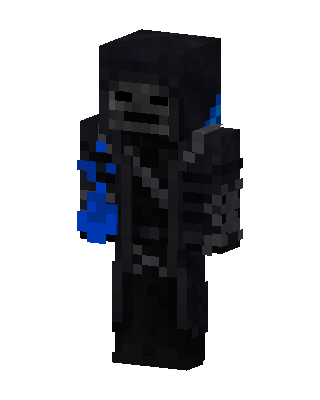 Black Hero Boy0 views · Worn by 0
 Shadow Ghost0 views · Worn by 0
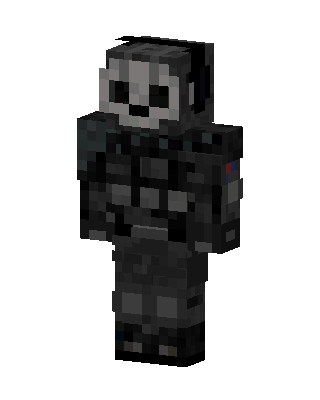 Ghost0 views · Worn by 0
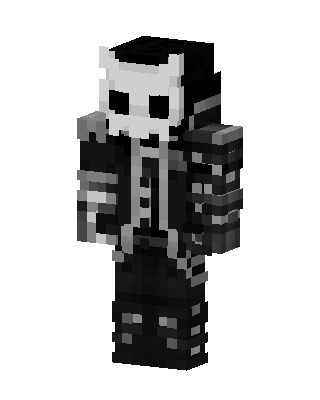 Skull Knight385 views · Worn by 1
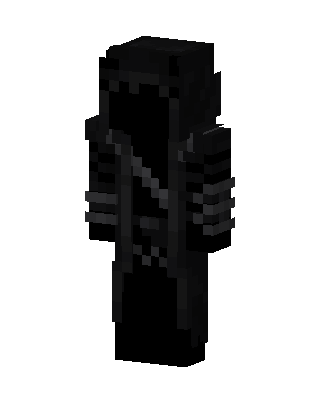 Black Ninja94 views · Worn by 4
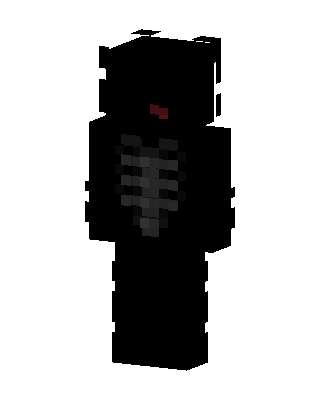 Shadow Skeleton130 views · Worn by 2
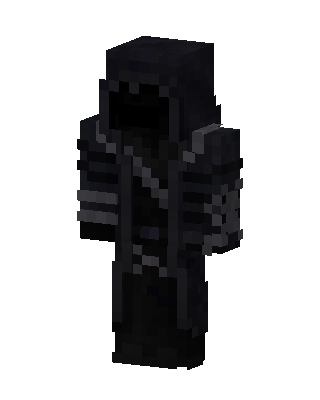 Black Boy86 views · Worn by 2
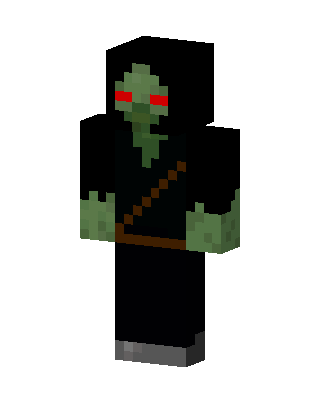 Hooded Zombie113 views · Worn by 1
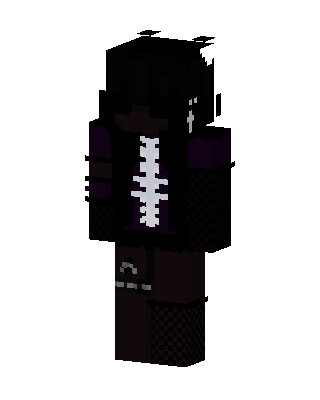 Spine Hoodie56 views · Worn by 1
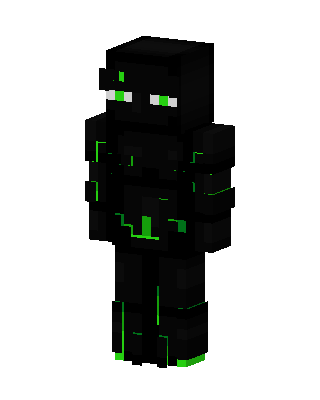 Neon Enderman55 views · Worn by 1


