


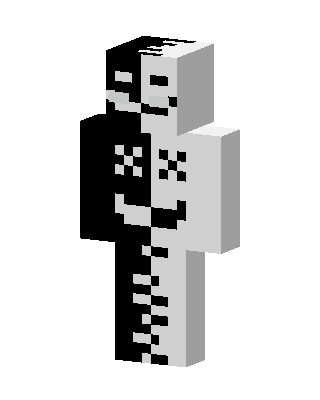
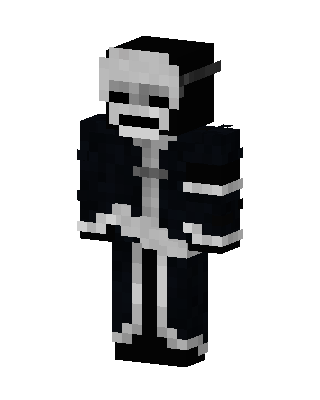
Split Skeleton
Classic arms · mostly white · first seen Oct 2026
3 viewsA half black, half white skeleton figure with a split smiling face, X-shaped eyes on the chest, and a ribcage and spine pattern down the torso and legs.
How to use on Bedrock
- Download the skin.
- In Minecraft, open Dressing Room, then Classic skins.
- Choose Import, pick the file, then choose the classic (Steve) arms.
Similar skins
 Monochrome Guy4 views · Worn by 0
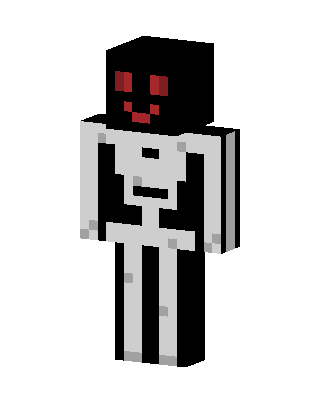 White Mob1 views · Worn by 0
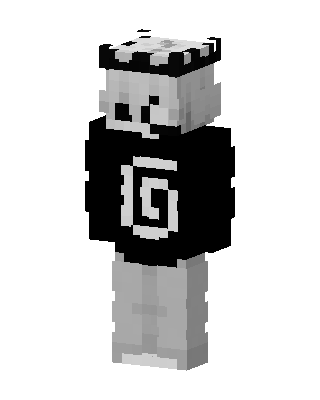 Monochrome Spiral35 views · Worn by 0
 Ink Demon21 views · Worn by 0
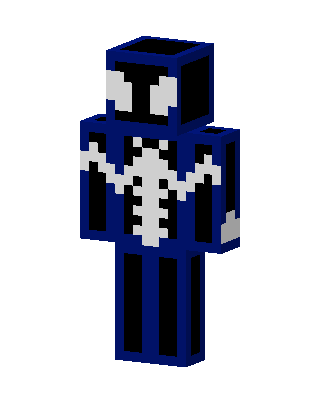 Black Suit Spider-Man18 views · Worn by 0
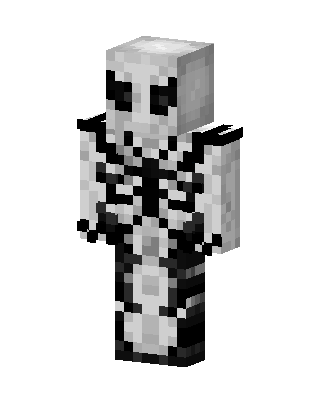 Anti-Venom17 views · Worn by 0
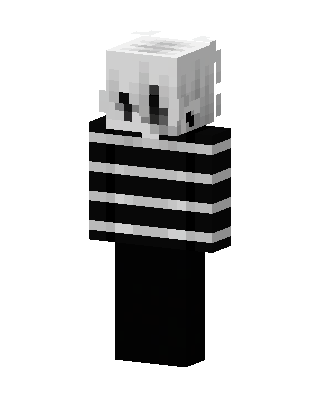 Striped Ghost12 views · Worn by 0
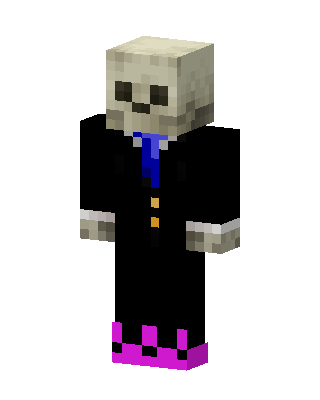 Black Skeleton Boy11 views · Worn by 0
 Skeleton Captain11 views · Worn by 0
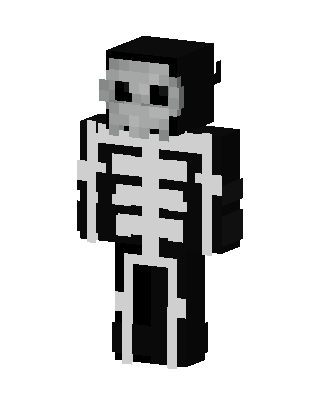 Skeleton Hoodie11 views · Worn by 0
 Stick Figure5 views · Worn by 0
 Black Hero Boy5 views · Worn by 0


