


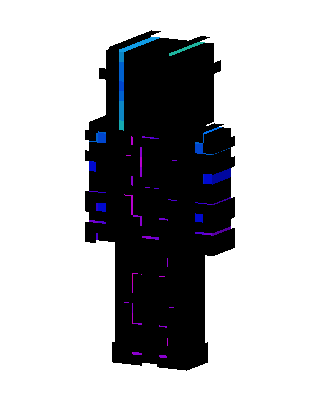
Neon Shadow
Slim arms · mostly black · first seen Oct 2026
0 viewsA mostly black outfit with glowing cyan and teal edges on the head, blue accents on the arms and shoulders, and thin purple neon lines on the torso and legs.
How to use on Bedrock
- Download the skin.
- In Minecraft, open Dressing Room, then Classic skins.
- Choose Import, pick the file, then choose the slim (Alex) arms.
Similar skins
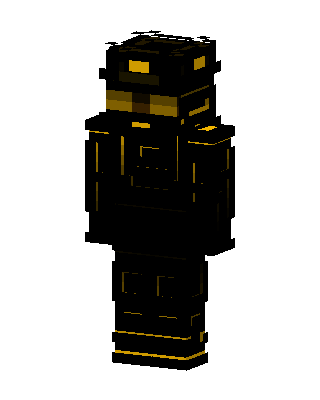 Golden Operative355 views · Worn by 15
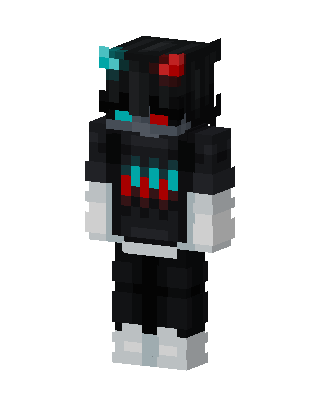 Neon Shadow274 views · Worn by 12
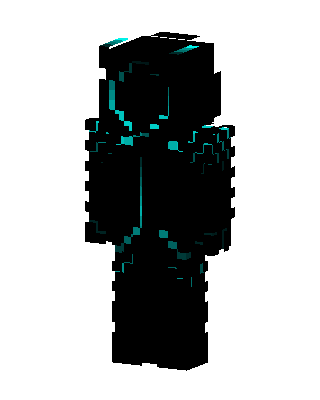 Neon Shadow61 views · Worn by 3
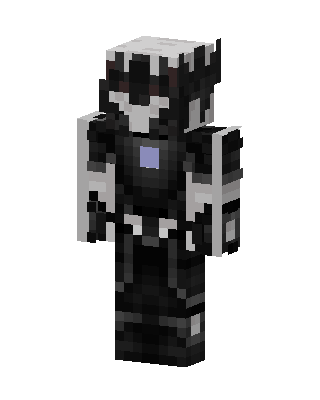 Shadow Knight41 views · Worn by 1
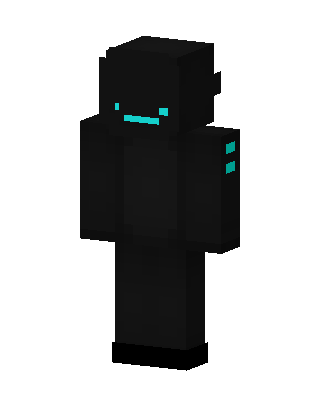 Shadow Cyan31 views · Worn by 1
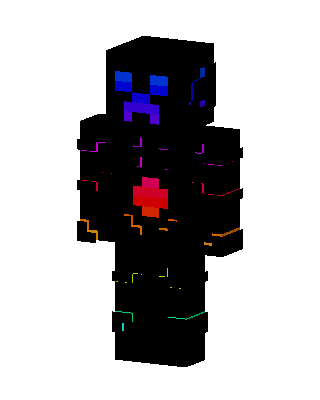 Neon Creeper22 views · Worn by 1
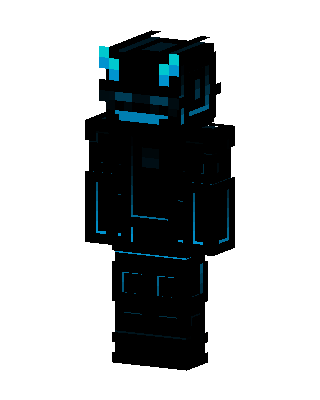 Neon Shadow22 views · Worn by 1
 Neon Shadow20 views · Worn by 1
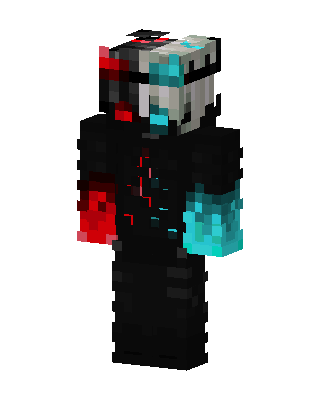 Dual Core19 views · Worn by 1
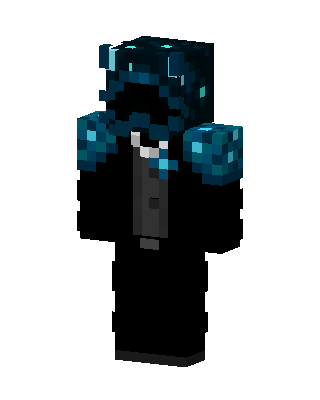 Sculk Tuxedo19 views · Worn by 1
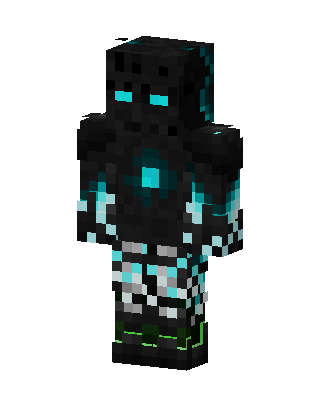 Cyan Void Golem18 views · Worn by 1
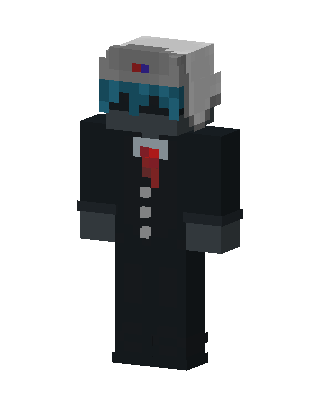 Suited Robot16 views · Worn by 1


