


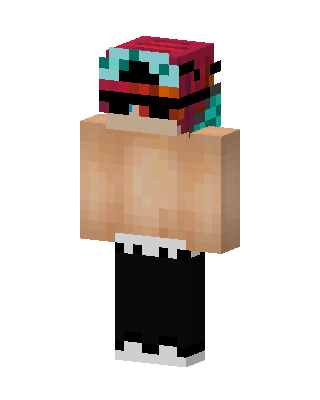
Shirtless Masked Guy
Classic arms · mostly rainbow · first seen Oct 2026
0 viewsShirtless character in a red, teal and black glitchy mask with black sunglasses, wearing baggy black pants and white sneakers.
How to use on Bedrock
- Download the skin.
- In Minecraft, open Dressing Room, then Classic skins.
- Choose Import, pick the file, then choose the classic (Steve) arms.
Similar skins
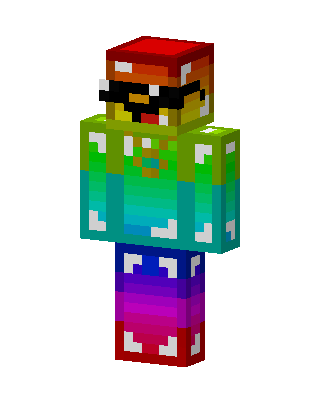 Rainbow Shades2 views · Worn by 0
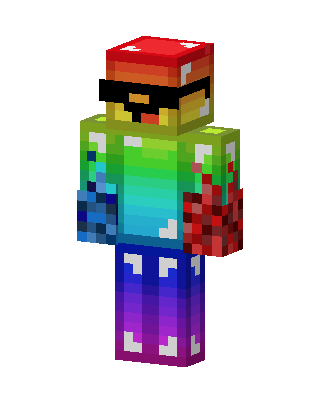 Rainbow Shroom2 views · Worn by 0
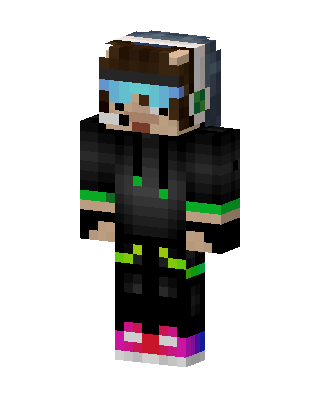 Neon Gamer1 views · Worn by 0
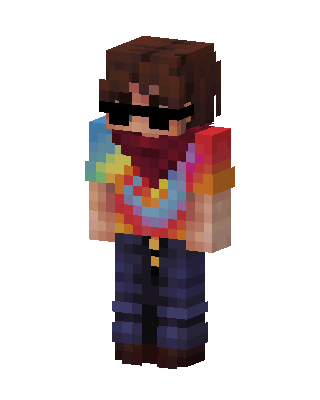 Tie Dye Bandit0 views · Worn by 0
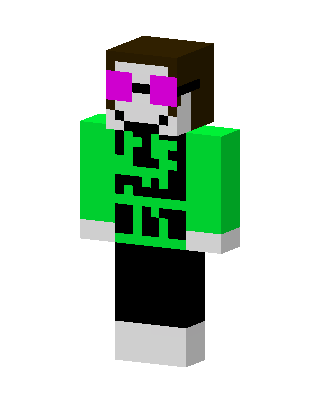 Neon Shades0 views · Worn by 0
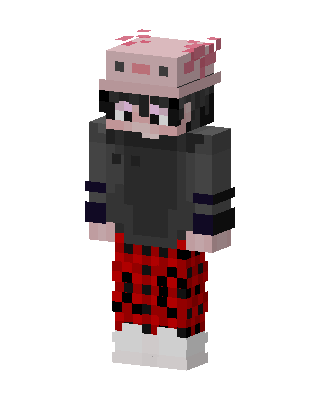 Axolotl Hat Gamer0 views · Worn by 0
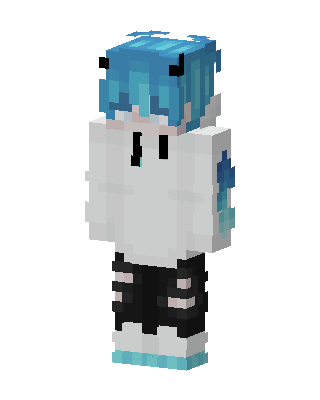 Blue Devil Hoodie82 views · Worn by 4
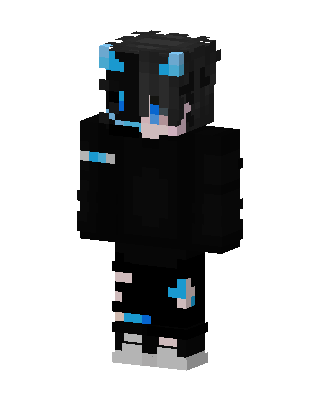 Neon Void64 views · Worn by 1
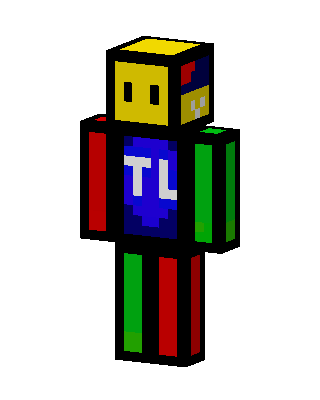 Primary Color Block40 views · Worn by 1
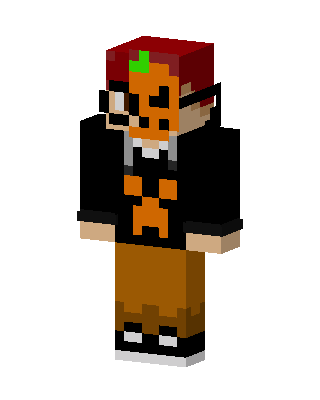 Pumpkin Hoodie Kid39 views · Worn by 1
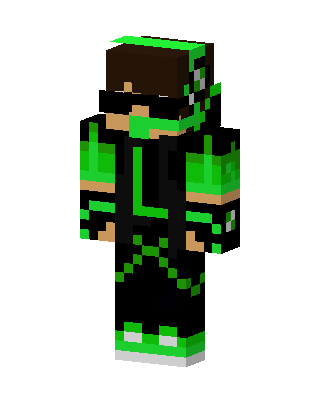 Green Masked Hero Boy24 views · Worn by 1
 White Player21 views · Worn by 1


