


Sponge Kid
Classic arms · mostly yellow · first seen Oct 2026
0 viewsA yellow spongy character with a big open mouth, one blue tear, a black t-shirt with a white square logo, and blue jeans with a brown belt.
How to use on Bedrock
- Download the skin.
- In Minecraft, open Dressing Room, then Classic skins.
- Choose Import, pick the file, then choose the classic (Steve) arms.
Similar skins
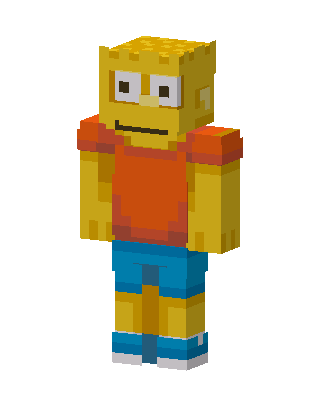 Bart Simpson0 views · Worn by 0
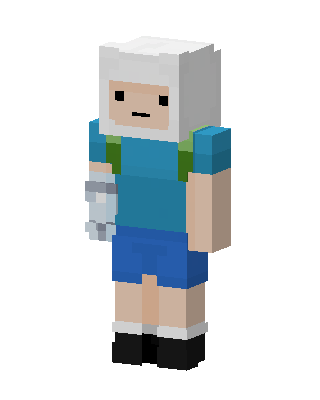 Finn The Human16 views · Worn by 1
 Snowman Hoodie3 views · Worn by 0
 Circus Clown2 views · Worn by 0
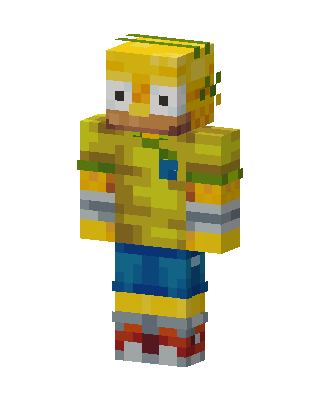 Bart Simpson1 views · Worn by 0
 Yellow Bear Tee1 views · Worn by 0
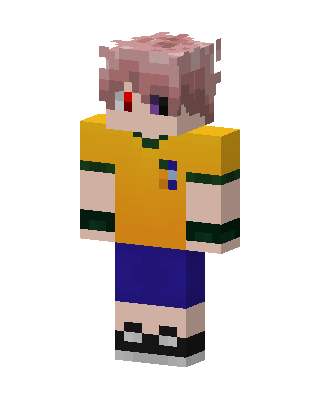 Heterochromia Boy1 views · Worn by 0
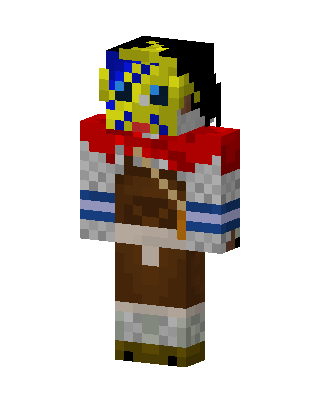 Masked Pirate1 views · Worn by 0
 Finn The Human1 views · Worn by 0
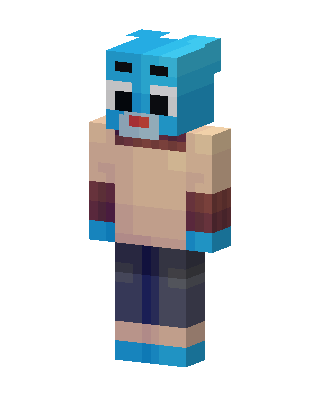 Gumball Watterson1 views · Worn by 0
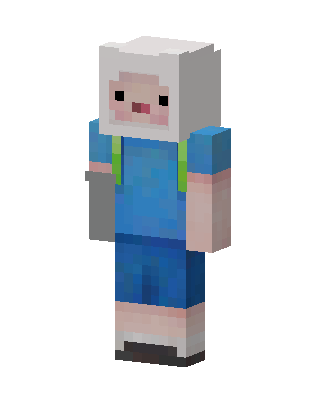 Finn The Human1 views · Worn by 0
 Messy Painter1 views · Worn by 0


