


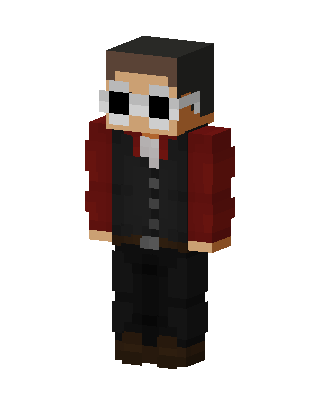
Goggled Gentleman
Slim arms · mostly black · first seen Oct 2026
0 viewsA character with brown hair and large white goggles over the eyes, wearing a red jacket over a black vest, black pants and brown boots.
How to use on Bedrock
- Download the skin.
- In Minecraft, open Dressing Room, then Classic skins.
- Choose Import, pick the file, then choose the slim (Alex) arms.
Similar skins
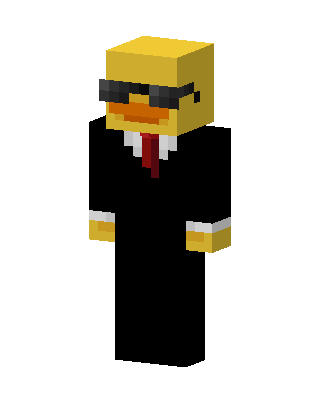 Agent Duck472 views · Worn by 1
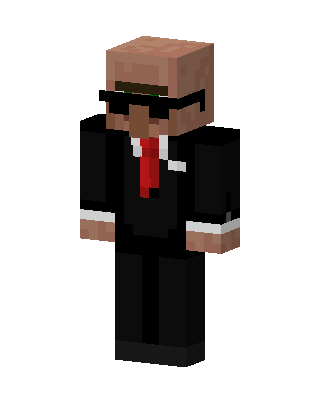 Villager Agent55 views · Worn by 2
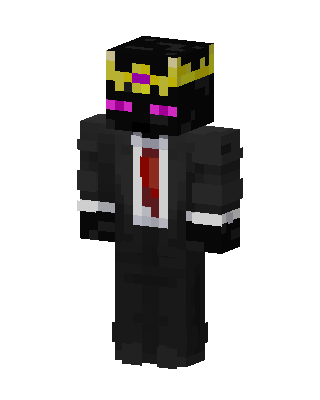 Ranboo29 views · Worn by 1
 Suited Agent27 views · Worn by 1
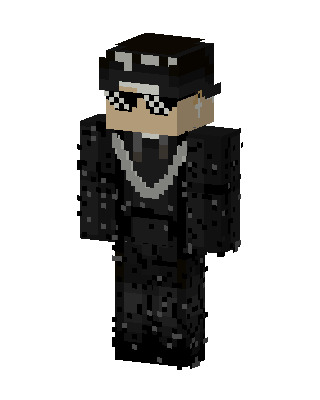 Black Villain Boy22 views · Worn by 1
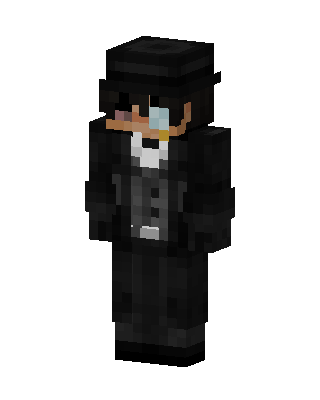 The Penguin16 views · Worn by 1
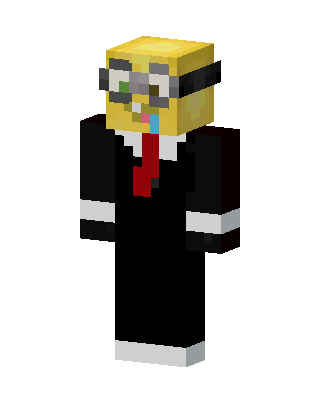 Minion Agent4 views · Worn by 1
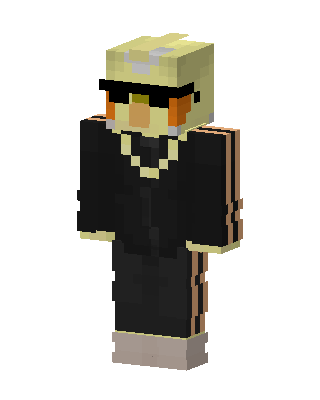 Cool Chick Boss20 views · Worn by 0
 Pumpkin Agent11 views · Worn by 0
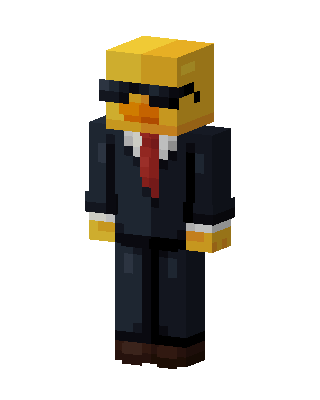 Agent Duck11 views · Worn by 0
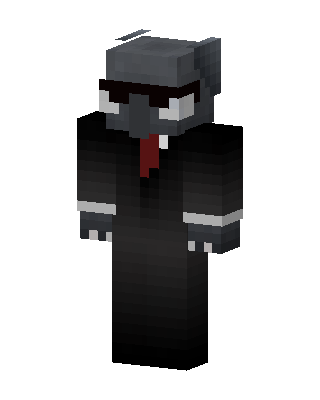 Suited Gray Wolf7 views · Worn by 0
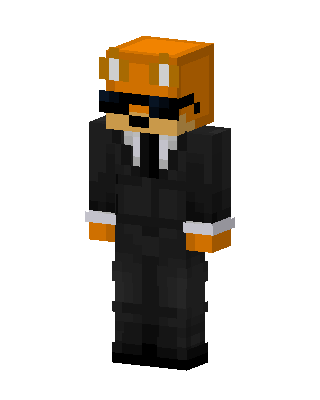 Fundy With Sunglasses7 views · Worn by 0


