


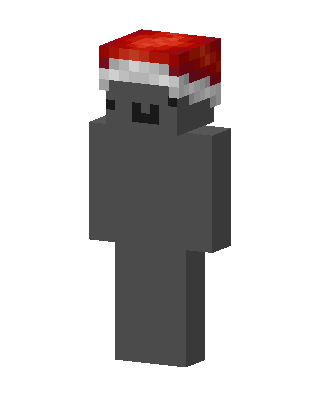
Santa Blob
Slim arms · mostly gray · first seen Oct 2026
1 viewA plain gray blob character with a tiny black smiling face, wearing a red Santa hat with white fur trim.
How to use on Bedrock
- Download the skin.
- In Minecraft, open Dressing Room, then Classic skins.
- Choose Import, pick the file, then choose the slim (Alex) arms.
Similar skins
 Gray Santa22 views · Worn by 1
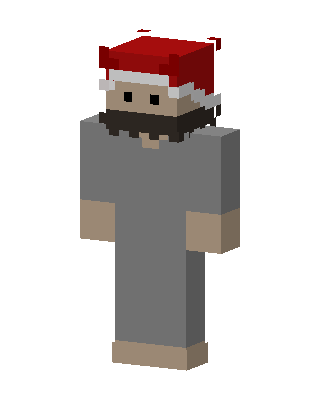 Santa Hat Gray5 views · Worn by 0
 Cozy Plaid4 views · Worn by 0
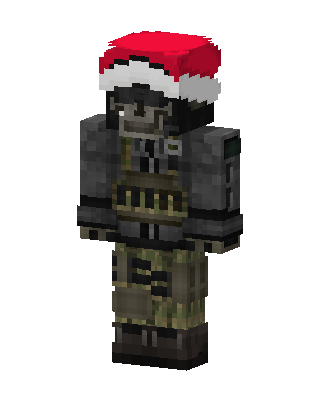 Gray Holiday Boy0 views · Worn by 0
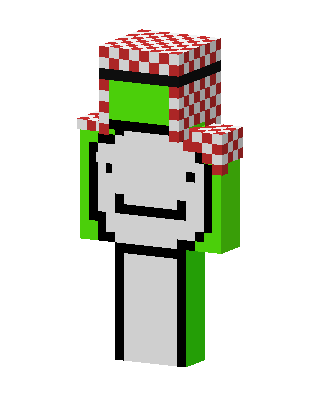 Green Clown Boy31 views · Worn by 1
 Gamer Sheep26 views · Worn by 1
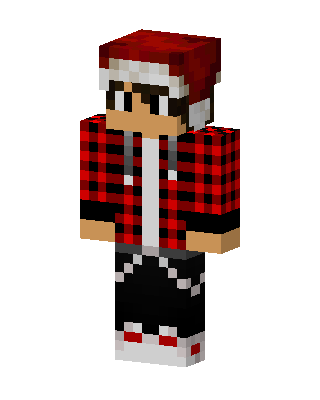 Santa Hat Lumberjack13 views · Worn by 0
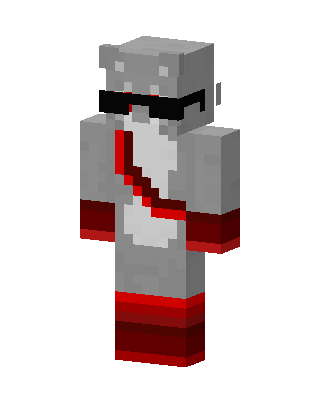 Cool Gray Hippo11 views · Worn by 0
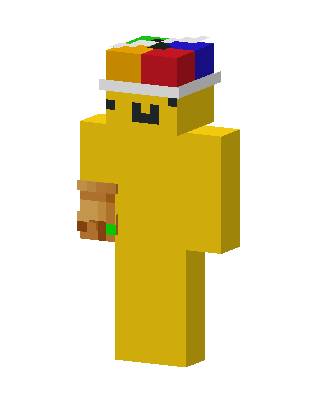 Rubik's Cube Hat6 views · Worn by 0
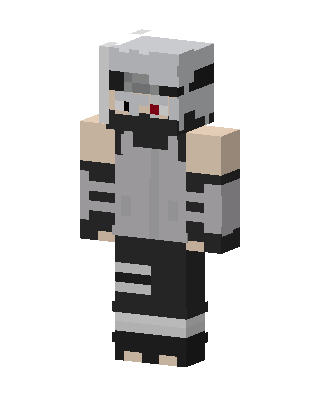 Kakashi Hatake6 views · Worn by 0
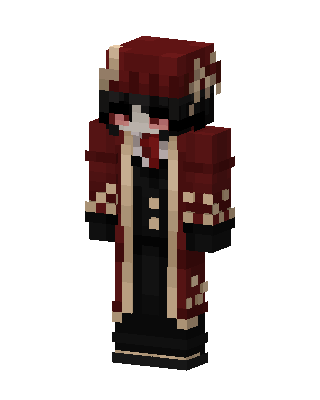 Crimson Aristocrat5 views · Worn by 0
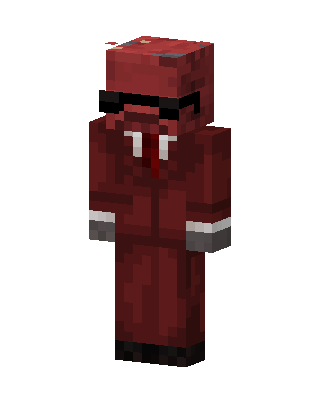 Crimson Agent5 views · Worn by 0


