



Snorlax With Sunglasses
Classic arms · mostly teal · first seen Oct 2026
1 viewSnorlax from Pokemon with a teal head and body, a cream belly and face, white claws, and black pixel sunglasses.
How to use on Bedrock
- Download the skin.
- In Minecraft, open Dressing Room, then Classic skins.
- Choose Import, pick the file, then choose the classic (Steve) arms.
Similar skins
 Goggle Eyed Steve3 views · Worn by 0
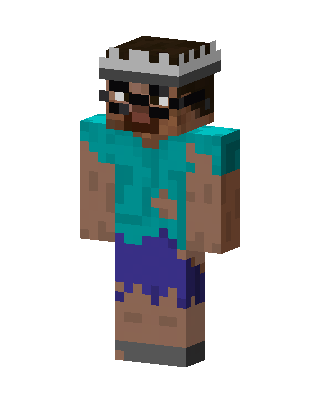 Zombie Steve2 views · Worn by 0
 Teal Player Boy0 views · Worn by 0
 Teal Player Boy0 views · Worn by 0
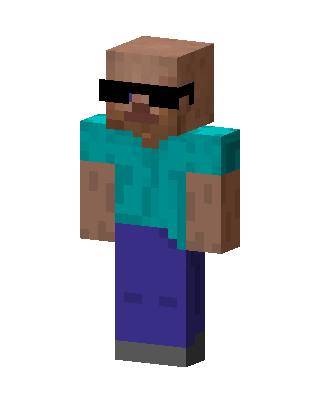 Teal Player Boy0 views · Worn by 0
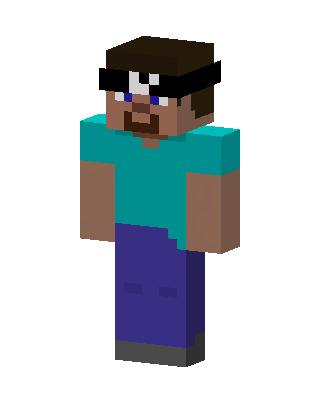 Teal Player Boy0 views · Worn by 0
 Cool Polar Bear0 views · Worn by 0
 Mad Scientist0 views · Worn by 0
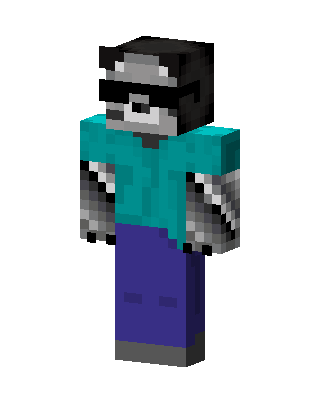 Masked Raccoon0 views · Worn by 0
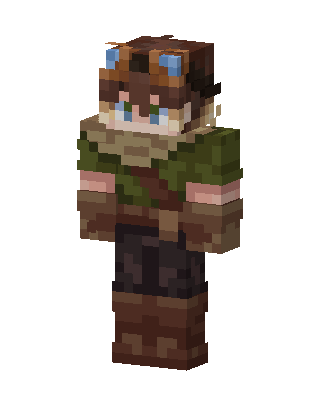 Goggles Adventurer478 views · Worn by 18
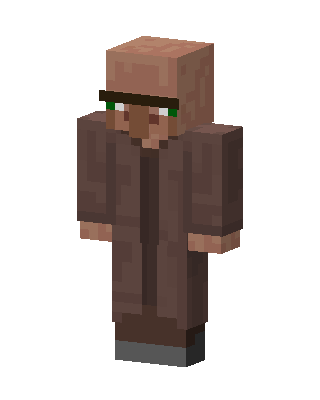 Villager65 views · Worn by 3
 Rubber Duck Tee16 views · Worn by 1


