


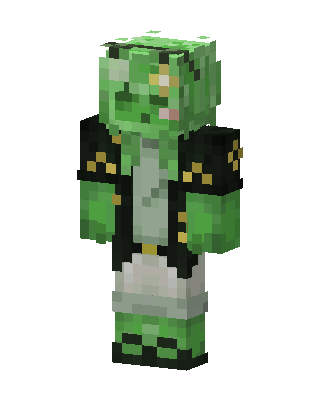
Slime Jacket
Classic arms · mostly green · first seen Oct 2026
0 viewsGreen slime-textured character with a gold flower on the head, wearing a black jacket with gold checkered patches over a pale shirt and green boots.
How to use on Bedrock
- Download the skin.
- In Minecraft, open Dressing Room, then Classic skins.
- Choose Import, pick the file, then choose the classic (Steve) arms.
Similar skins
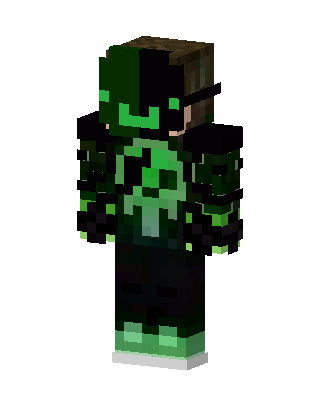 Toxic Creeper Hoodie8 views · Worn by 0
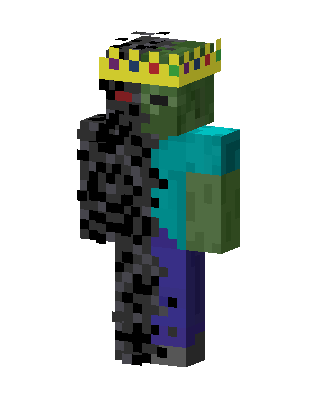 Green Hero Boy2 views · Worn by 0
 Lizard King1 views · Worn by 0
 Mossy Creeper Explorer1 views · Worn by 0
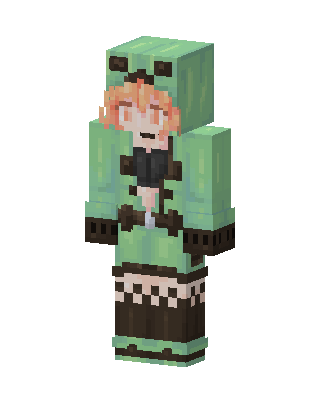 Creeper Hoodie Girl1 views · Worn by 0
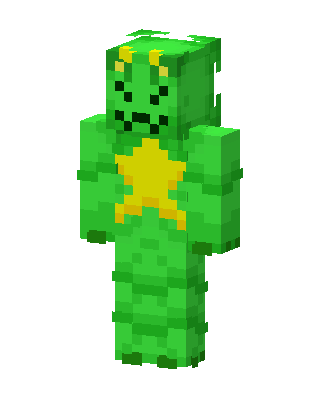 Green Dino1 views · Worn by 0
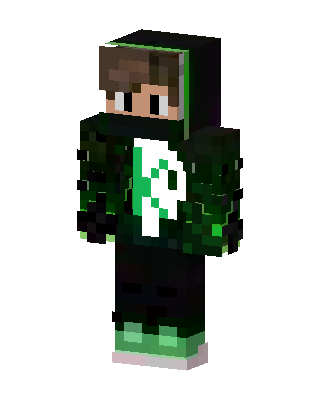 Green Glitch Hoodie1 views · Worn by 0
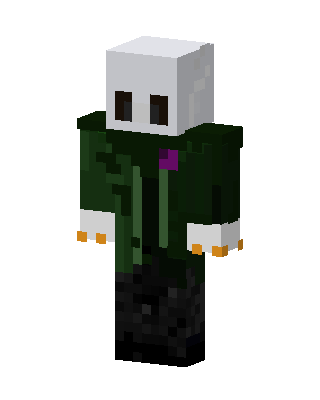 Masked Wanderer1 views · Worn by 0
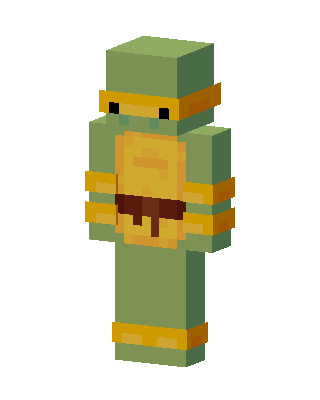 Michelangelo1 views · Worn by 0
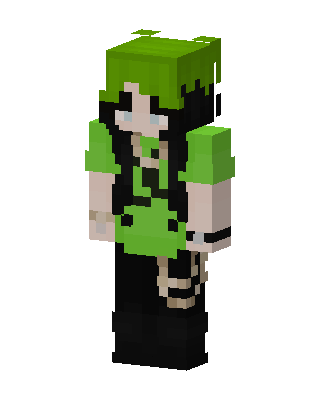 Neon Green Goth1 views · Worn by 0
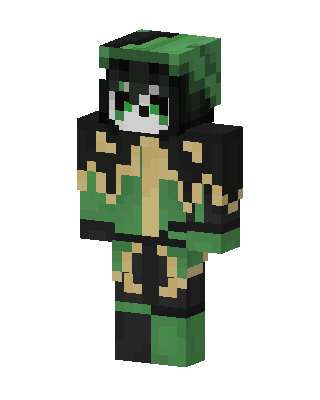 Green Ninja Girl1 views · Worn by 0
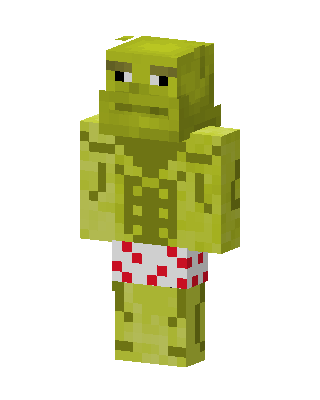 Green Villain Boy0 views · Worn by 0


