


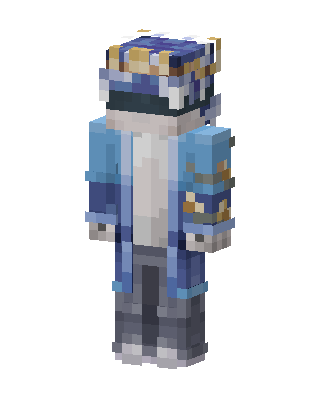
Frost Crown
Slim arms · mostly blue · first seen Oct 2026
0 viewsA figure in a light blue open coat over a white shirt and gray pants, with a blue and gold jeweled crown and a dark visor over the face.
How to use on Bedrock
- Download the skin.
- In Minecraft, open Dressing Room, then Classic skins.
- Choose Import, pick the file, then choose the slim (Alex) arms.
Similar skins
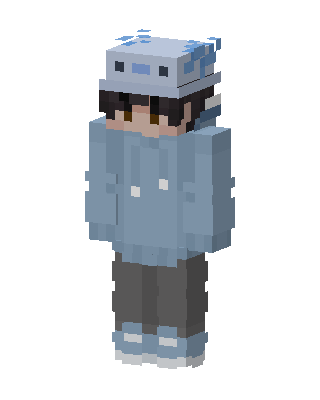 Axolotl Hoodie1 views · Worn by 0
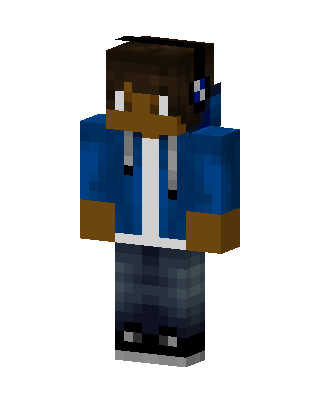 Blue Gamer Boy0 views · Worn by 0
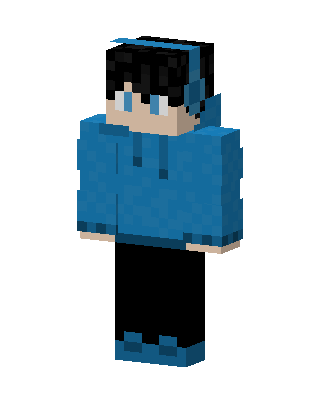 Blue Hoodie Boy0 views · Worn by 0
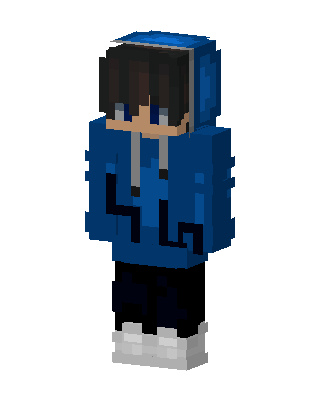 Blue Hoodie Boy0 views · Worn by 0
 Blue Hoodie Gamer0 views · Worn by 0
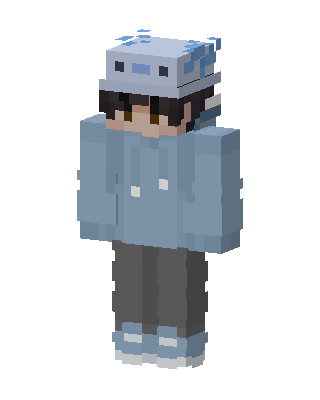 Axolotl Hoodie0 views · Worn by 0
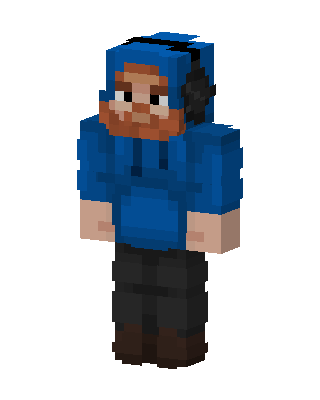 Bearded Hoodie Guy15 views · Worn by 1
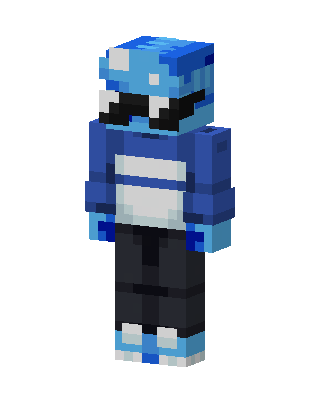 Blue Visor Hoodie3 views · Worn by 1
 Dream21 views · Worn by 0
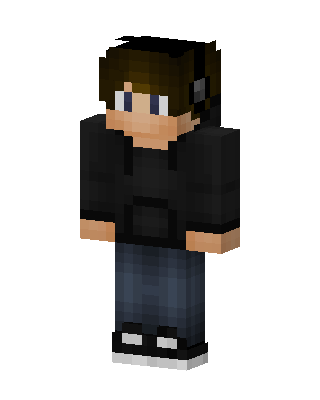 Headphone Hoodie5 views · Worn by 0
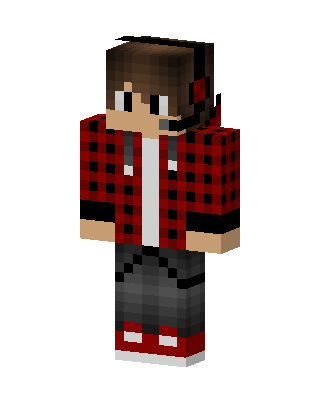 Plaid Gamer5 views · Worn by 0
 Frog Hoodie Kid4 views · Worn by 0


