


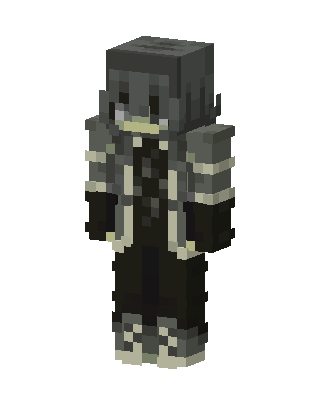
Gray Armored Knight
Slim arms · mostly gray · first seen Oct 2026
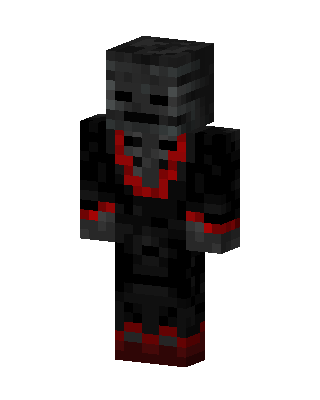
1 viewA hooded figure in gray and black layered armor with cream trim, dark gloves, black pants, and a gray helmet over a shadowed face.
How to use on Bedrock
- Download the skin.
- In Minecraft, open Dressing Room, then Classic skins.
- Choose Import, pick the file, then choose the slim (Alex) arms.
Similar skins
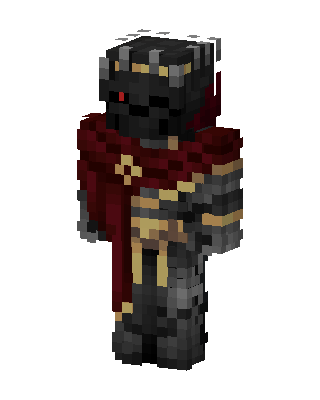 Dark Crimson Knight160 views · Worn by 2
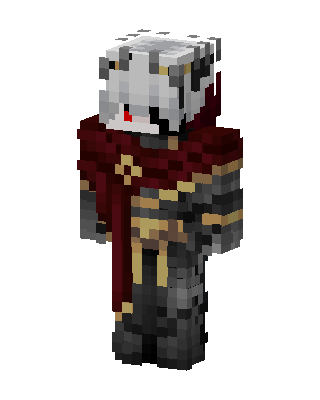 Crimson Knight11 views · Worn by 0
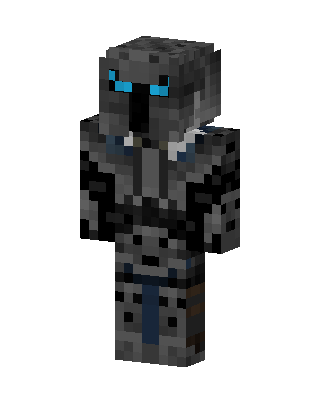 Shadow Knight6 views · Worn by 0
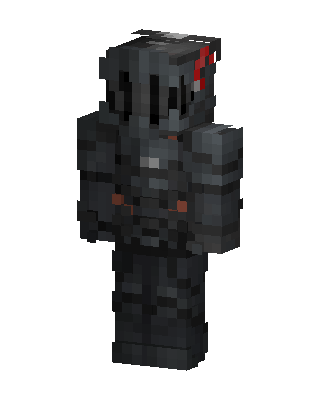 Gray Masked Villain Boy5 views · Worn by 0
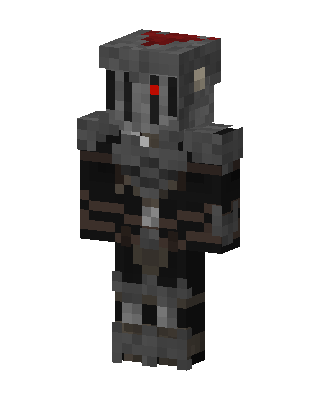 Gray Glowing Villain Boy4 views · Worn by 0
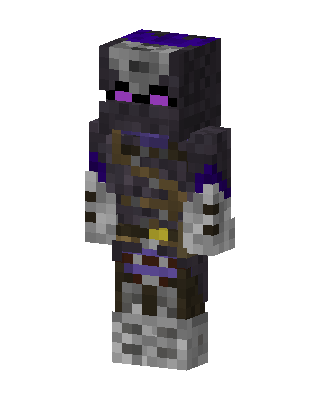 Ender Skeleton Knight3 views · Worn by 0
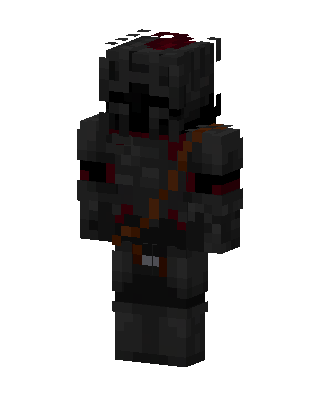 Blood Knight3 views · Worn by 0
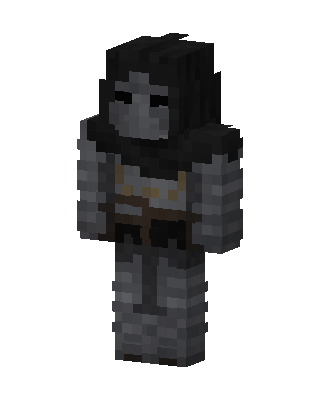 Gray Masked Villain Boy2 views · Worn by 0
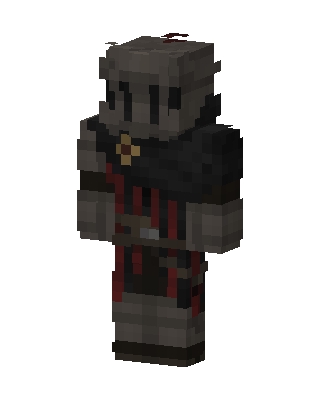 Dark Crusader1 views · Worn by 0
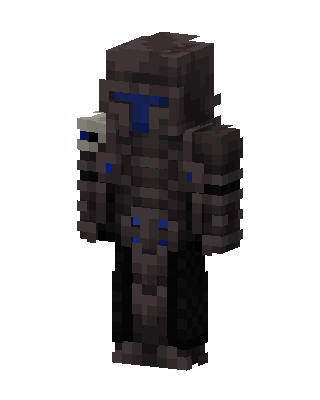 Dark Armored Knight1 views · Worn by 0
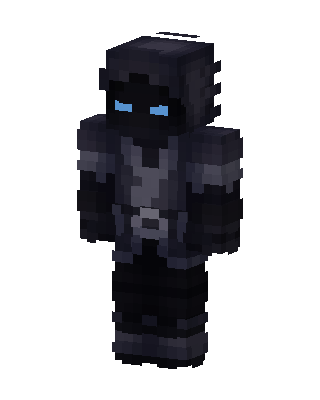 Shadow Knight53 views · Worn by 1
 Wither Lord34 views · Worn by 1


