


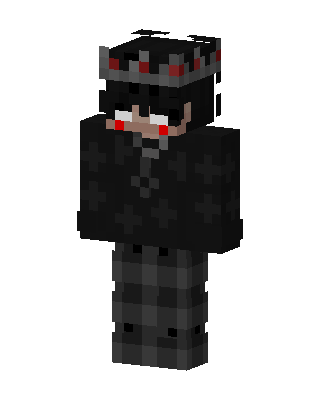
Dark Crowned Prince
Classic arms · mostly black · first seen Oct 2026
1 viewA character with black hair, red glowing eyes, and a gray crown with red gems, wearing a black cross-patterned hoodie and dark gray plaid pants.
How to use on Bedrock
- Download the skin.
- In Minecraft, open Dressing Room, then Classic skins.
- Choose Import, pick the file, then choose the classic (Steve) arms.
Similar skins
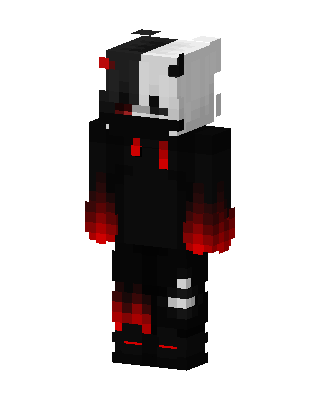 Monokuma Hoodie160 views · Worn by 6
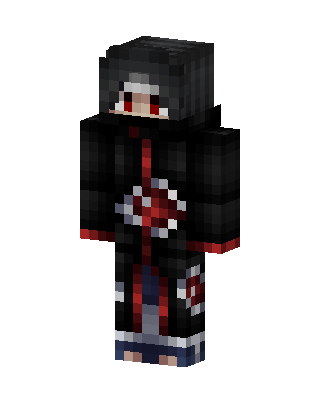 Itachi Uchiha334 views · Worn by 1
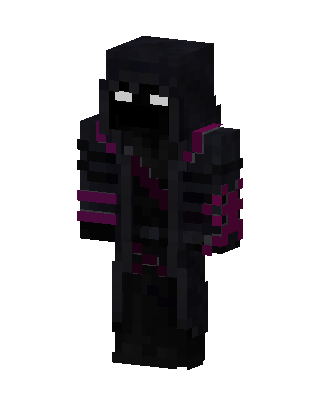 Void Reaper125 views · Worn by 1
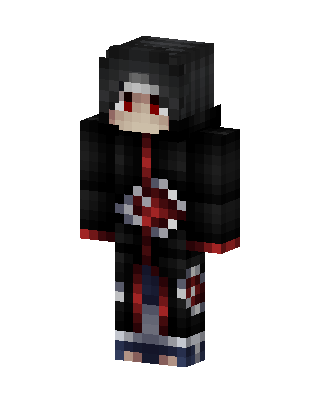 Itachi Uchiha59 views · Worn by 1
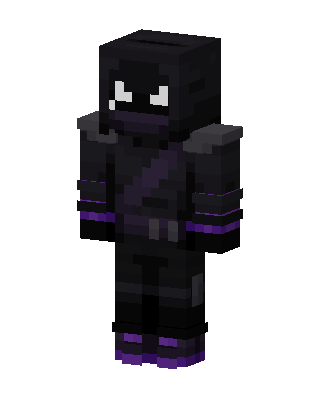 Raven21 views · Worn by 1
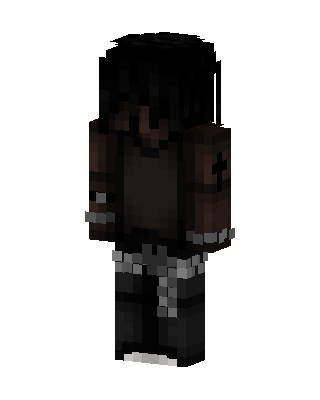 Black Knight Boy20 views · Worn by 1
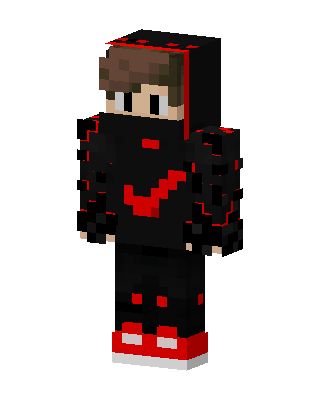 Red Void Hoodie19 views · Worn by 1
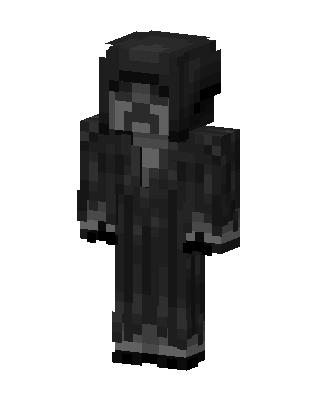 Black Boy18 views · Worn by 1
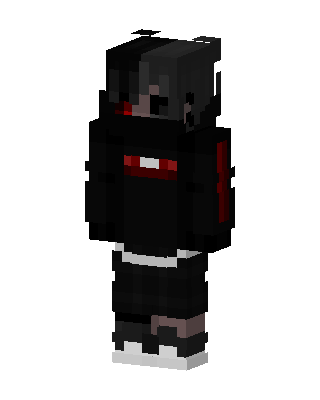 Crimson Shadow11 views · Worn by 1
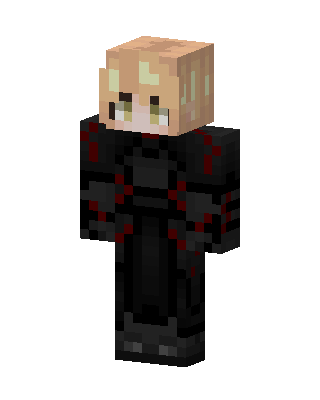 Crimson Warlock37 views · Worn by 0
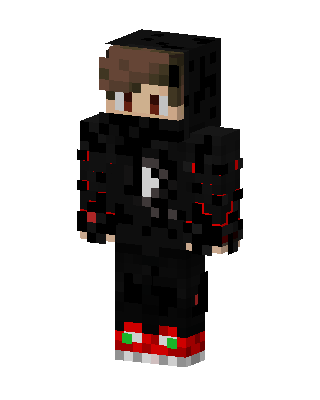 Crimson Shadow31 views · Worn by 0
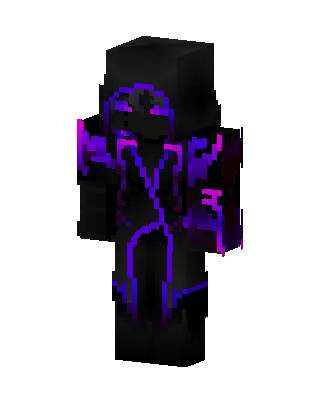 Void Phantom23 views · Worn by 0


