


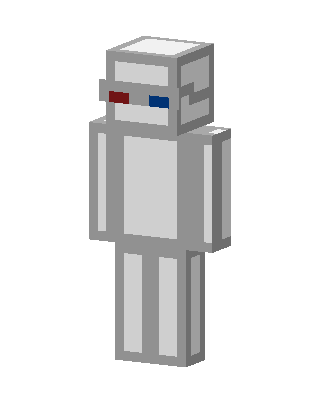
3D Glasses Robot
Slim arms · mostly gray · first seen Oct 2026
1 viewA light gray and white blocky robot with a boxy head and red and blue 3D glasses, with plain gray arms and legs.
How to use on Bedrock
- Download the skin.
- In Minecraft, open Dressing Room, then Classic skins.
- Choose Import, pick the file, then choose the slim (Alex) arms.
Similar skins
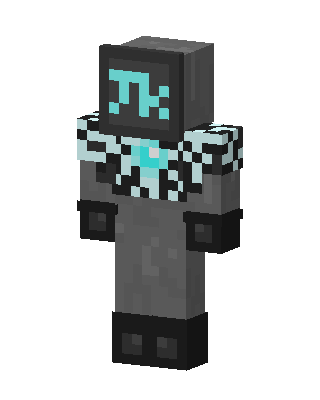 Cyber Monitor11 views · Worn by 1
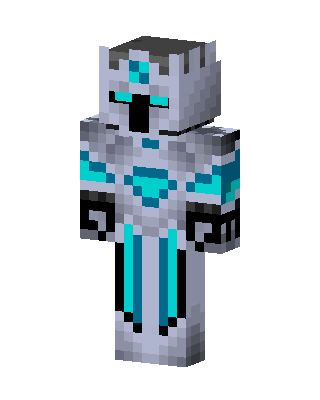 Diamond Knight27 views · Worn by 0
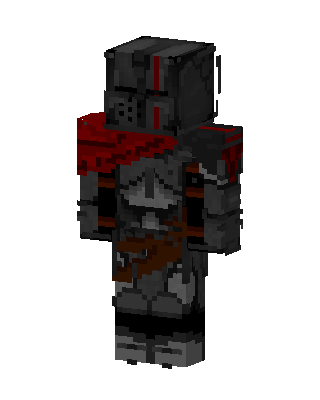 Crimson Knight3 views · Worn by 0
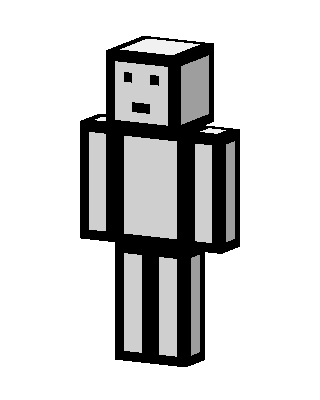 Paper Bot3 views · Worn by 0
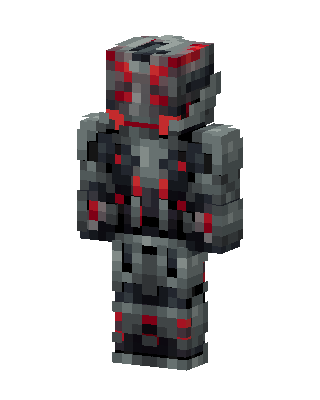 Ultron2 views · Worn by 0
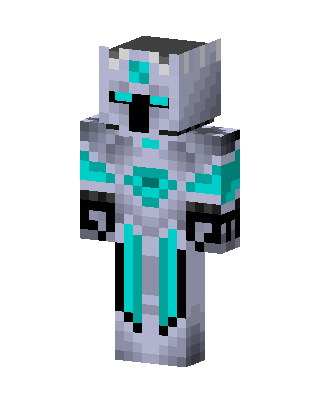 Diamond Knight2 views · Worn by 0
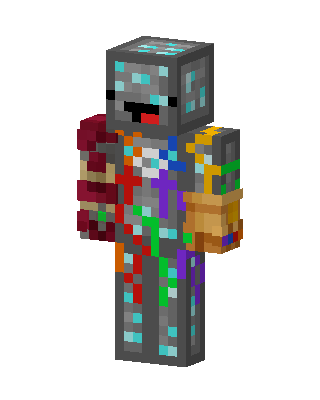 Diamond Ore Thanos2 views · Worn by 0
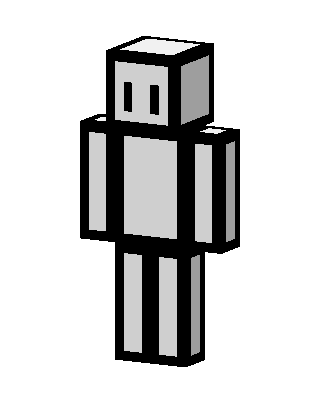 White Robot1 views · Worn by 0
 Wither Knight1 views · Worn by 0
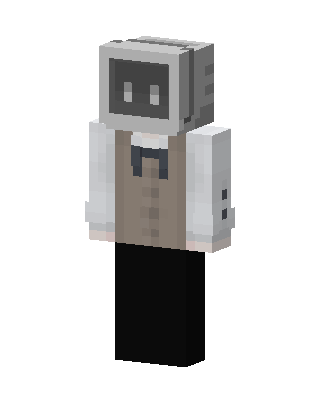 Monitor Head1 views · Worn by 0
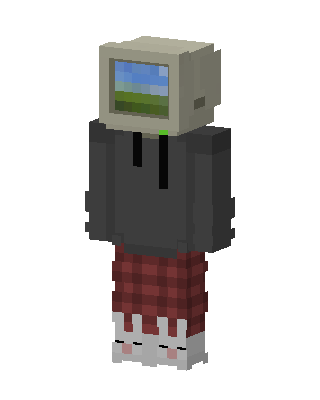 Retro Monitor Head1 views · Worn by 0
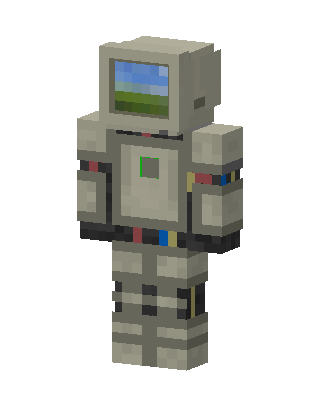 Retro Monitor Astronaut1 views · Worn by 0


