


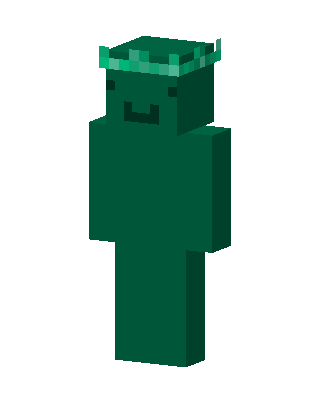
Green Blob
Slim arms · mostly green · first seen Oct 2026
0 viewsA plain dark green body with a cute smiling face and a light green leafy crown on its head.
How to use on Bedrock
- Download the skin.
- In Minecraft, open Dressing Room, then Classic skins.
- Choose Import, pick the file, then choose the slim (Alex) arms.
Similar skins
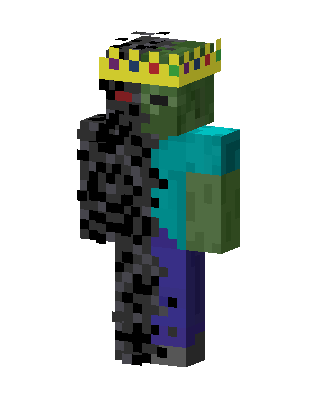 Green Hero Boy2 views · Worn by 0
 Frankenstein's Monster40 views · Worn by 1
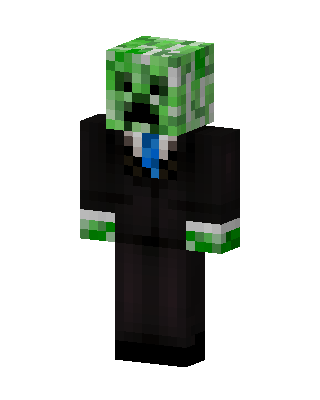 Creeper In Suit13 views · Worn by 1
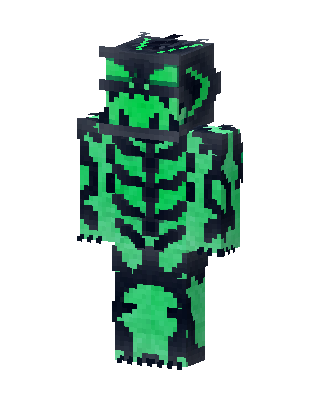 Green Fighter Boy11 views · Worn by 1
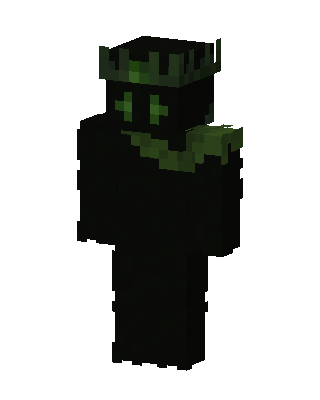 Moss King8 views · Worn by 1
 Void Crowned King7 views · Worn by 1
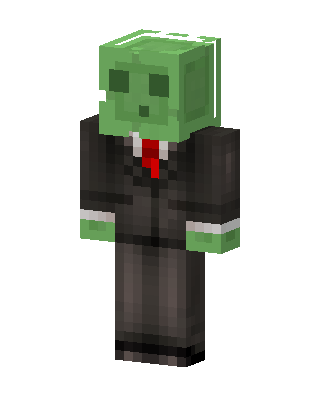 Slime In Suit16 views · Worn by 0
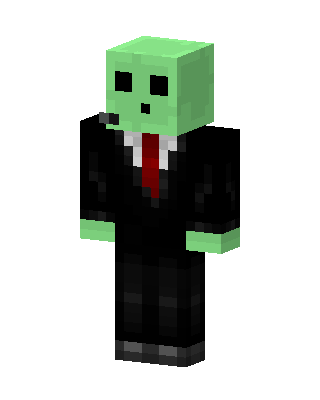 Slime In Suit15 views · Worn by 0
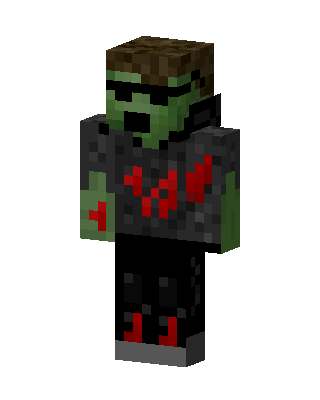 Green Villain Boy10 views · Worn by 0
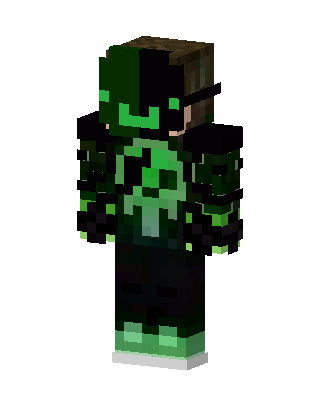 Toxic Creeper Hoodie9 views · Worn by 0
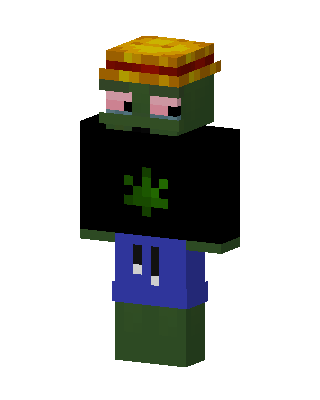 Green Zombie Boy8 views · Worn by 0
 Black Knight Boy4 views · Worn by 0


