


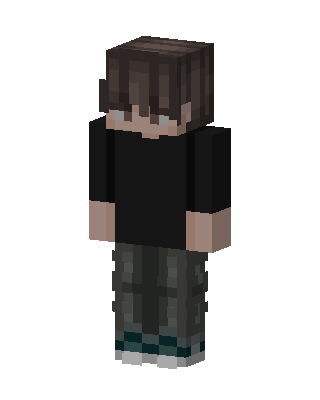
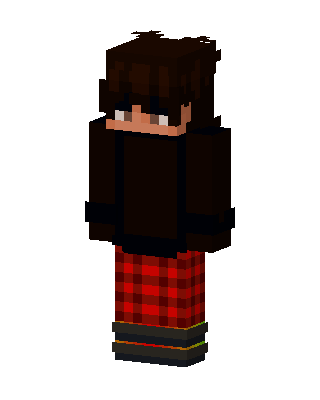
Cargo Hoodie Boy
Slim arms · mostly black · first seen Oct 2026
0 viewsA boy with messy brown hair over his eyes, a black oversized shirt, dark green camo cargo pants and white sneakers with teal soles.
How to use on Bedrock
- Download the skin.
- In Minecraft, open Dressing Room, then Classic skins.
- Choose Import, pick the file, then choose the slim (Alex) arms.
Similar skins
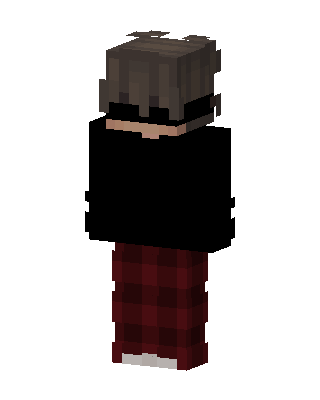 Cozy Night161 views · Worn by 3
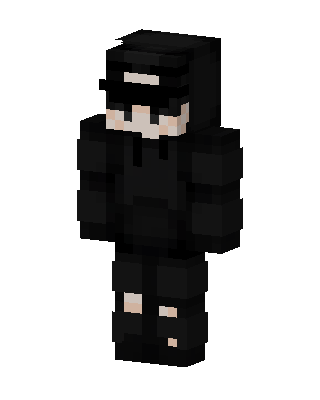 Man In Black Hoodie64 views · Worn by 0
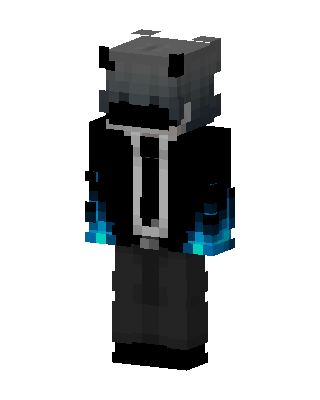 Blue Flame Shark61 views · Worn by 3
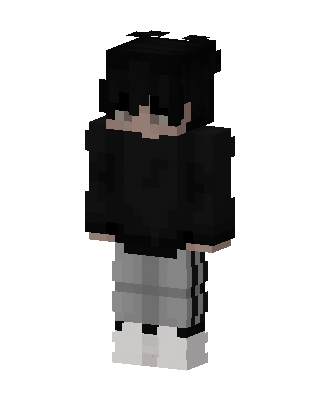 Shadow Streetwear112 views · Worn by 1
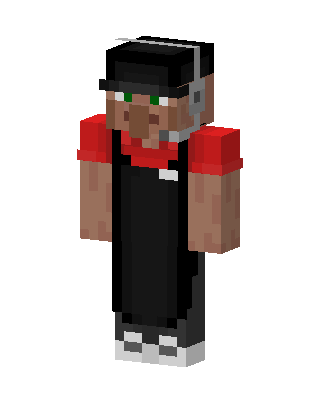 Villager Barista42 views · Worn by 2
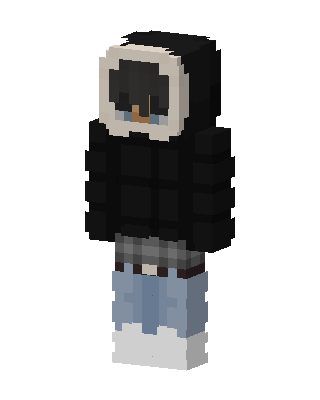 Puffer Hoodie Boy41 views · Worn by 2
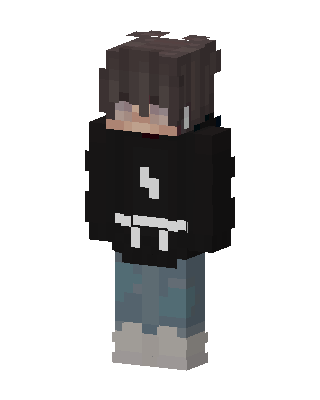 Hoodie Boy51 views · Worn by 1
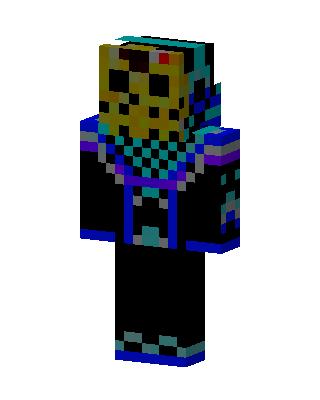 Jason Hockey Mask43 views · Worn by 1
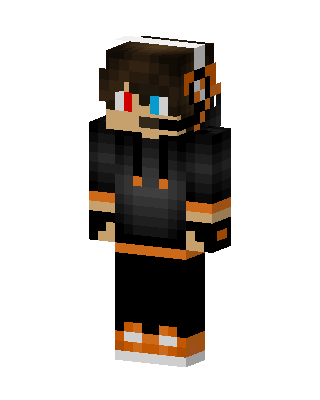 Orange Hoodie Gamer36 views · Worn by 1
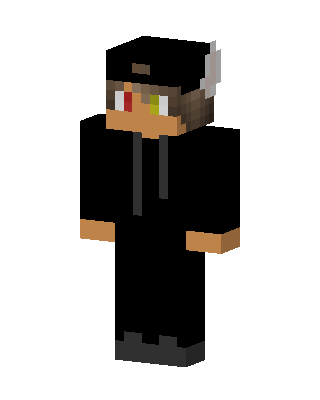 Black Hoodie Guy35 views · Worn by 1
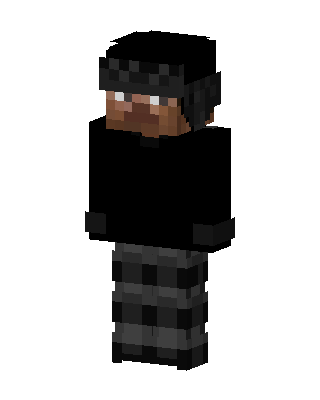 Shadow Operative20 views · Worn by 1
 Plaid Pants Boy19 views · Worn by 1


