


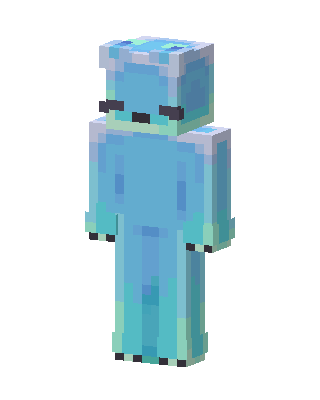
Aqua Slime
Slim arms · mostly cyan · first seen Oct 2026
9 viewsA blue-teal slime-like creature with a translucent gelatinous body, pale mint edges, a white-silver frame on the head, and dark eyes.
How to use on Bedrock
- Download the skin.
- In Minecraft, open Dressing Room, then Classic skins.
- Choose Import, pick the file, then choose the slim (Alex) arms.
Similar skins
 Skeppy With Crown53 views · Worn by 1
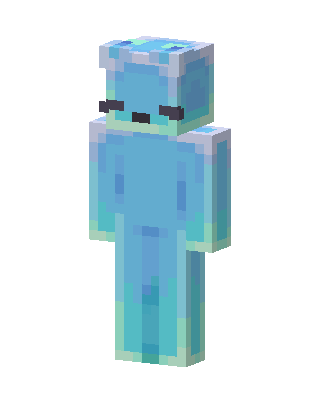 Blue Slime34 views · Worn by 1
 Skeppy5 views · Worn by 1
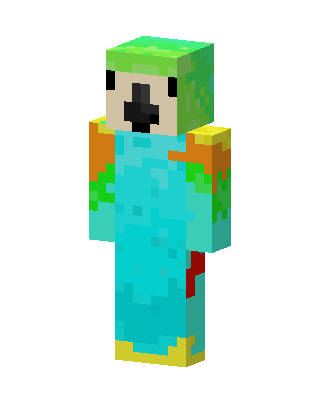 Parrot Person28 views · Worn by 0
 Skeppy1 views · Worn by 0
 Cyan Mob0 views · Worn by 0
 Blue Blob0 views · Worn by 0
 Parrot Person0 views · Worn by 0
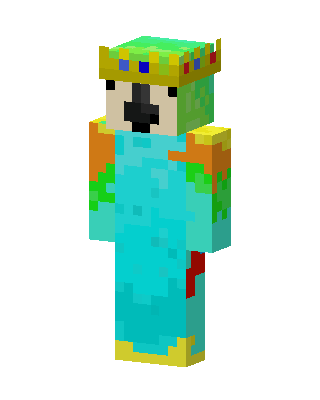 Cyan Crown King120 views · Worn by 1
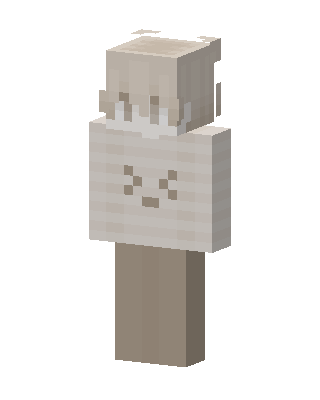 Cream Bunny48 views · Worn by 1
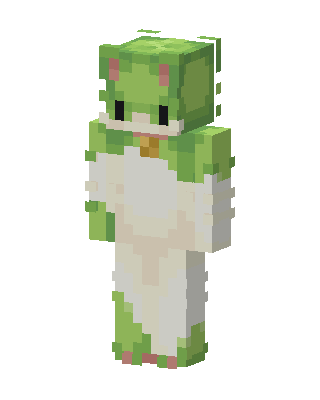 Frog Onesie42 views · Worn by 1
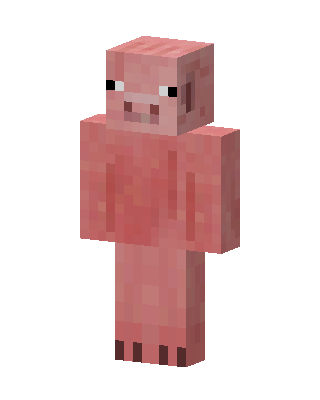 Pig19 views · Worn by 1


