


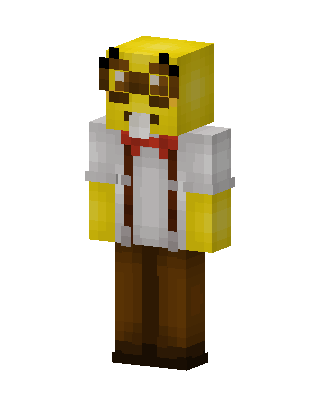
SpongeBob SquarePants
Slim arms · mostly yellow · first seen Oct 2026
0 viewsYellow sponge head with brown freckles, goggles on top and a buck tooth, white shirt, red tie, brown suspenders and brown pants.
How to use on Bedrock
- Download the skin.
- In Minecraft, open Dressing Room, then Classic skins.
- Choose Import, pick the file, then choose the slim (Alex) arms.
Similar skins
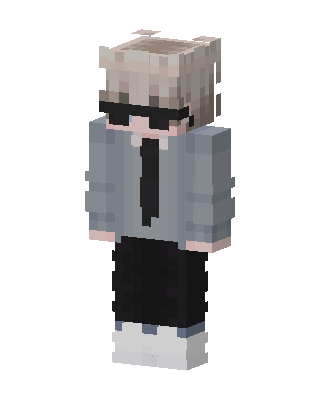 Shades Suit Boy15 views · Worn by 1
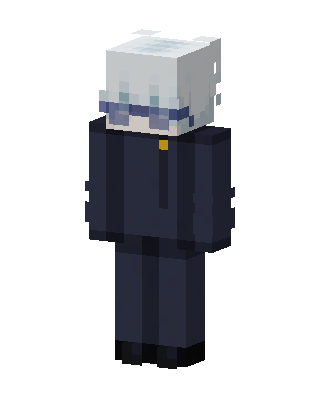 Gojo Satoru1 views · Worn by 0
 Bespectacled Student0 views · Worn by 0
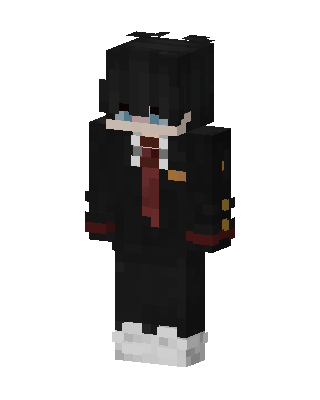 School Uniform Boy0 views · Worn by 0
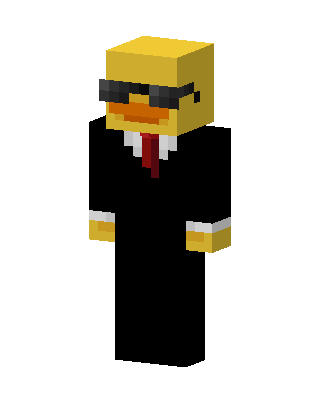 Agent Duck456 views · Worn by 1
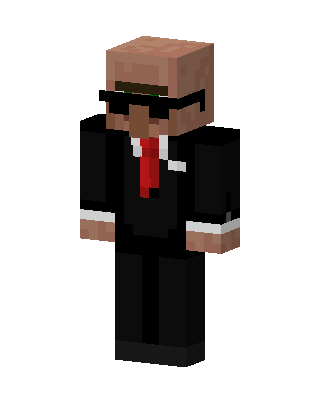 Villager Agent49 views · Worn by 2
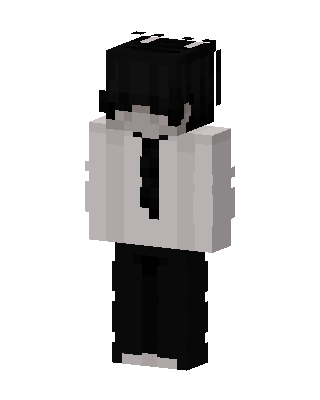 Monochrome Suit29 views · Worn by 2
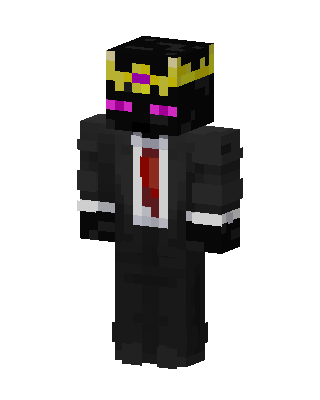 Ranboo26 views · Worn by 1
 Suited Agent25 views · Worn by 1
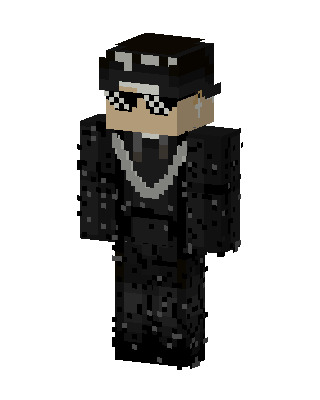 Black Villain Boy19 views · Worn by 1
 Crimson Gaze16 views · Worn by 1
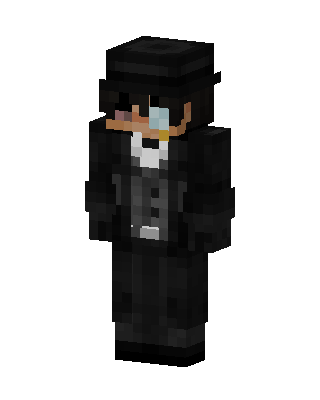 The Penguin13 views · Worn by 1


