



Royal Guard
Classic arms · mostly red · first seen Oct 2026
0 viewsA soldier in a red tunic with white crossbelts, yellow buttons, a tall black bearskin hat, black trousers with red stripes and black boots.
How to use on Bedrock
- Download the skin.
- In Minecraft, open Dressing Room, then Classic skins.
- Choose Import, pick the file, then choose the classic (Steve) arms.
Similar skins
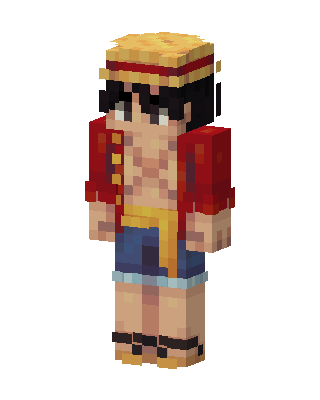 Monkey D. Luffy74 views · Worn by 1
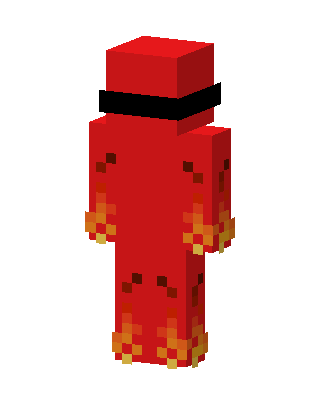 Blazing Red14 views · Worn by 1
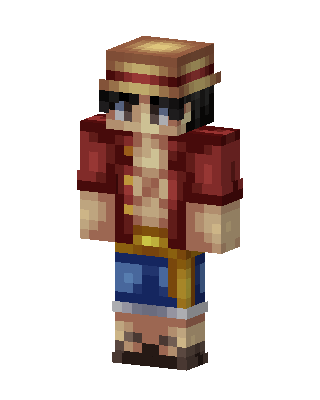 Monkey D. Luffy4 views · Worn by 1
 Santa Hat Lumberjack13 views · Worn by 0
 Santa Hat Skater7 views · Worn by 0
 Crimson Aristocrat5 views · Worn by 0
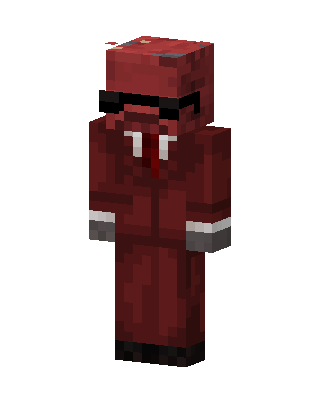 Crimson Agent5 views · Worn by 0
 McDonald's Worker5 views · Worn by 0
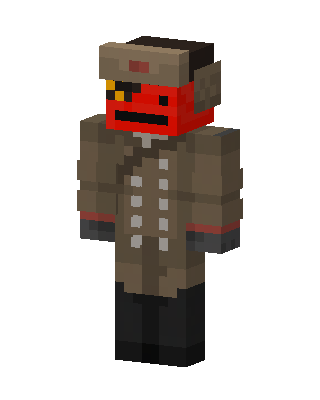 Red Oni Officer3 views · Worn by 0
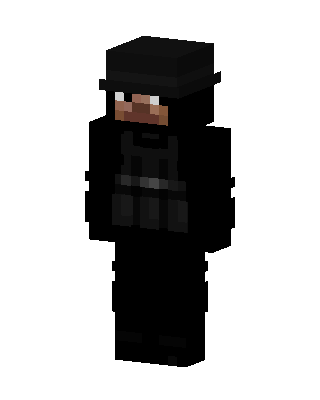 Tactical Operative3 views · Worn by 0
 Santa Steve3 views · Worn by 0
 Santa Dream3 views · Worn by 0


