


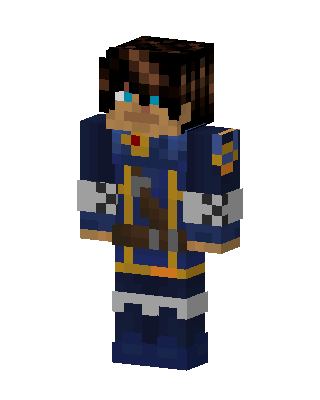
Blue Armored Knight
Classic arms · mostly blue · first seen Oct 2026
0 viewsA dark-haired character with blue eyes wearing a navy blue tunic with gold trim, a brown belt, and gray checkered gauntlets and boots.
How to use on Bedrock
- Download the skin.
- In Minecraft, open Dressing Room, then Classic skins.
- Choose Import, pick the file, then choose the classic (Steve) arms.
Similar skins
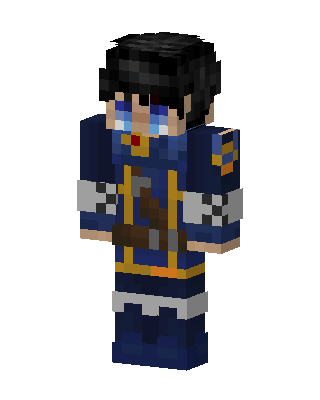 Roy Mustang13 views · Worn by 1
 Frost Wanderer5 views · Worn by 0
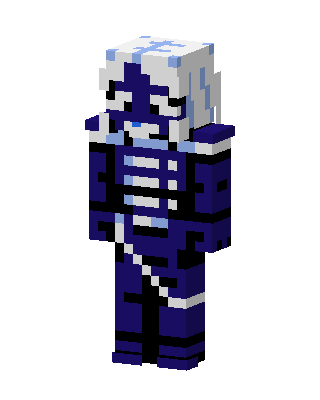 Navy Skeleton Knight3 views · Worn by 0
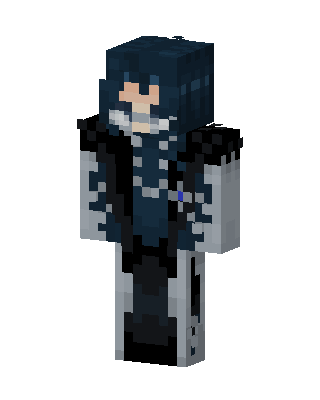 Frost Cloaked Mage2 views · Worn by 0
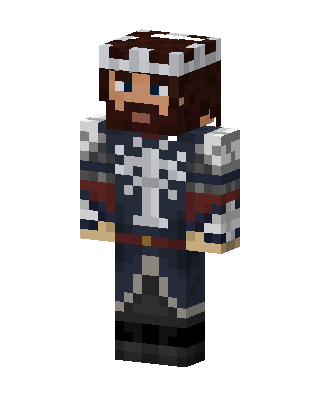 Gondor King2 views · Worn by 0
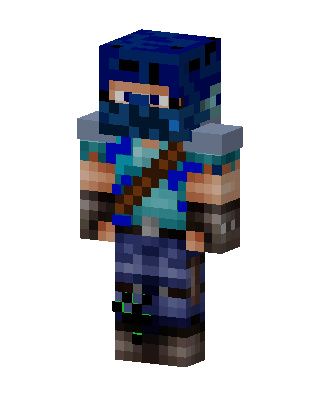 Blue Ninja2 views · Worn by 0
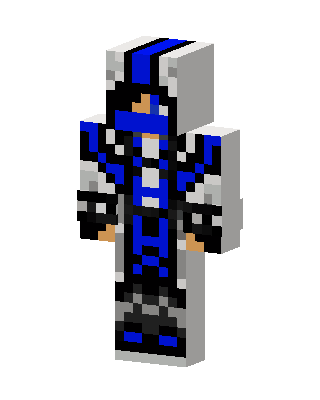 Blue Tech Ninja2 views · Worn by 0
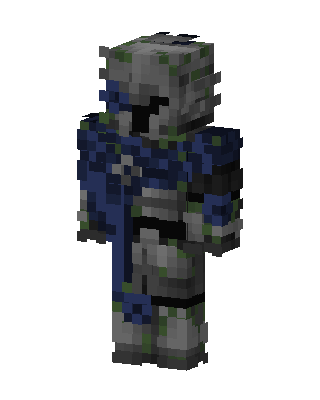 Mossy Knight2 views · Worn by 0
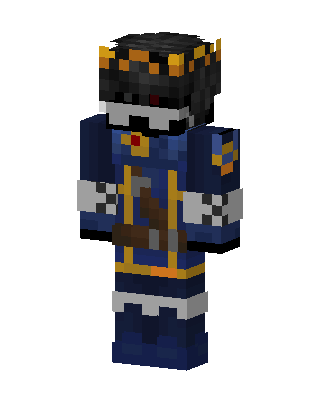 Skeleton King1 views · Worn by 0
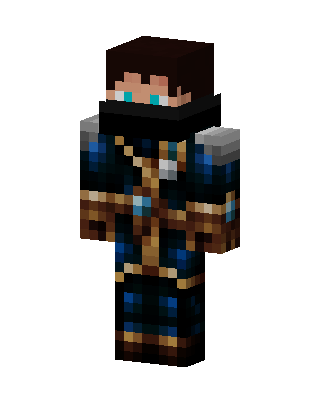 Azure Mage1 views · Worn by 0
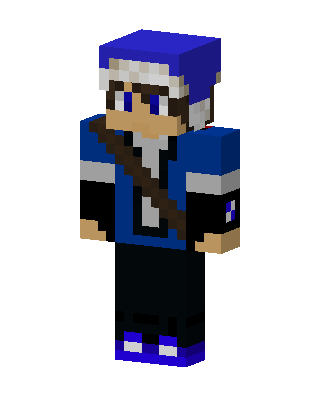 Blue Beanie Scout1 views · Worn by 0
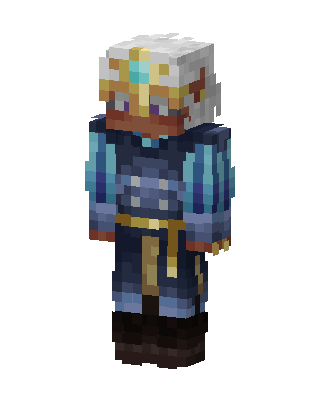 Blue Knight Boy0 views · Worn by 0


