


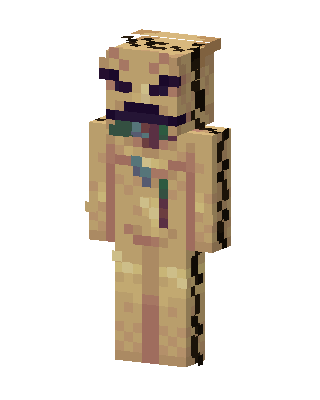
Oogie Boogie
Slim arms · mostly gold · first seen Oct 2026
0 viewsA tan burlap sack monster with dark stitched seams down the sides, a purple stitched mouth and eyes, and bugs spilling out of the chest.
How to use on Bedrock
- Download the skin.
- In Minecraft, open Dressing Room, then Classic skins.
- Choose Import, pick the file, then choose the slim (Alex) arms.
Similar skins
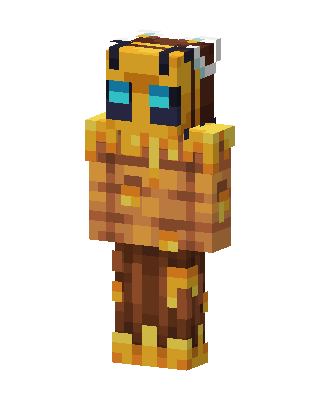 Bee Warrior248 views · Worn by 10
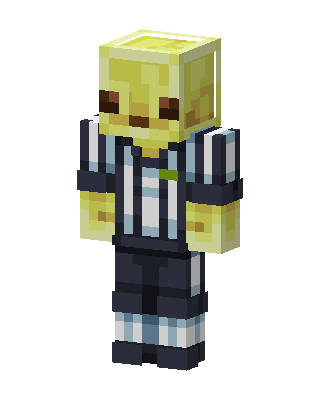 Referee Slime134 views · Worn by 8
 Roblox Noob2 views · Worn by 0
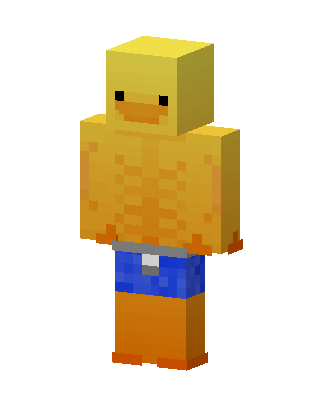 Muscle Duck2 views · Worn by 0
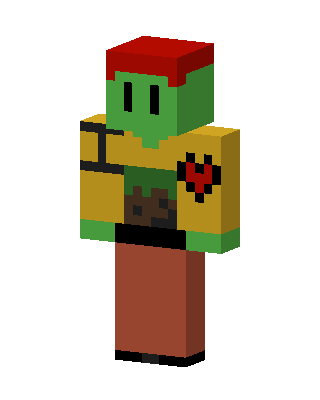 Zombie Heart Hero2 views · Worn by 0
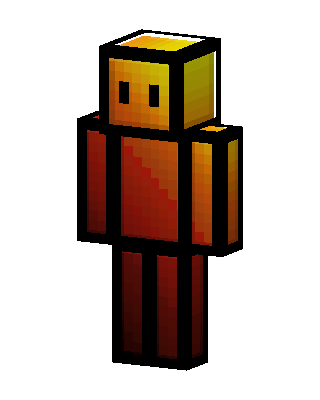 Molten Block2 views · Worn by 0
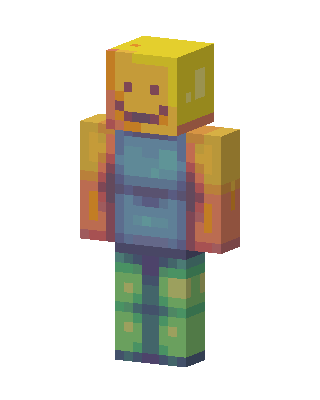 Roblox Noob1 views · Worn by 0
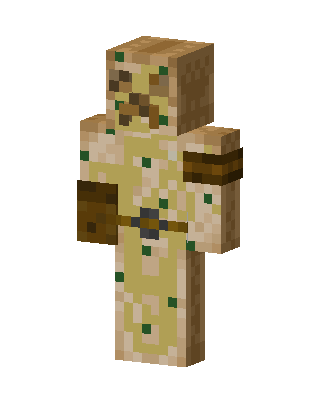 Mossy Mummy1 views · Worn by 0
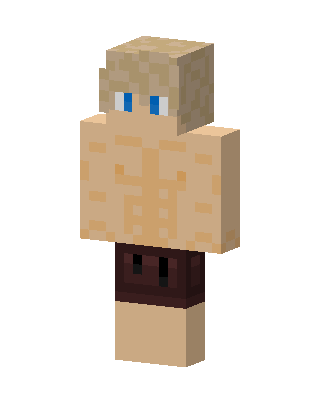 Gold Mob Boy1 views · Worn by 0
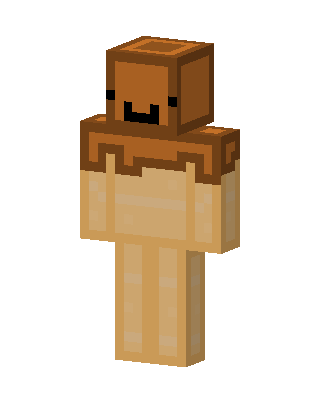 Flan Guy1 views · Worn by 0
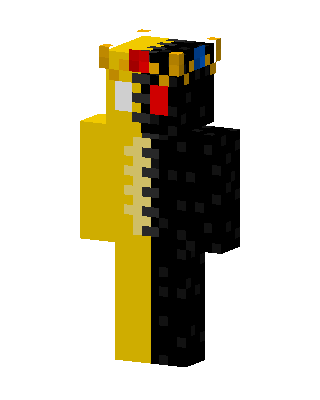 Golden Obsidian1 views · Worn by 0
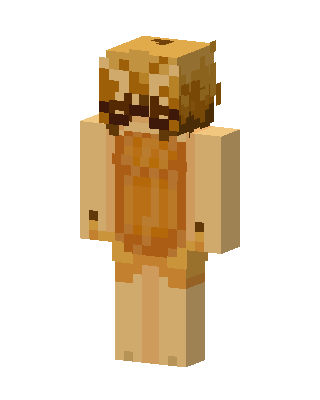 Golden Mask1 views · Worn by 0


