


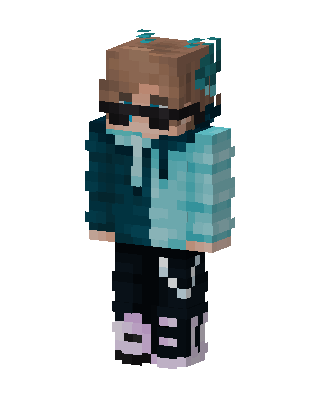
Teal Hoodie Boy
Slim arms · mostly teal · first seen Oct 2026
0 viewsBrown-haired character with black sunglasses, teal hair accessories, a two-tone teal hoodie, black pants and lavender and black sneakers.
How to use on Bedrock
- Download the skin.
- In Minecraft, open Dressing Room, then Classic skins.
- Choose Import, pick the file, then choose the slim (Alex) arms.
Similar skins
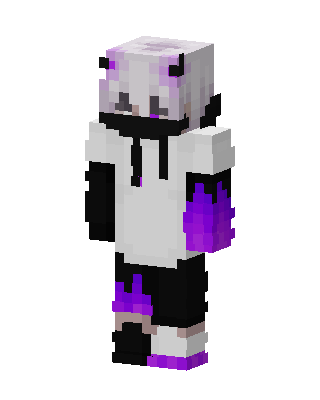 Purple Flame Hoodie121 views · Worn by 4
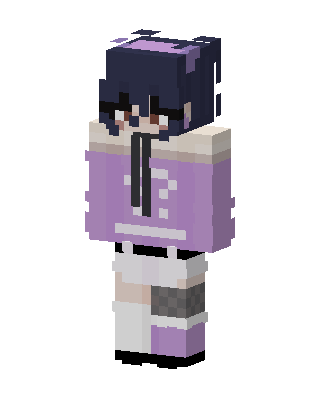 Lavender Hoodie Girl116 views · Worn by 1
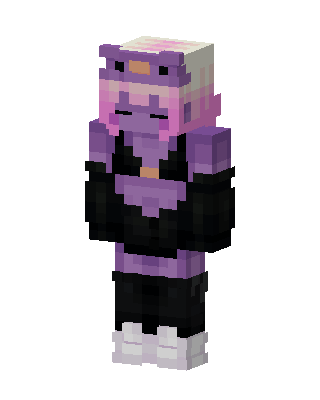 Purple Frog Hoodie39 views · Worn by 1
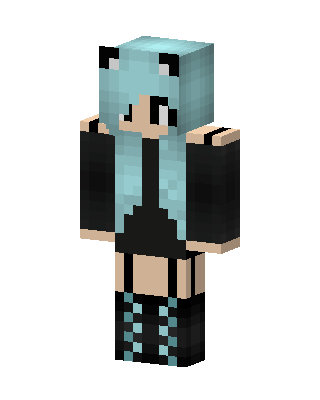 Teal Cat Girl20 views · Worn by 1
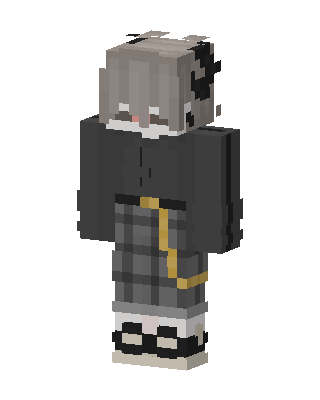 Plaid Hoodie Girl30 views · Worn by 0
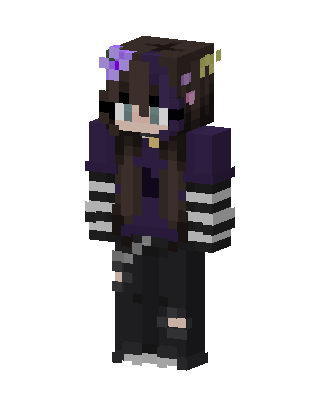 Purple Goth Girl23 views · Worn by 0
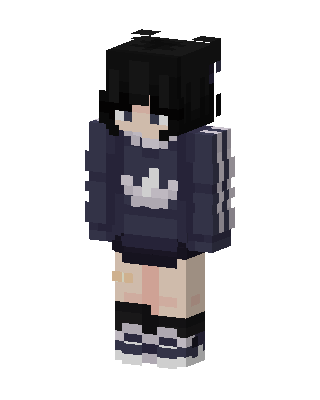 Navy Hoodie Girl19 views · Worn by 0
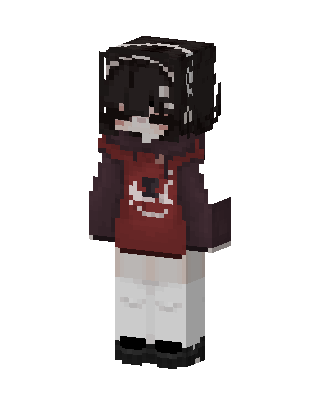 Crimson Hoodie17 views · Worn by 0
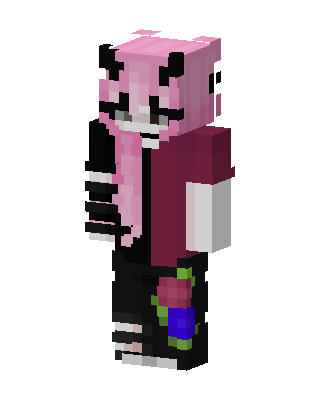 Pink Panda Girl15 views · Worn by 0
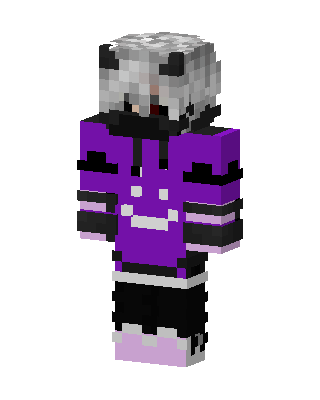 Purple Hoodie Girl14 views · Worn by 0
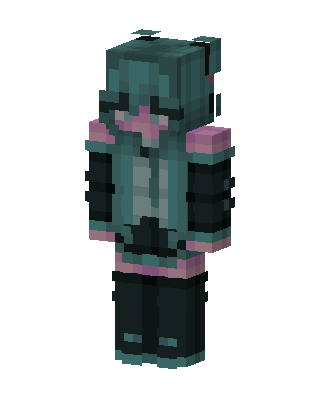 Hatsune Miku12 views · Worn by 0
 McDonald's Miku9 views · Worn by 0


