


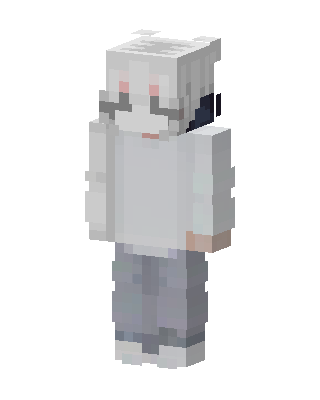
White Hoodie Boy
Slim arms · mostly white · first seen Oct 2026
0 viewsA pale character with white hair, red eyes, dark headphones, a white oversized hoodie, light gray pants and white sneakers.
How to use on Bedrock
- Download the skin.
- In Minecraft, open Dressing Room, then Classic skins.
- Choose Import, pick the file, then choose the slim (Alex) arms.
Similar skins
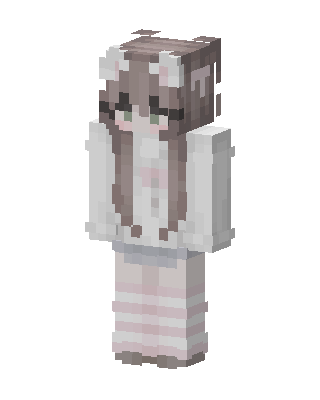 Bunny Cozy113 views · Worn by 1
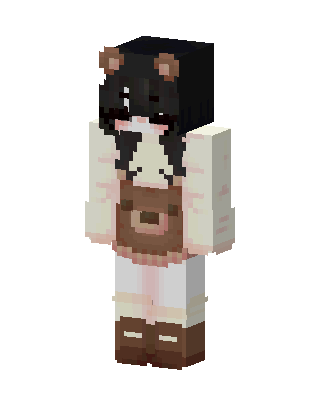 Bear Cafe Girl73 views · Worn by 1
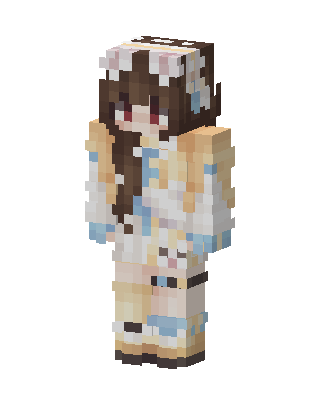 Bunny Cafe71 views · Worn by 1
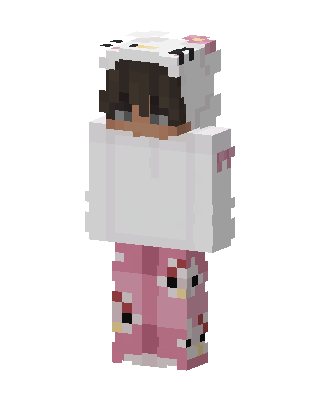 Hello Kitty Pajamas57 views · Worn by 1
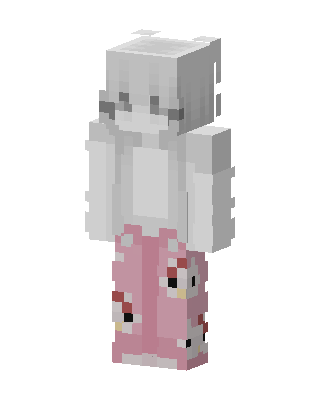 Pink Pajama Girl56 views · Worn by 1
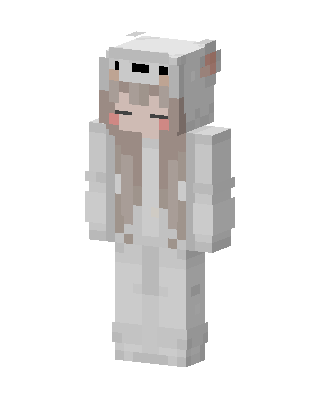 Polar Bear Hoodie56 views · Worn by 1
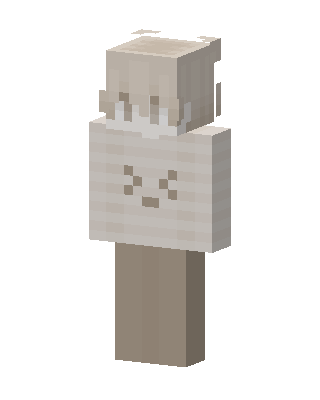 Cream Bunny48 views · Worn by 1
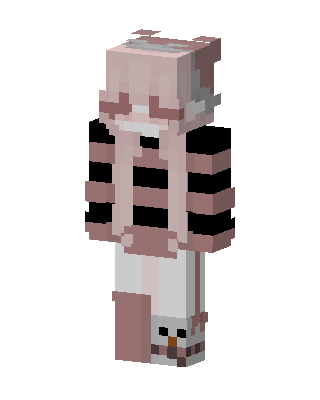 Pink Snowman Girl41 views · Worn by 1
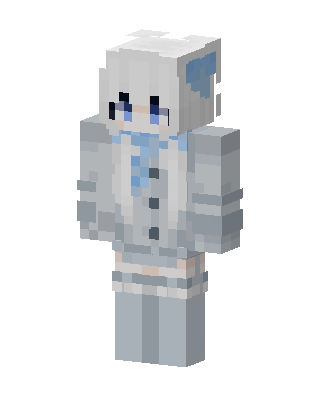 Frost Cat Girl39 views · Worn by 1
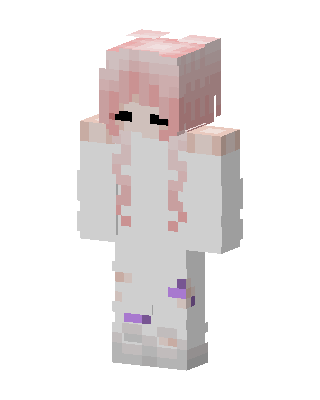 Pink Pigtails37 views · Worn by 1
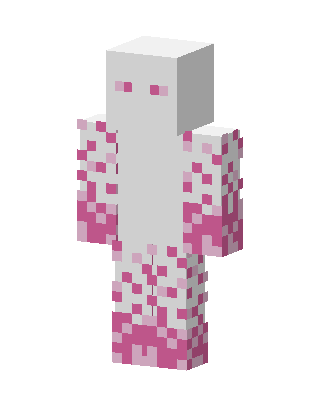 Pink Speckled Ghost32 views · Worn by 1
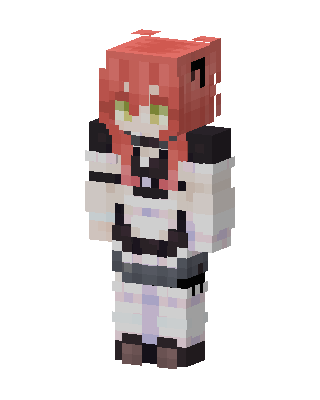 Maid Girl30 views · Worn by 1


