



Watermelon Slice
Slim arms · mostly teal · first seen Oct 2026
0 viewsA blocky character with a crimson red head and a body fading from red to teal green, with simple black eyes and a small black mouth.
How to use on Bedrock
- Download the skin.
- In Minecraft, open Dressing Room, then Classic skins.
- Choose Import, pick the file, then choose the slim (Alex) arms.
Similar skins
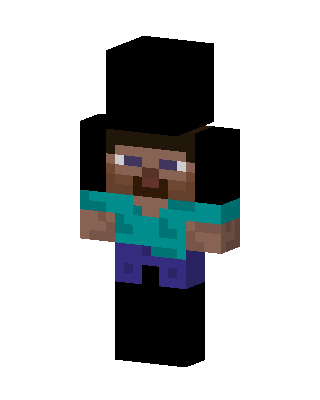 Steve Top Hat6 views · Worn by 0
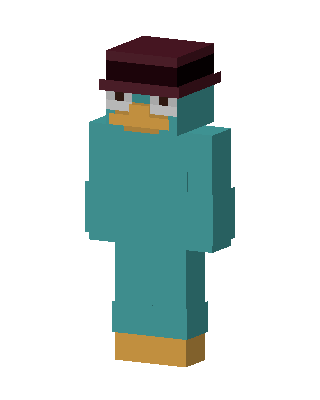 Agent P2 views · Worn by 0
 Dream2 views · Worn by 0
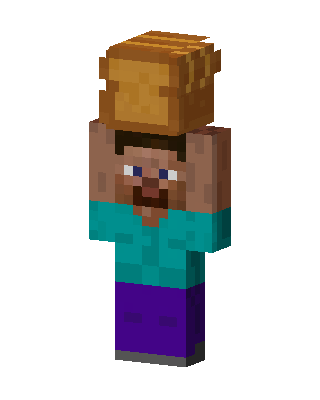 Bread Head Steve2 views · Worn by 0
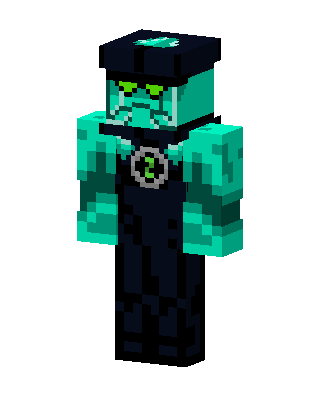 Ben 10 Alien1 views · Worn by 0
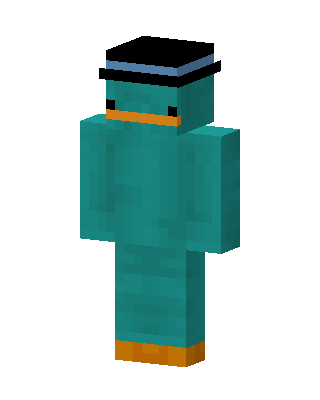 Perry The Platypus1 views · Worn by 0
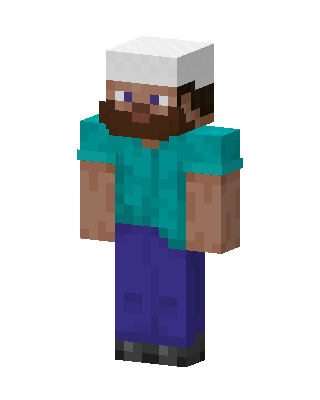 Teal Mob Boy0 views · Worn by 0
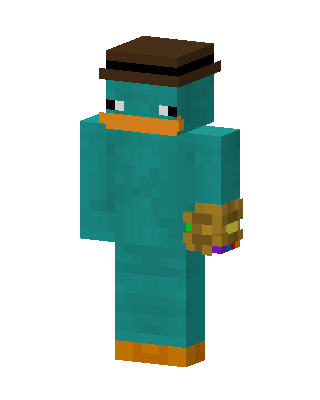 Teal Animal Boy0 views · Worn by 0
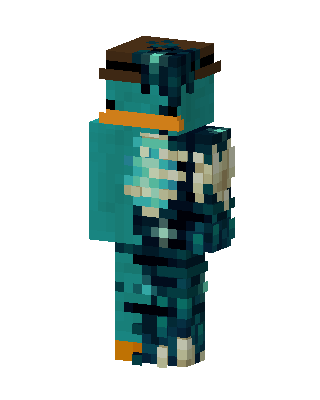 Teal Mob Boy0 views · Worn by 0
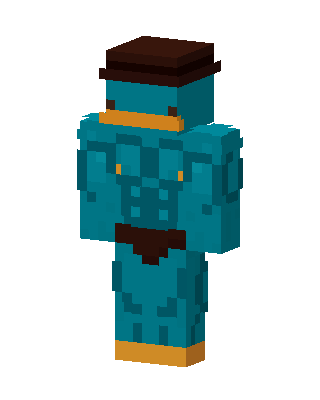 Teal Mob Boy0 views · Worn by 0
 Teal Mob Boy0 views · Worn by 0
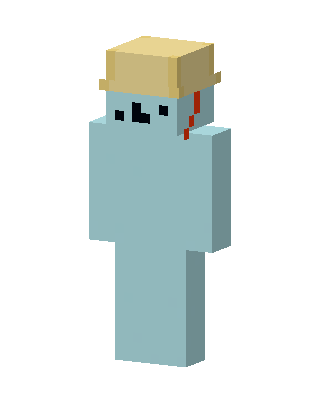 Teal Mob0 views · Worn by 0


