


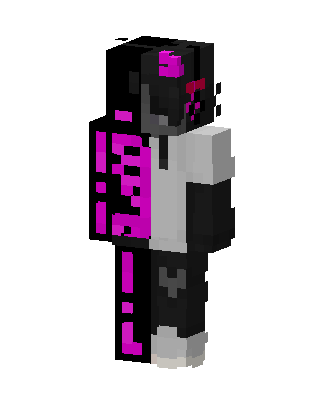
DaQuavis
Slim arms · mostly black · first seen Oct 2026
0 viewsA body split down the middle, one half black with glowing magenta pixel patterns and the other half white and gray with a hoodie, dark pants and a masked face.
How to use on Bedrock
- Download the skin.
- In Minecraft, open Dressing Room, then Classic skins.
- Choose Import, pick the file, then choose the slim (Alex) arms.
Similar skins
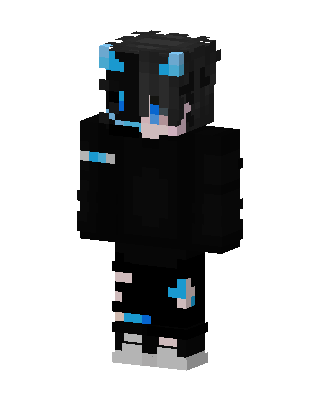 Neon Void67 views · Worn by 1
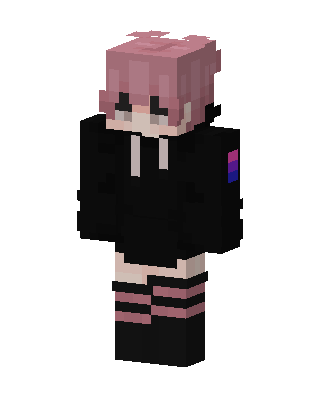 Pink Hoodie Kid41 views · Worn by 1
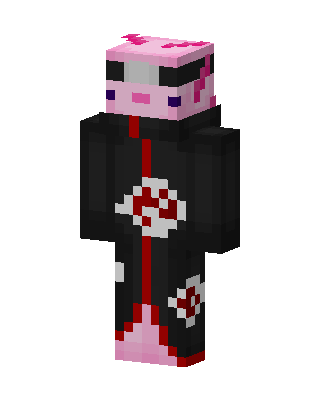 Axolotl Akatsuki35 views · Worn by 1
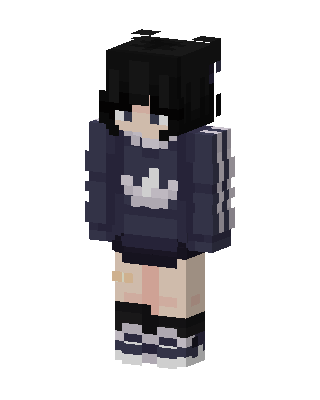 Navy Hoodie Girl19 views · Worn by 0
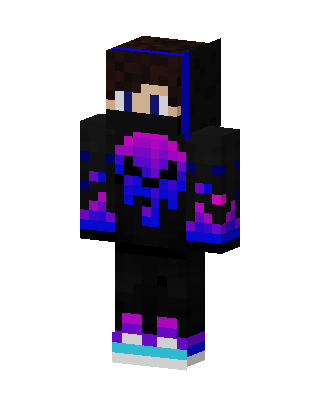 Neon Hoodie Boy14 views · Worn by 0
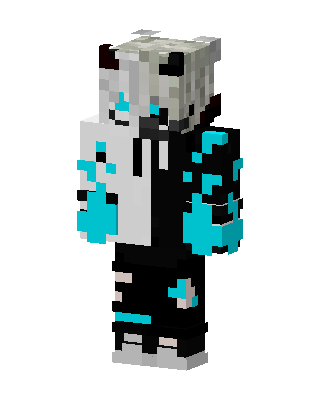 Split Frost Demon12 views · Worn by 0
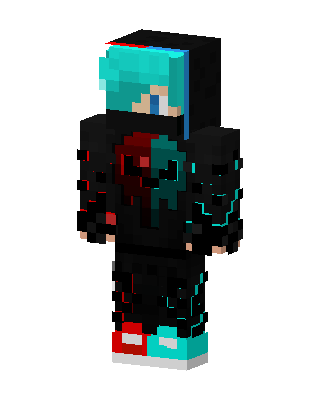 Dual Glitch12 views · Worn by 0
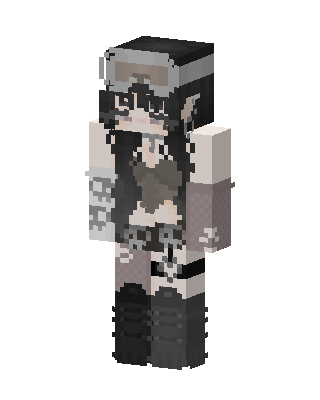 Black Anime Girl9 views · Worn by 0
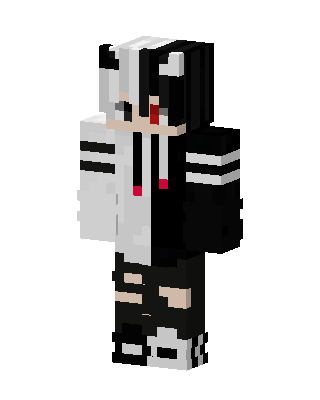 Split Hoodie9 views · Worn by 0
 Pink Paw Cat6 views · Worn by 0
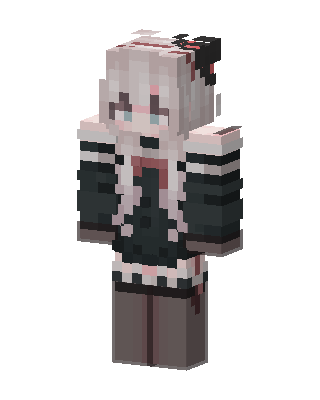 Gothic Maid3 views · Worn by 0
 Ombre Hoodie Girl3 views · Worn by 0


