


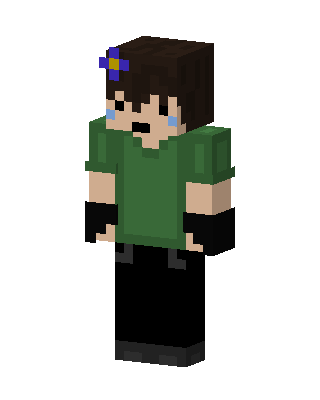
Crying Flower Boy
Slim arms · mostly green · first seen Oct 2026
0 viewsDark brown hair with a purple flower clip, blue tears on the cheeks, a green shirt, black gloves and black pants.
How to use on Bedrock
- Download the skin.
- In Minecraft, open Dressing Room, then Classic skins.
- Choose Import, pick the file, then choose the slim (Alex) arms.
Similar skins
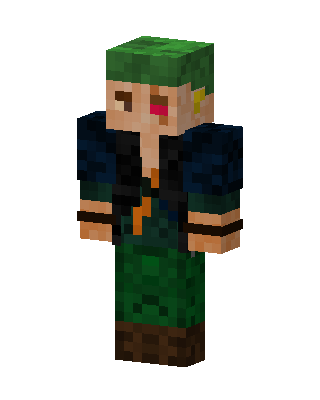 One-Eyed Soldier2 views · Worn by 0
 Green Player0 views · Worn by 0
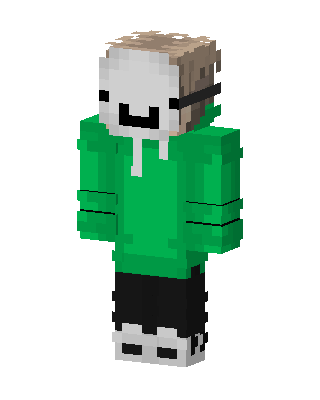 Dream155 views · Worn by 1
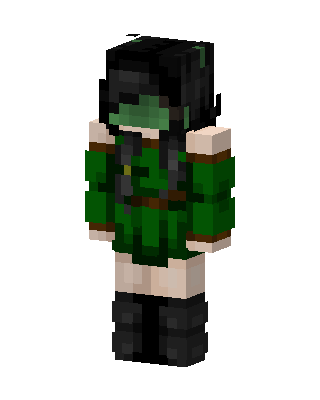 Forest Ranger17 views · Worn by 1
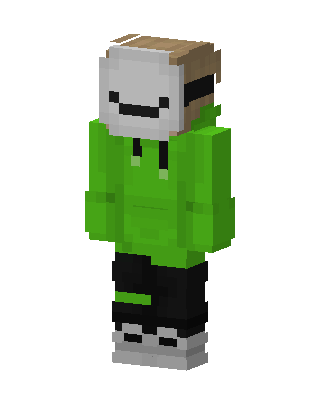 Dream6 views · Worn by 1
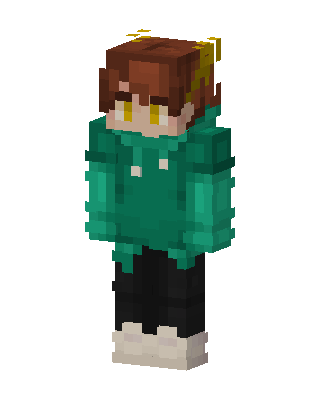 Green Hoodie Boy6 views · Worn by 1
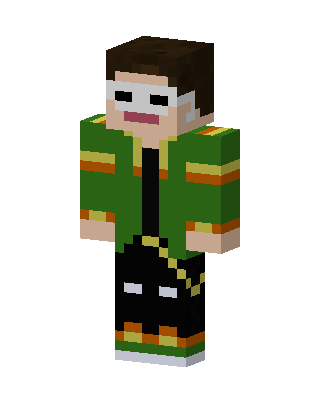 Green Student Boy5 views · Worn by 1
 Green Hoodie Kid5 views · Worn by 1
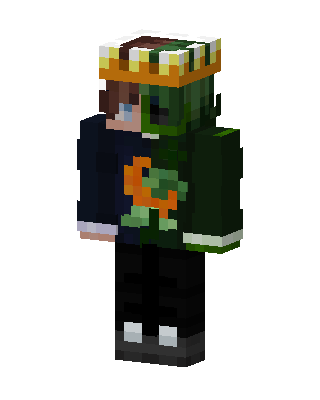 Creeper Hoodie Crown5 views · Worn by 1
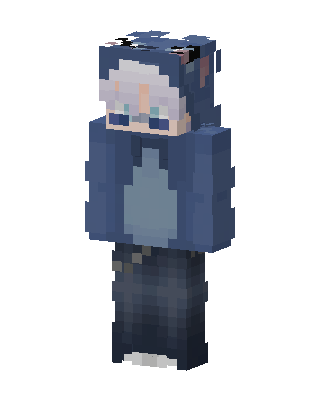 Blue Hoodie Boy13 views · Worn by 0
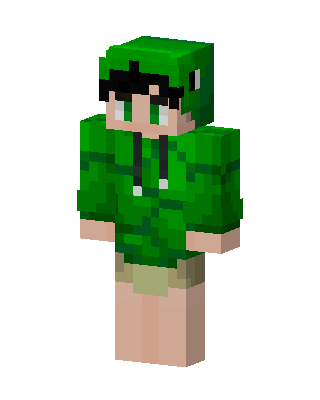 Dino Hoodie6 views · Worn by 0
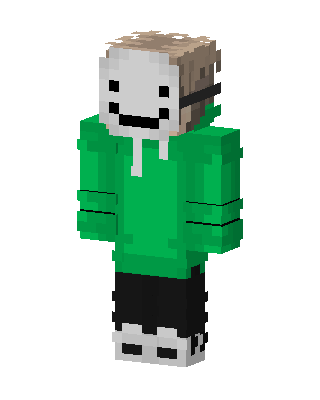 Dream5 views · Worn by 0


