


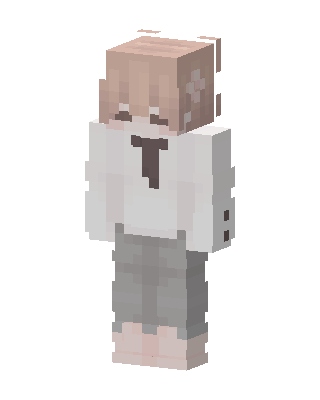
Cozy Tie Boy
Slim arms · mostly white · first seen Oct 2026
0 viewsLight peach hair with a small flower clip, closed happy eyes, white oversized shirt with a dark brown tie, gray pants and pale pink shoes.
How to use on Bedrock
- Download the skin.
- In Minecraft, open Dressing Room, then Classic skins.
- Choose Import, pick the file, then choose the slim (Alex) arms.
Similar skins
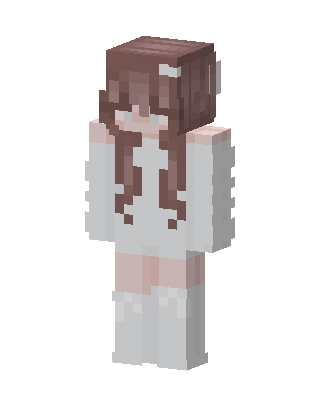 Angel Girl12 views · Worn by 0
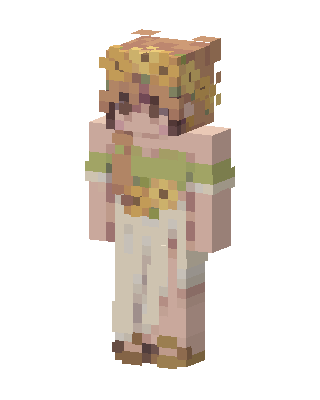 Sunflower Girl9 views · Worn by 0
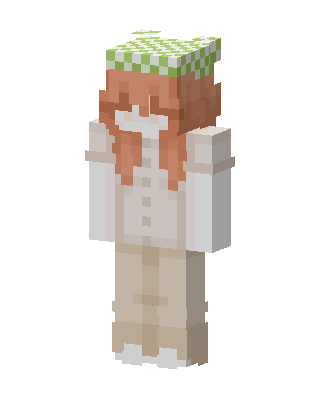 Gingham Cap Girl1 views · Worn by 0
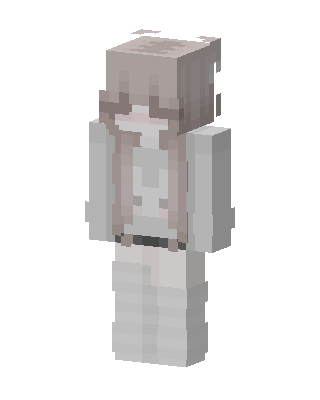 Soft Beige Girl1 views · Worn by 0
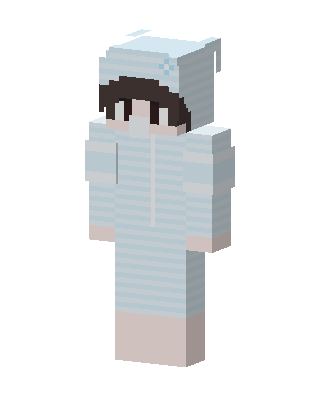 Cozy Bear Onesie1 views · Worn by 0
 Confetti Clown1 views · Worn by 0
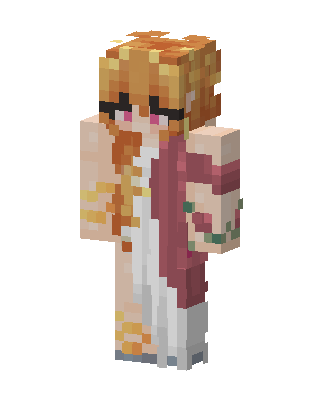 Blindfolded Robe Girl1 views · Worn by 0
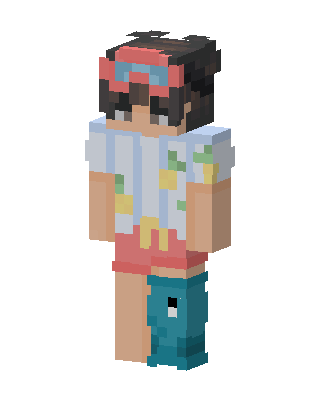 Beach Vacation1 views · Worn by 0
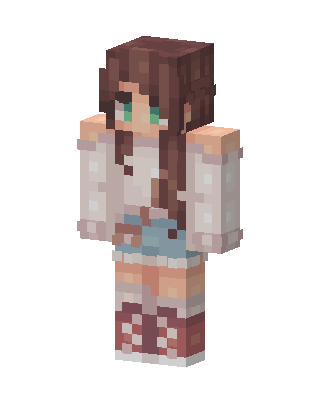 Cozy Denim Girl1 views · Worn by 0
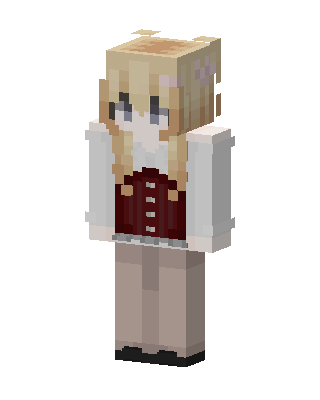 White Student Girl0 views · Worn by 0
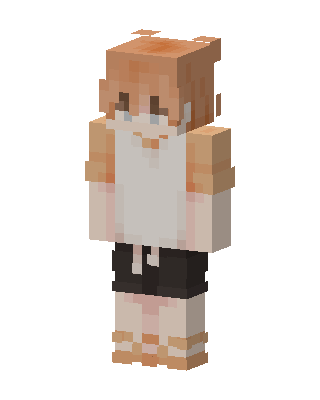 White Player Girl0 views · Worn by 0
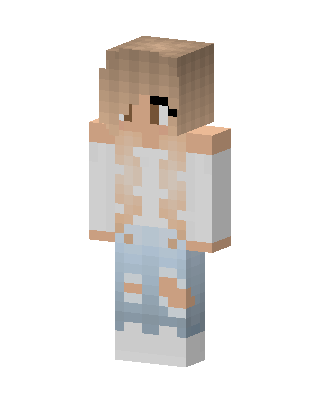 White Player Girl0 views · Worn by 0


