


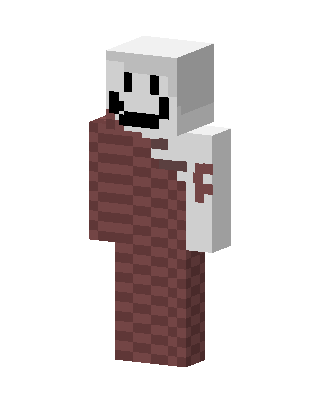
Smiley Brick
Slim arms · mostly brown · first seen Oct 2026
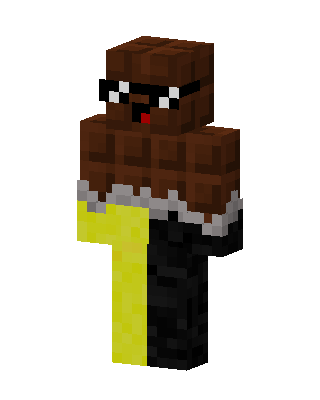
0 viewsWhite blocky head with a black smiley face, a white shirt with a red letter F on the sleeve, and a red brick pattern covering the left side and legs.
How to use on Bedrock
- Download the skin.
- In Minecraft, open Dressing Room, then Classic skins.
- Choose Import, pick the file, then choose the slim (Alex) arms.
Similar skins
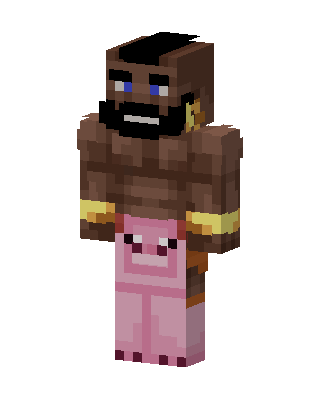 Mr. T1 views · Worn by 0
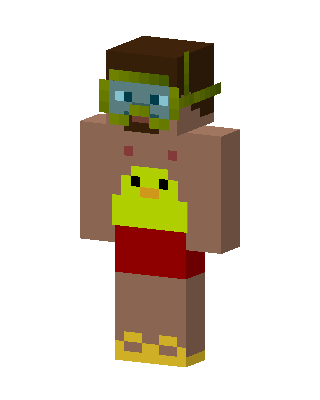 Duck Swimmer1 views · Worn by 0
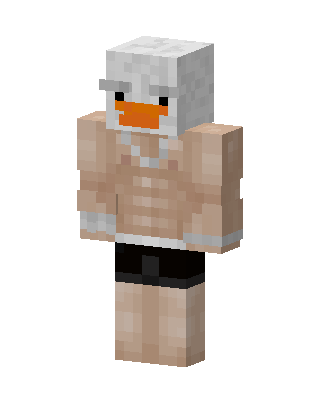 Buff Duck1 views · Worn by 0
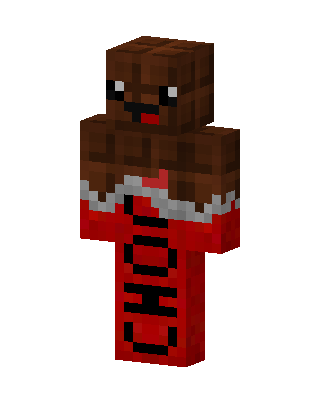 Brown Holiday Boy0 views · Worn by 0
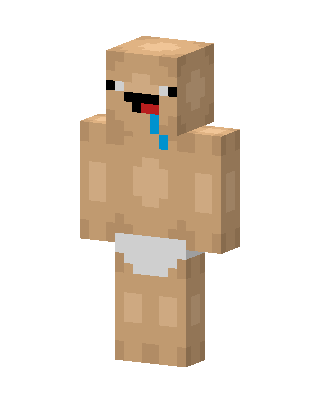 Brown Costume0 views · Worn by 0
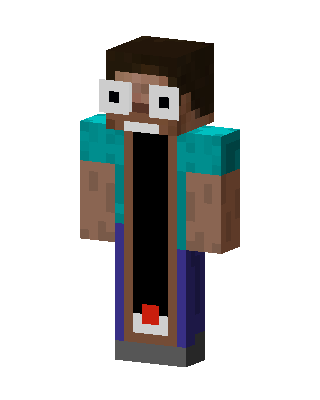 Brown Costume Boy0 views · Worn by 0
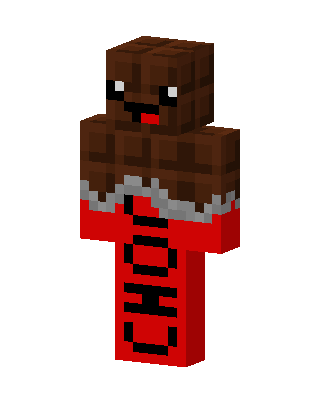 Brown Costume Boy0 views · Worn by 0
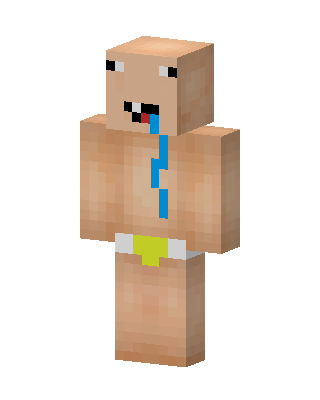 Brown Costume Boy0 views · Worn by 0
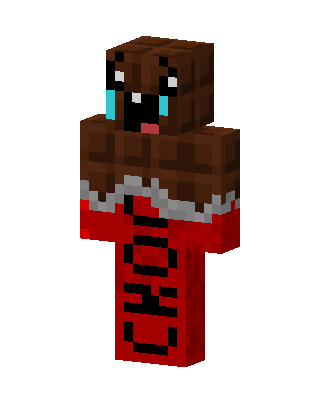 Brown Costume0 views · Worn by 0
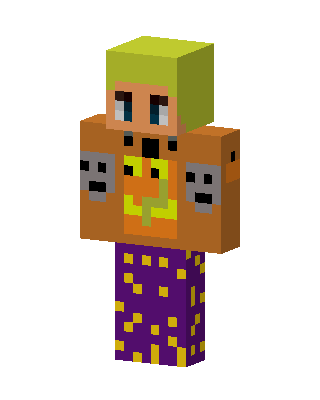 Brown Costume Girl0 views · Worn by 0
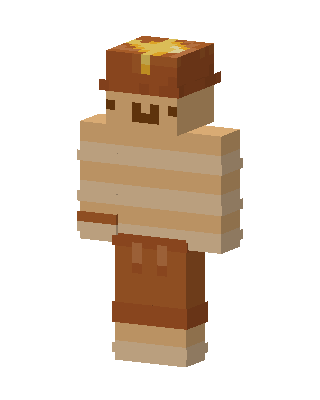 Brown Costume Boy0 views · Worn by 0
 Brown Costume Boy0 views · Worn by 0


