


Living Flame
Slim arms · mostly gold · first seen Oct 2026
1 viewA blocky figure covered in a fiery gradient of dark red, orange and bright yellow, like a burning flame from head to toe.
How to use on Bedrock
- Download the skin.
- In Minecraft, open Dressing Room, then Classic skins.
- Choose Import, pick the file, then choose the slim (Alex) arms.
Similar skins
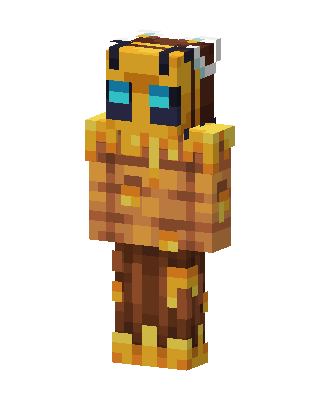 Bee Warrior257 views · Worn by 10
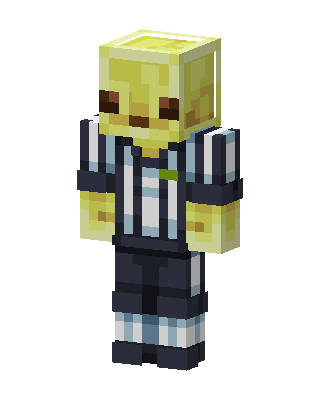 Referee Slime137 views · Worn by 8
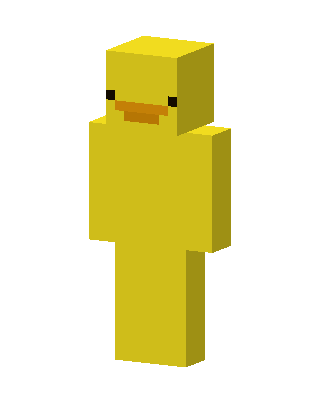 Rubber Duck79 views · Worn by 2
 Sandstone Creeper15 views · Worn by 1
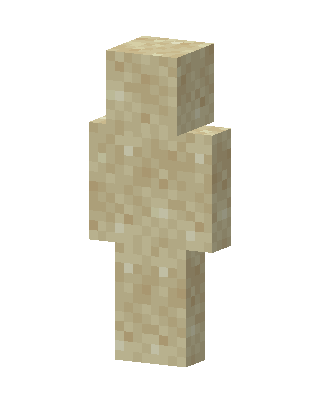 Sand Block6 views · Worn by 1
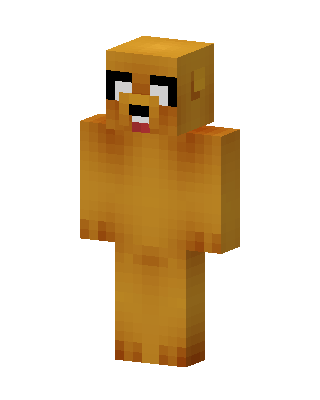 Jake The Dog6 views · Worn by 0
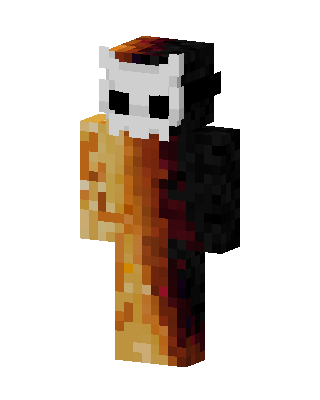 Orange Animal5 views · Worn by 0
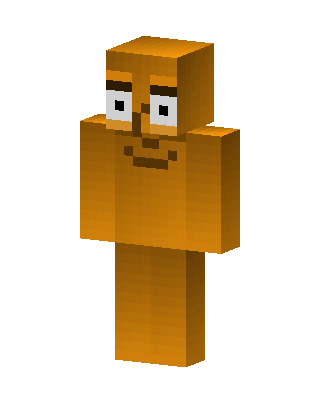 Orange Guy5 views · Worn by 0
 Fire Gradient3 views · Worn by 0
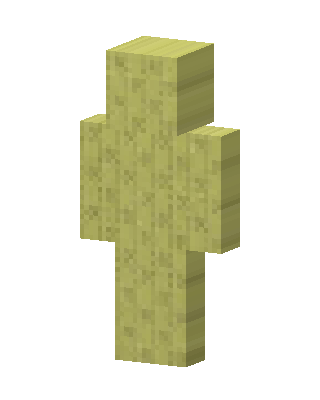 Sponge Block3 views · Worn by 0
 Yellow Emoji2 views · Worn by 0
 Yellow Smiley2 views · Worn by 0


