


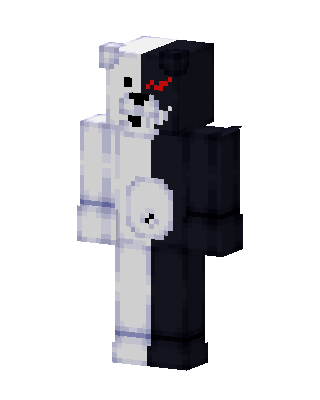
Monokuma
Classic arms · mostly white · worn by 1 player · first seen Oct 2026
17 viewsA bear split down the middle, white on the left and black on the right, with a glowing red eye on the black side and a round belly patch.
1 player on BedrockBuddy has worn this
How to use on Bedrock
- Download the skin.
- In Minecraft, open Dressing Room, then Classic skins.
- Choose Import, pick the file, then choose the classic (Steve) arms.
Similar skins
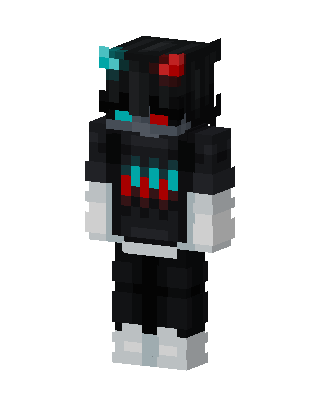 Neon Shadow255 views · Worn by 12
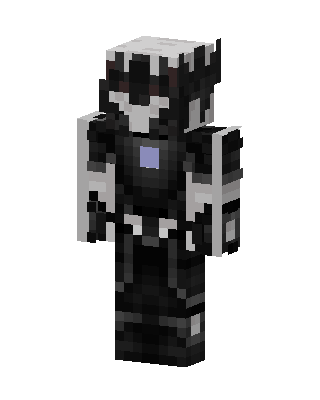 Shadow Knight40 views · Worn by 1
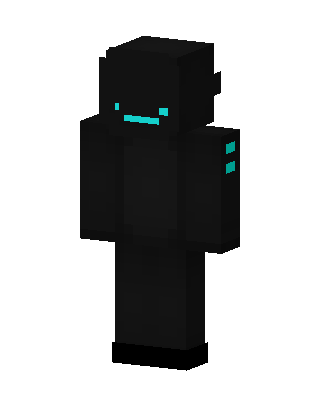 Shadow Cyan31 views · Worn by 1
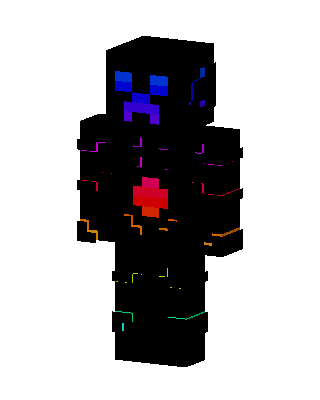 Neon Creeper22 views · Worn by 1
 Neon Shadow20 views · Worn by 1
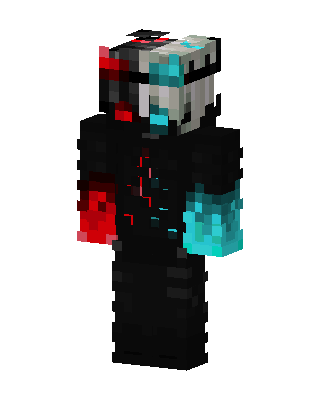 Dual Core19 views · Worn by 1
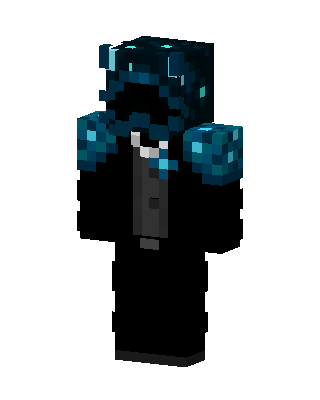 Sculk Tuxedo19 views · Worn by 1
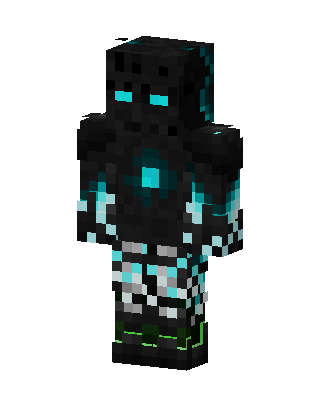 Cyan Void Golem18 views · Worn by 1
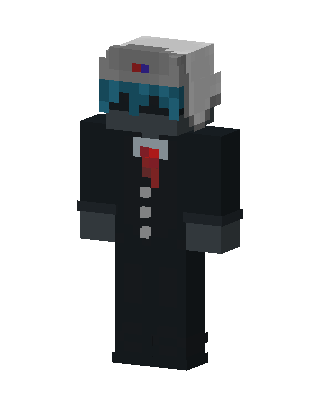 Suited Robot16 views · Worn by 1
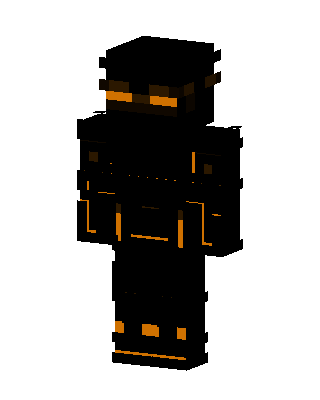 Shadow Ninja15 views · Worn by 1
 TV Head13 views · Worn by 1
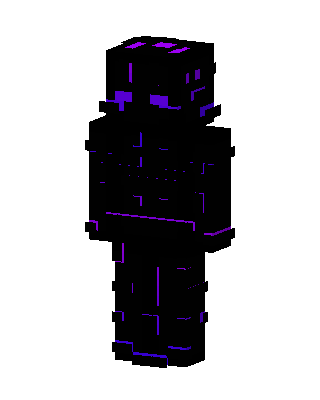 Void Stalker11 views · Worn by 1


