


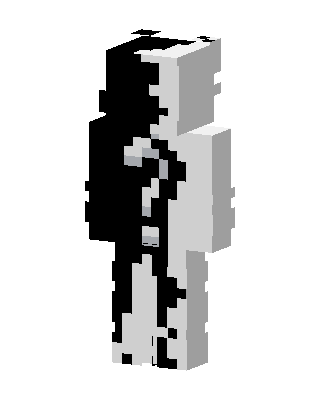
Monokuma
Slim arms · mostly black · first seen Oct 2026
1 viewA body split down the middle into black and white halves with a jagged, uneven edge, like the two-tone bear from Danganronpa.
How to use on Bedrock
- Download the skin.
- In Minecraft, open Dressing Room, then Classic skins.
- Choose Import, pick the file, then choose the slim (Alex) arms.
Similar skins
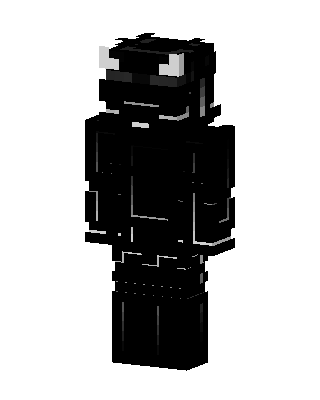 Shadow Horned Knight698 views · Worn by 18
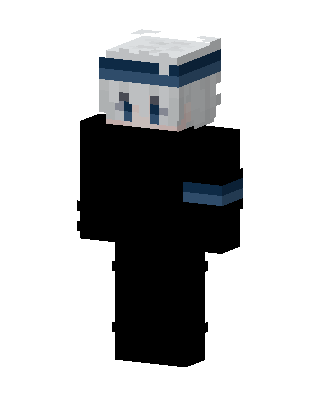 Gojo Satoru349 views · Worn by 1
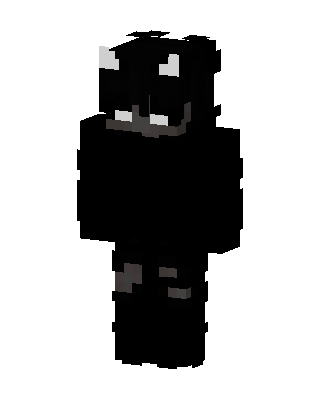 Shadow Horned Creature189 views · Worn by 2
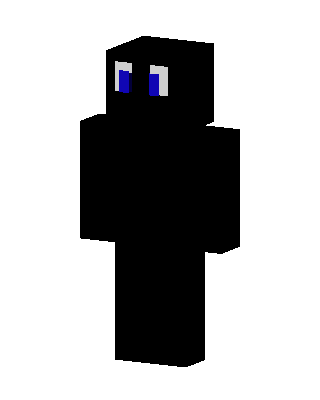 Shadow Blue Eyes99 views · Worn by 2
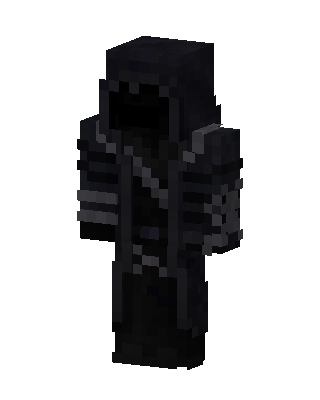 Black Boy96 views · Worn by 2
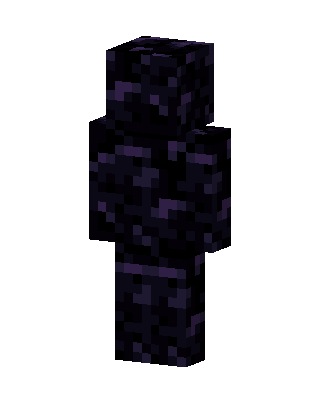 Obsidian Golem42 views · Worn by 2
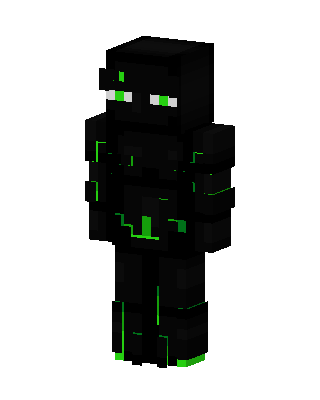 Neon Enderman59 views · Worn by 1
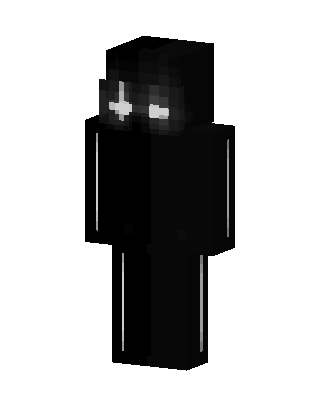 Black Ninja Boy57 views · Worn by 1
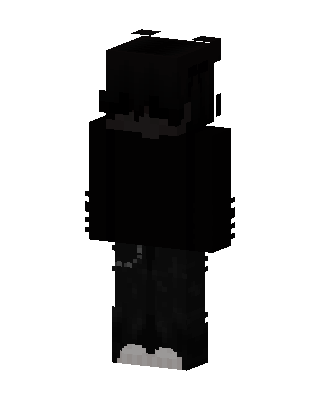 Shadow Hoodie47 views · Worn by 1
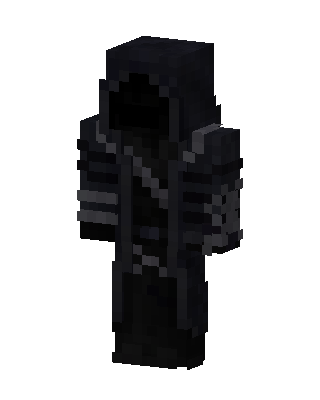 Black Hero Boy39 views · Worn by 1
 Starry Obsidian Knight39 views · Worn by 1
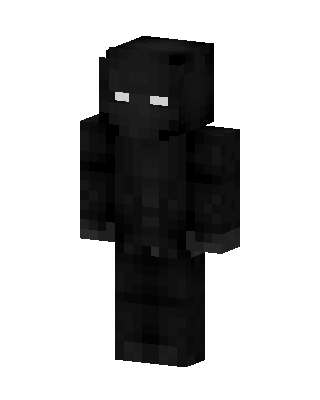 Black Ninja Boy36 views · Worn by 1


