


Monokuma
Classic arms · mostly white · first seen Oct 2026
1 viewA black and white split character with red and yellow goggles, yellow buttons down the chest, gray hands, and a half black, half white face.
How to use on Bedrock
- Download the skin.
- In Minecraft, open Dressing Room, then Classic skins.
- Choose Import, pick the file, then choose the classic (Steve) arms.
Similar skins
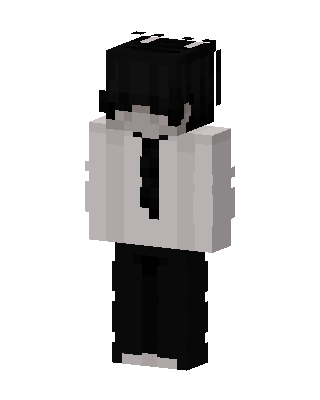 Monochrome Suit29 views · Worn by 2
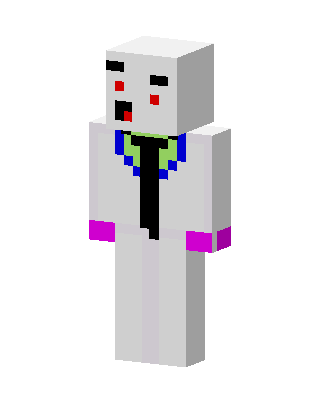 White Suit Boy5 views · Worn by 1
 Goggled Scientist4 views · Worn by 1
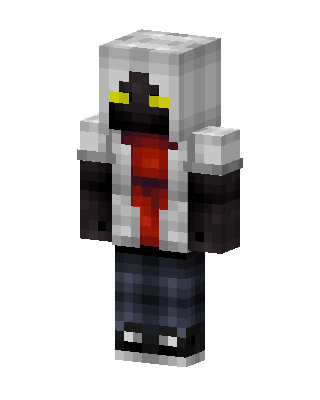 White Player Boy2 views · Worn by 1
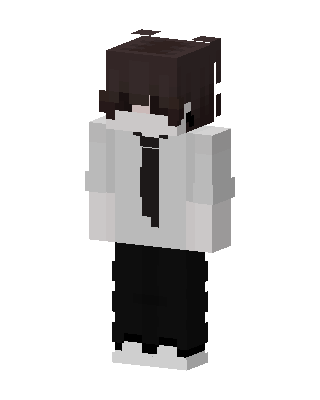 Office Boy2 views · Worn by 1
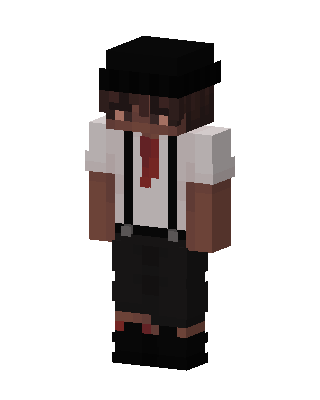 Suspender Boy2 views · Worn by 1
 Smiley Scientist38 views · Worn by 0
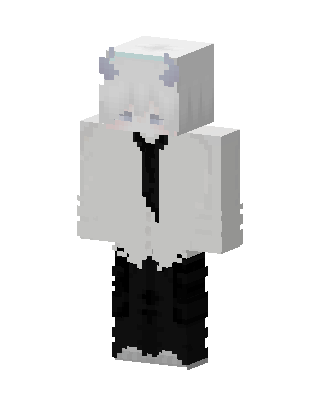 Frost Horn6 views · Worn by 0
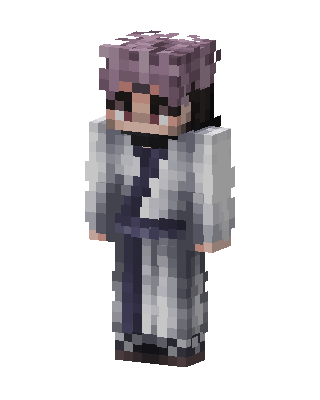 Lavender Monk4 views · Worn by 0
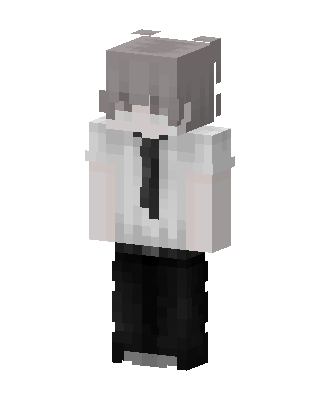 Monochrome Student4 views · Worn by 0
 Bear Hat Boy4 views · Worn by 0
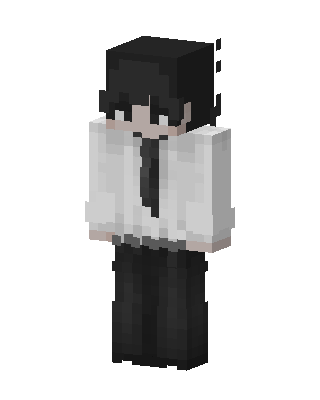 Office Boy4 views · Worn by 0


