



Smiling Chef
Classic arms · mostly green · first seen Oct 2026
1 viewA white smiling face under a gray hat with a red top, wearing a green apron over black sleeves, black pants and white gloves.
How to use on Bedrock
- Download the skin.
- In Minecraft, open Dressing Room, then Classic skins.
- Choose Import, pick the file, then choose the classic (Steve) arms.
Similar skins
 Santa Cactus1 views · Worn by 0
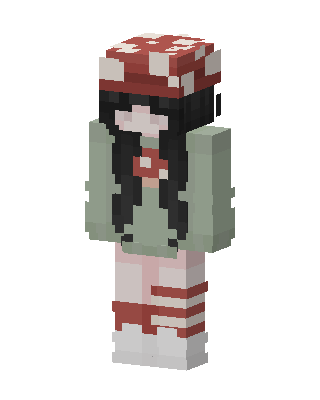 Green Holiday Girl0 views · Worn by 0
 Gingerbread Sailor8 views · Worn by 1
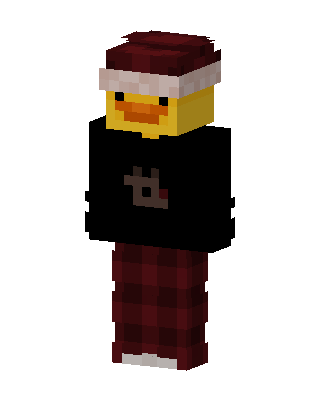 Cozy Christmas Duck13 views · Worn by 0
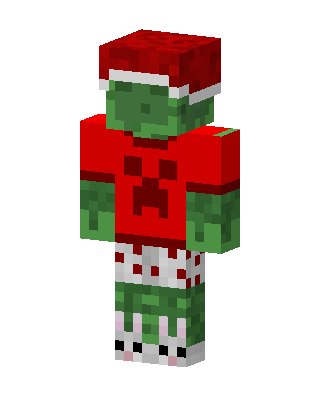 Green Holiday11 views · Worn by 0
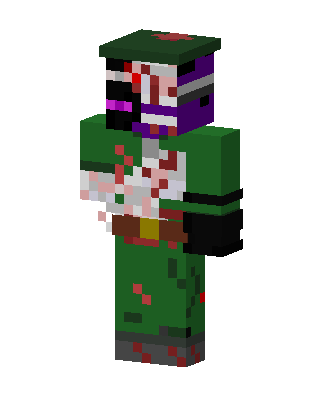 Green Holiday Boy5 views · Worn by 0
 Santa Girl3 views · Worn by 0
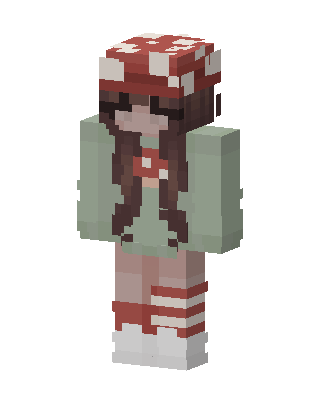 Mushroom Cottagecore2 views · Worn by 0
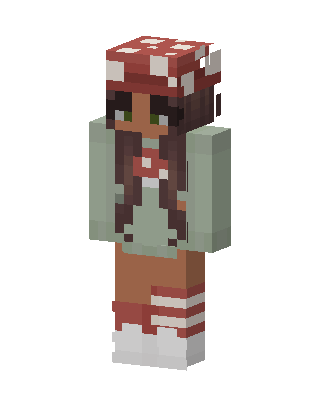 Mushroom Cutie2 views · Worn by 0
 Fox Hoodie2 views · Worn by 0
 Christmas Clown2 views · Worn by 0
 Red Dino Onesie1 views · Worn by 0


