


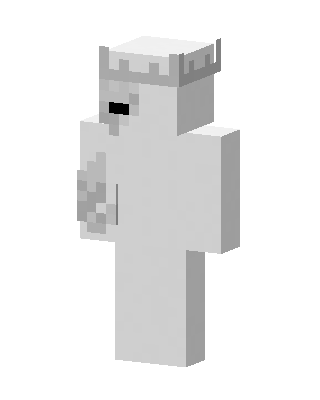
White Crowned King
Classic arms · mostly white · first seen Oct 2026
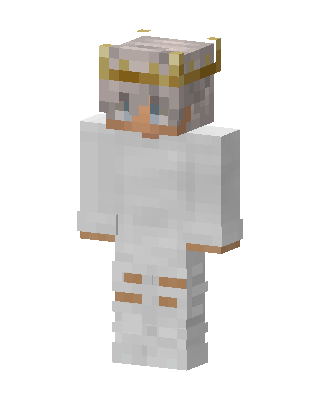
0 viewsAn all-white blocky character with a light gray crown, a small black mouth and a gray patch on one arm.
How to use on Bedrock
- Download the skin.
- In Minecraft, open Dressing Room, then Classic skins.
- Choose Import, pick the file, then choose the classic (Steve) arms.
Similar skins
 Slime King10 views · Worn by 1
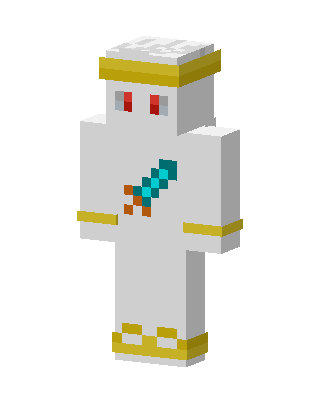 Diamond Sword Angel2 views · Worn by 0
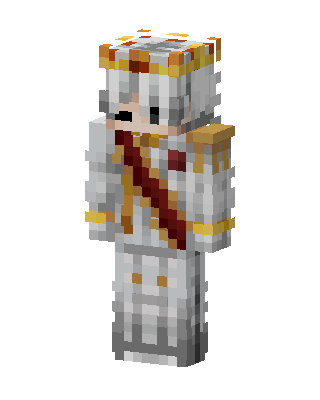 Royal Monarch2 views · Worn by 0
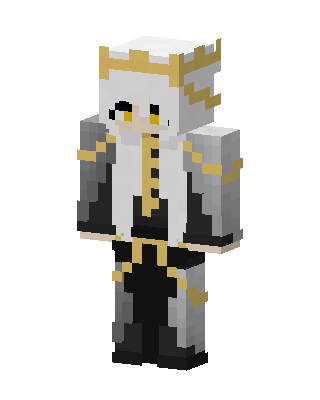 Gilded Monarch1 views · Worn by 0
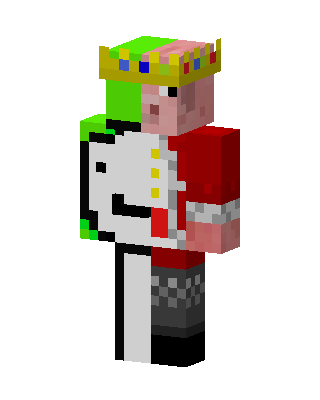 Piglin King1 views · Worn by 0
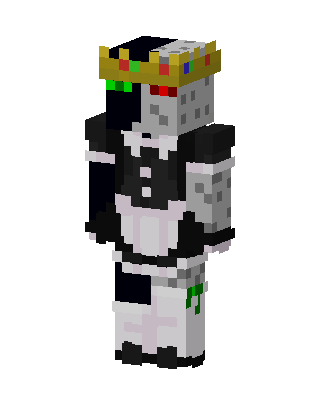 Ranboo Maid1 views · Worn by 0
 White King1 views · Worn by 0
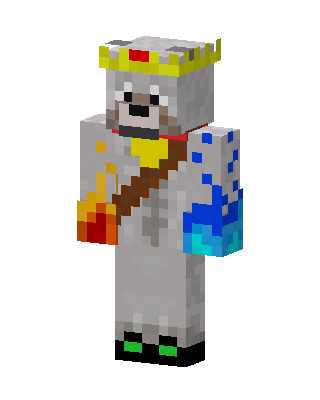 White Royal0 views · Worn by 0
 White Royal0 views · Worn by 0
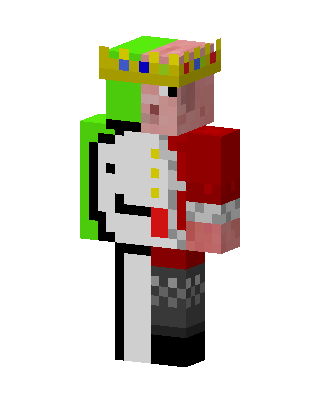 White King0 views · Worn by 0
 White King0 views · Worn by 0
 Golden Priest0 views · Worn by 0


