


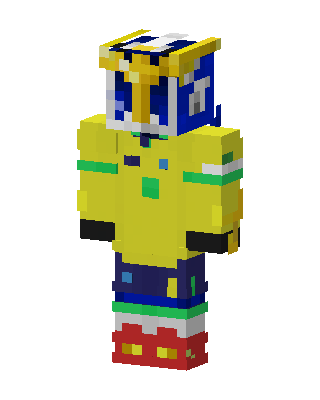
Golden Armor Knight
Classic arms · mostly yellow · first seen Oct 2026
0 viewsA character in a yellow jacket with green and white stripes, a gold and blue helmet, dark blue pants and red boots with gold details.
How to use on Bedrock
- Download the skin.
- In Minecraft, open Dressing Room, then Classic skins.
- Choose Import, pick the file, then choose the classic (Steve) arms.
Similar skins
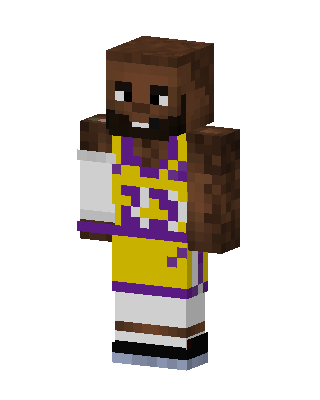 Lakers Baller10 views · Worn by 1
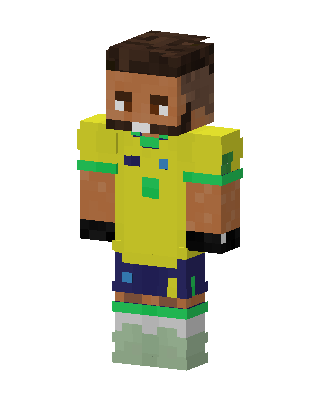 Brazil Soccer Player4 views · Worn by 0
 Yellow Jersey Striker4 views · Worn by 0
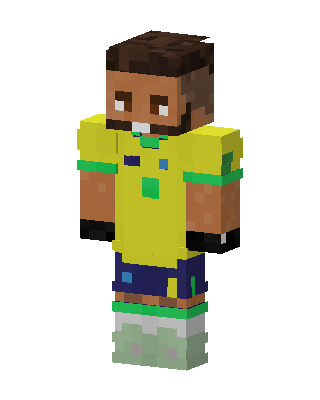 Brazil Football Kit2 views · Worn by 0
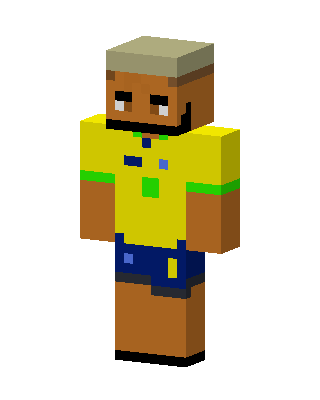 Brazil Fan2 views · Worn by 0
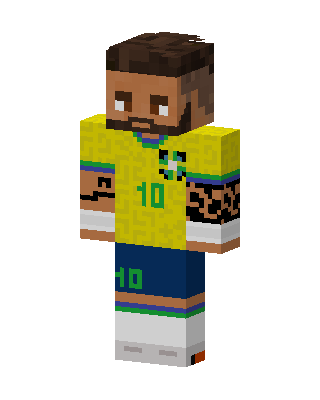 Brazil Number 102 views · Worn by 0
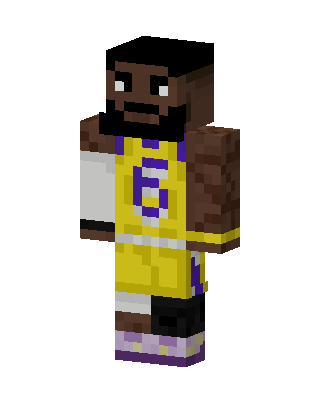 Gold Jersey Hooper2 views · Worn by 0
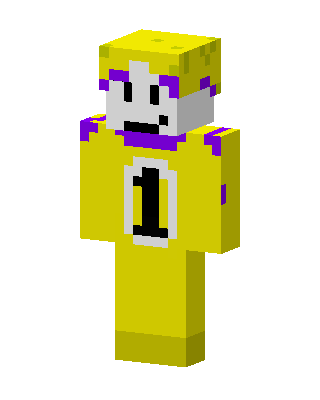 Number One Mascot2 views · Worn by 0
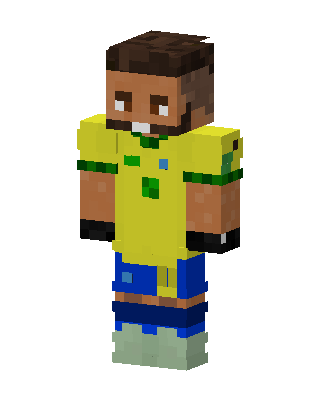 Brazil Soccer Player2 views · Worn by 0
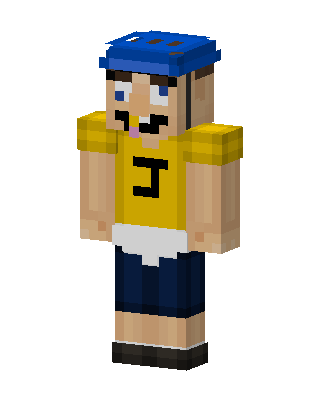 Jeffy2 views · Worn by 0
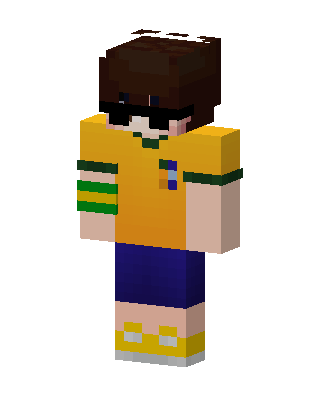 Brazil Jersey Kid1 views · Worn by 0
 Striped Jersey Fan1 views · Worn by 0


