


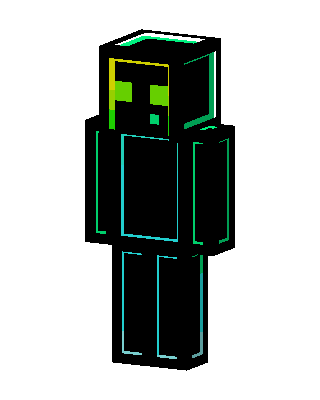
Neon Slime
Slim arms · mostly black · first seen Oct 2026
1 viewA black blocky body with glowing cyan outlines and a black head with a lime green and yellow slime-like face with two square eyes.
How to use on Bedrock
- Download the skin.
- In Minecraft, open Dressing Room, then Classic skins.
- Choose Import, pick the file, then choose the slim (Alex) arms.
Similar skins
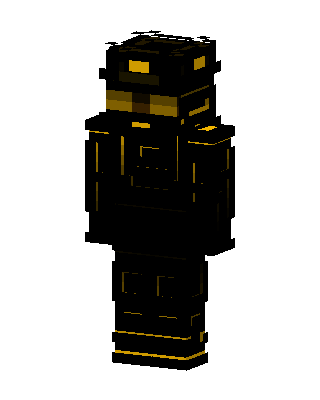 Golden Operative353 views · Worn by 15
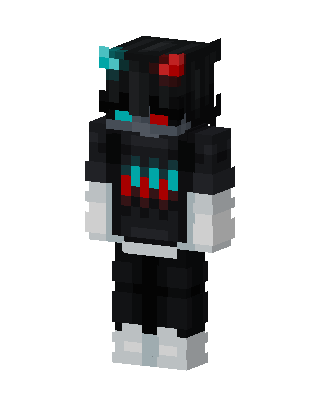 Neon Shadow274 views · Worn by 12
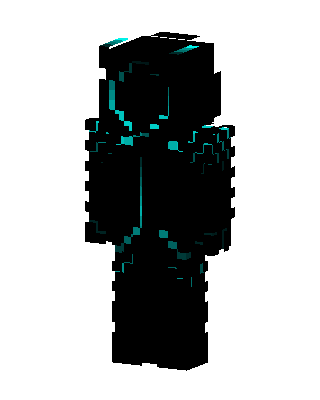 Neon Shadow61 views · Worn by 3
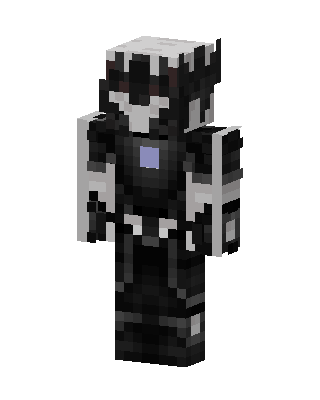 Shadow Knight41 views · Worn by 1
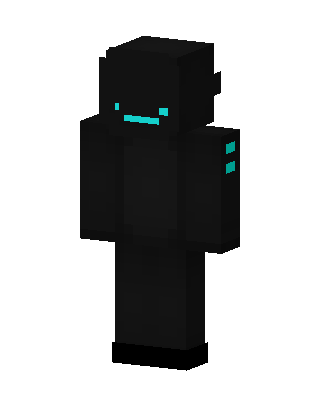 Shadow Cyan31 views · Worn by 1
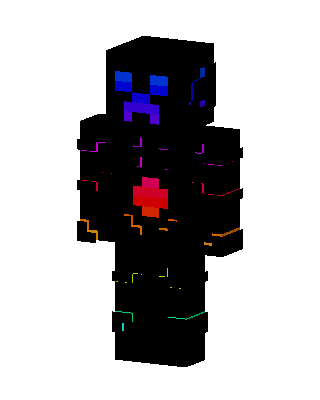 Neon Creeper22 views · Worn by 1
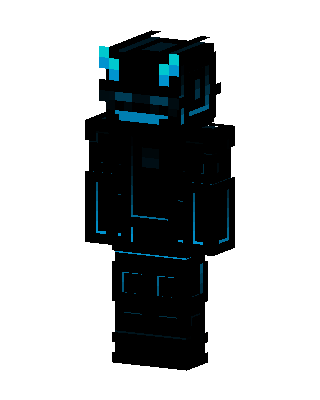 Neon Shadow22 views · Worn by 1
 Neon Shadow20 views · Worn by 1
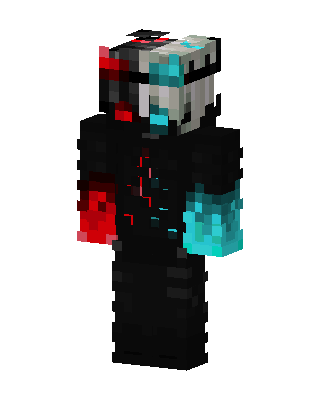 Dual Core19 views · Worn by 1
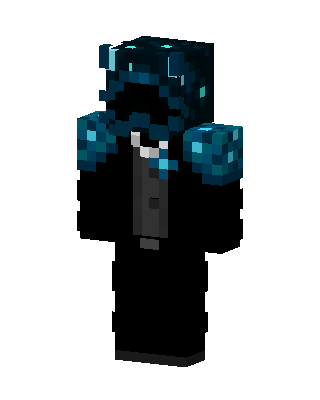 Sculk Tuxedo19 views · Worn by 1
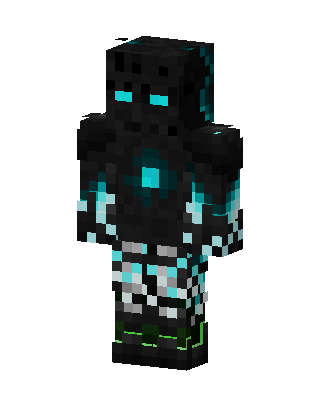 Cyan Void Golem18 views · Worn by 1
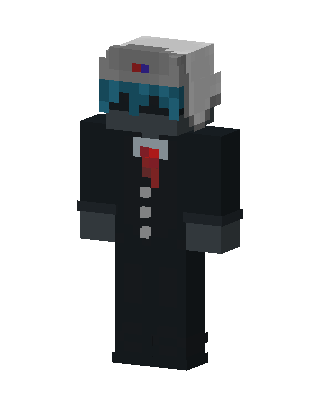 Suited Robot16 views · Worn by 1


