


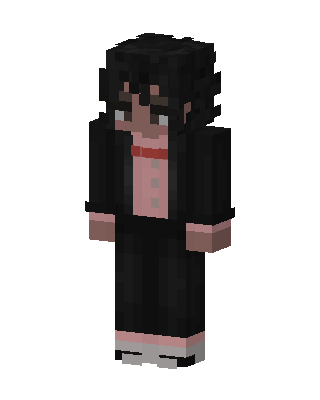
Formal Bowtie Boy
Slim arms · mostly black · first seen Oct 2026
0 viewsA character with messy black hair, glasses, a black suit jacket and pants over a pink shirt with a red bow tie, and gray and pink shoes.
How to use on Bedrock
- Download the skin.
- In Minecraft, open Dressing Room, then Classic skins.
- Choose Import, pick the file, then choose the slim (Alex) arms.
Similar skins
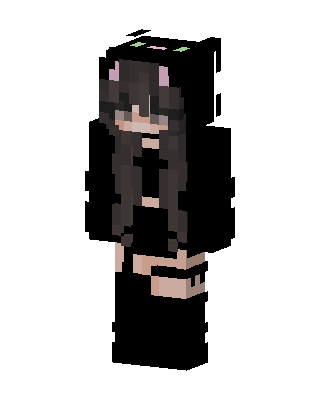 Black Cat Hoodie103 views · Worn by 1
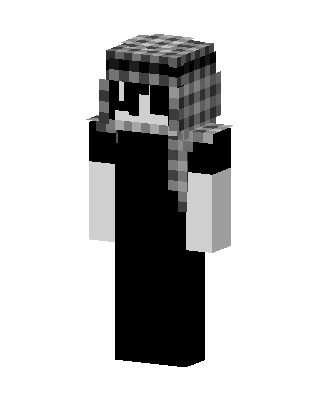 Plaid Hat Ghost62 views · Worn by 1
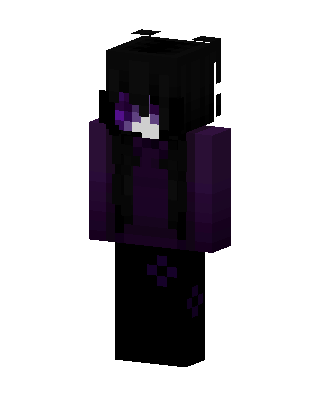 Void Enderling61 views · Worn by 1
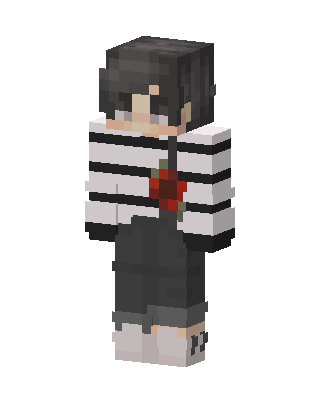 Rose Stripe Boy19 views · Worn by 1
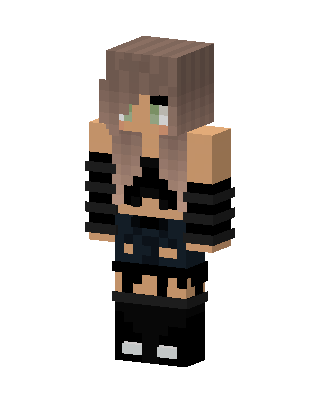 Ombre Edgy Girl16 views · Worn by 1
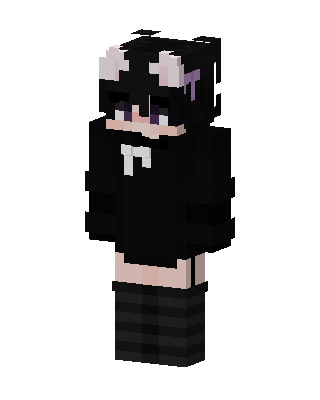 Shadow Kitty16 views · Worn by 1
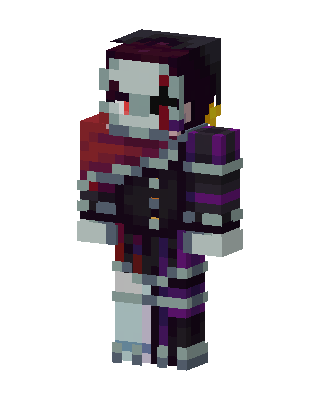 Black Hero Girl12 views · Worn by 1
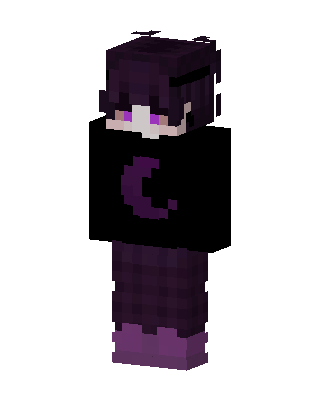 Moon Sweater12 views · Worn by 1
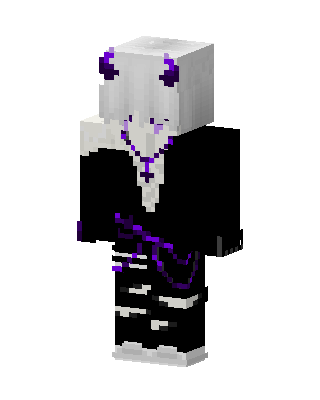 Black Hero Girl10 views · Worn by 1
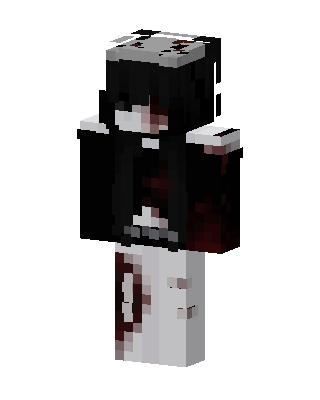 Black Anime Girl9 views · Worn by 1
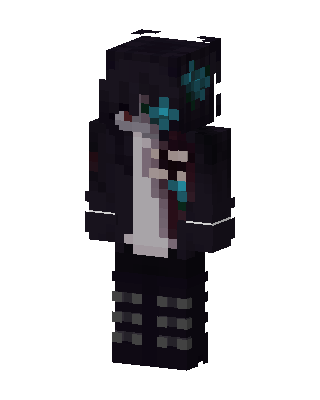 Teal Flower Goth8 views · Worn by 1
 Black Player Girl7 views · Worn by 1


