


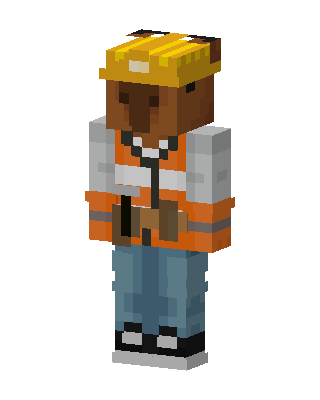
Construction Worker
Slim arms · mostly orange · first seen Oct 2026
0 viewsA character in a yellow hard hat, orange high-visibility vest over a gray long-sleeve shirt, blue jeans, black sneakers and a brown tool belt.
How to use on Bedrock
- Download the skin.
- In Minecraft, open Dressing Room, then Classic skins.
- Choose Import, pick the file, then choose the slim (Alex) arms.
Similar skins
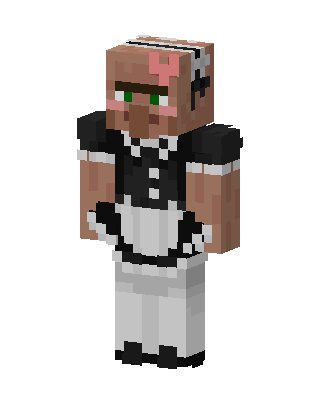 Maid Villager77 views · Worn by 3
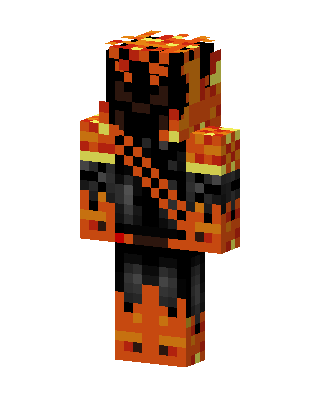 Orange Ninja Boy110 views · Worn by 1
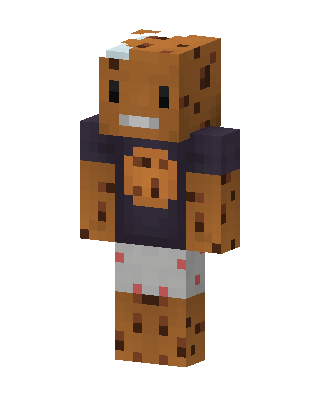 Cookie Kid11 views · Worn by 1
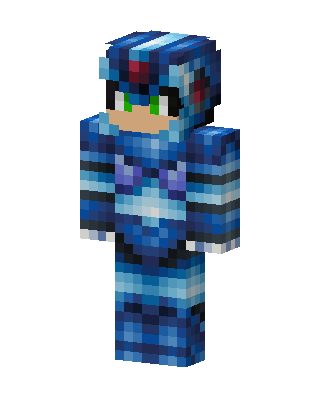 Mega Man X10 views · Worn by 1
 Zoidberg3 views · Worn by 1
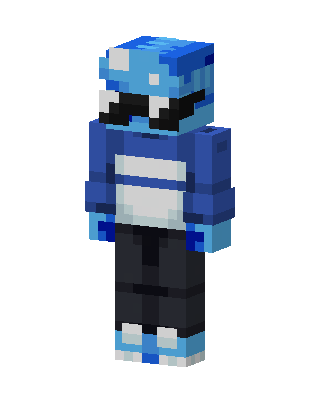 Blue Visor Hoodie3 views · Worn by 1
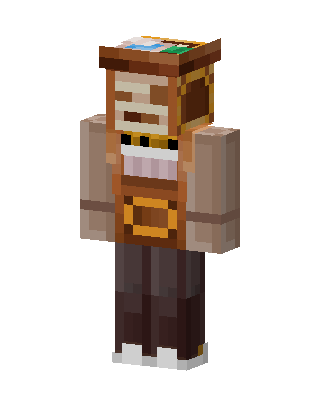 Chest Mimic2 views · Worn by 1
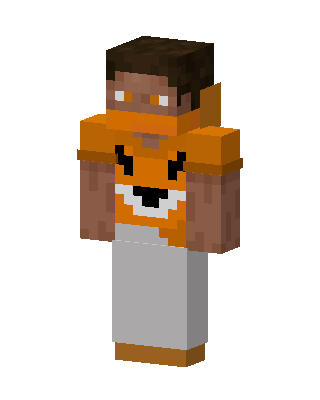 Fox Hoodie Kid39 views · Worn by 0
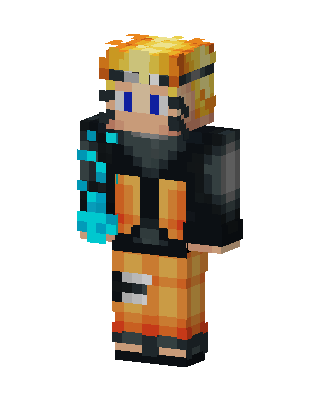 Naruto34 views · Worn by 0
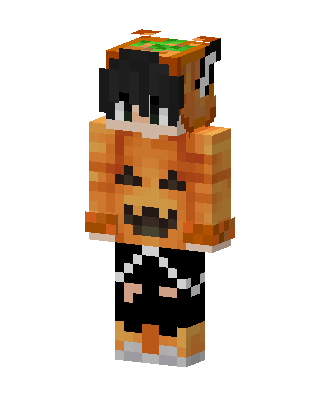 Pumpkin Hoodie15 views · Worn by 0
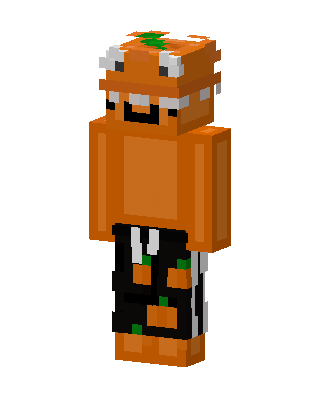 Pumpkin Boy14 views · Worn by 0
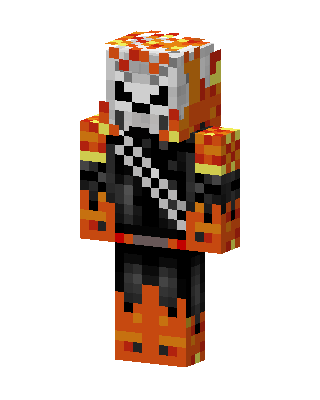 Ghost Rider14 views · Worn by 0


