


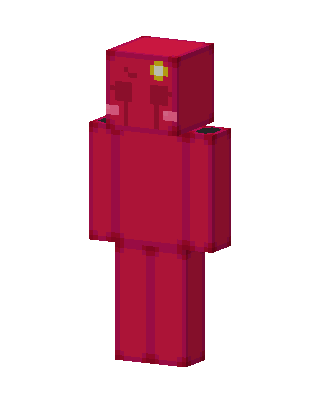
Red Slime
Slim arms · mostly red · first seen Oct 2026
1 viewA translucent crimson slime cube character with a glossy red body, small dark eyes, pink cheeks and a yellow flower on its head.
How to use on Bedrock
- Download the skin.
- In Minecraft, open Dressing Room, then Classic skins.
- Choose Import, pick the file, then choose the slim (Alex) arms.
Similar skins
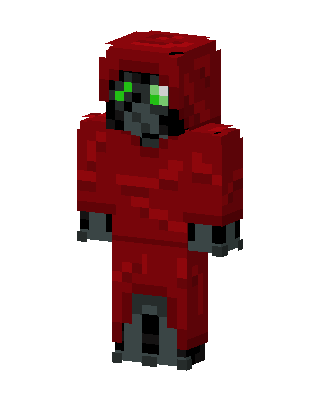 Red Hooded Villain Boy1 views · Worn by 0
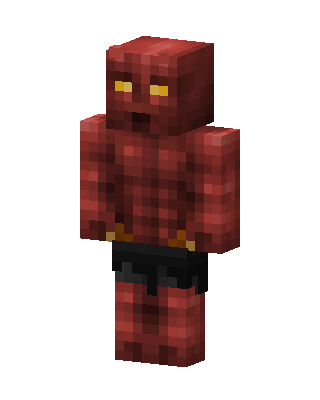 Red Glowing Mob Boy0 views · Worn by 0
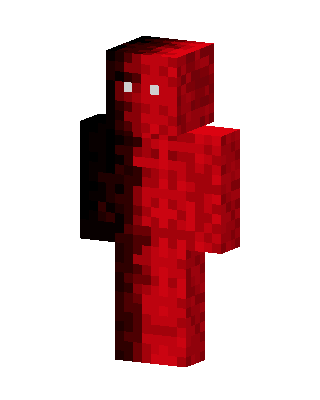 Red Mob Boy0 views · Worn by 0
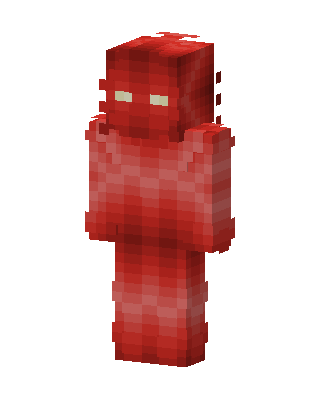 Crimson Figure0 views · Worn by 0
 Red Book Monster0 views · Worn by 0
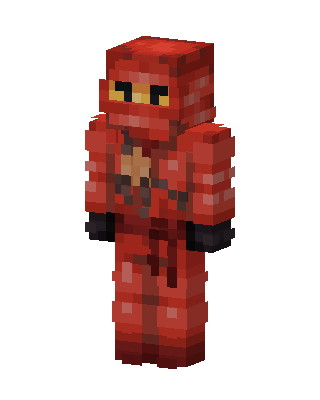 Red Ninja0 views · Worn by 0
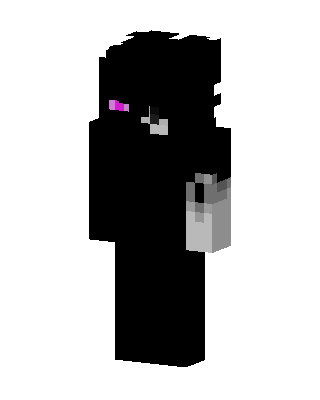 Enderman Humanoid1k views · Worn by 1
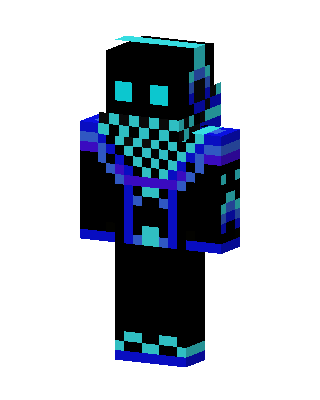 Neon Shadow214 views · Worn by 1
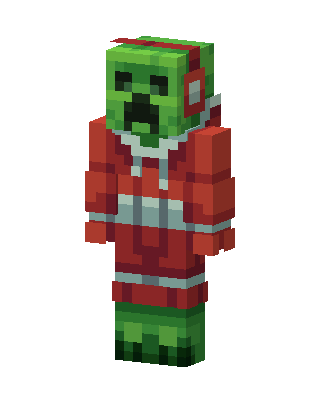 Christmas Creeper148 views · Worn by 5
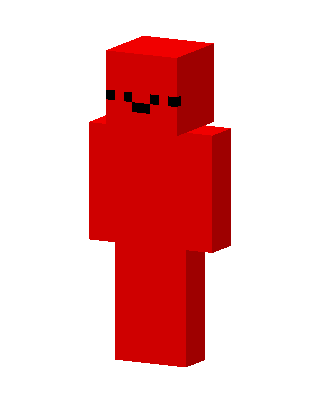 Red Smiley94 views · Worn by 2
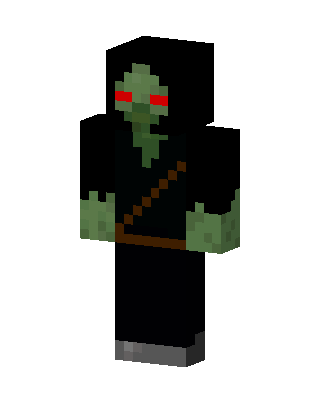 Hooded Zombie113 views · Worn by 1
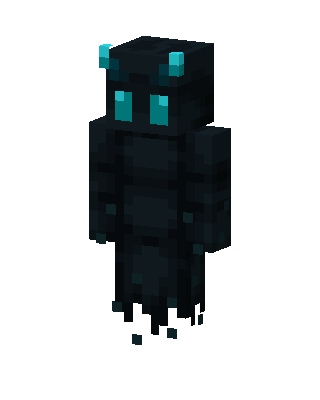 Void Wraith34 views · Worn by 2


