


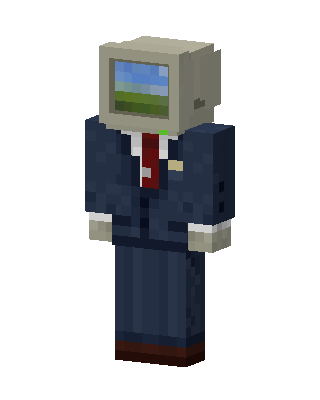
Computer Head
Slim arms · mostly blue · first seen Oct 2026
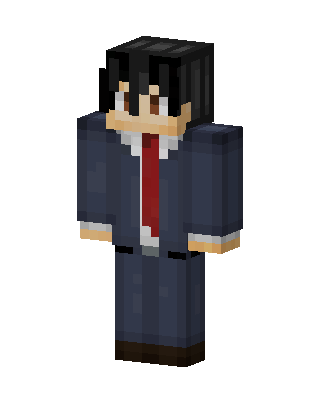
1 viewA character with a beige retro CRT monitor for a head showing a green hills desktop wallpaper, wearing a navy suit, white shirt and red tie.
How to use on Bedrock
- Download the skin.
- In Minecraft, open Dressing Room, then Classic skins.
- Choose Import, pick the file, then choose the slim (Alex) arms.
Similar skins
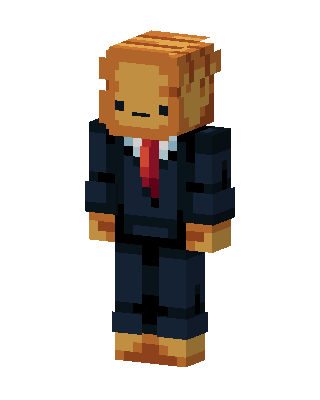 Monkey In Suit5 views · Worn by 1
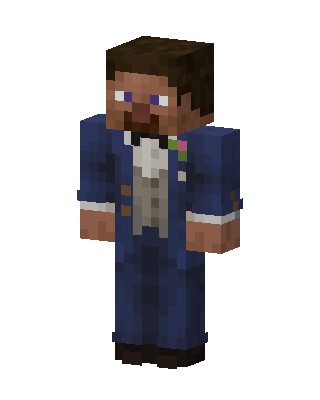 Dapper Groom2 views · Worn by 0
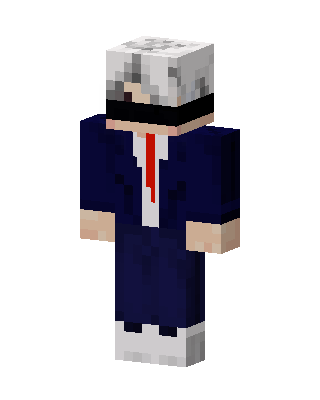 Blindfolded Agent1 views · Worn by 0
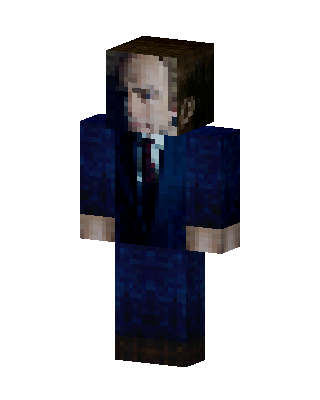 Blue Suit Boy0 views · Worn by 0
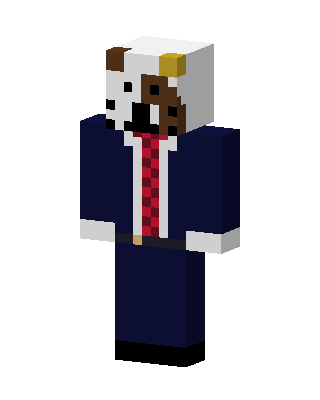 Blue Suit Boy0 views · Worn by 0
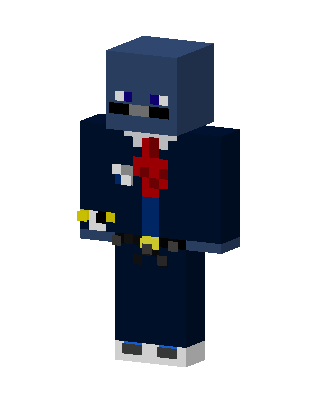 Blue Suit Boy0 views · Worn by 0
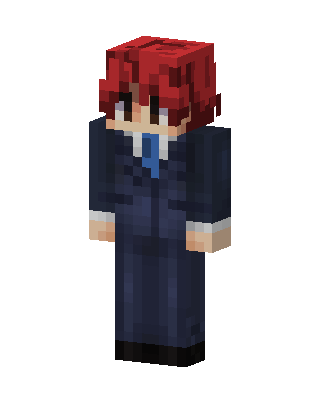 Blue Suit Boy0 views · Worn by 0
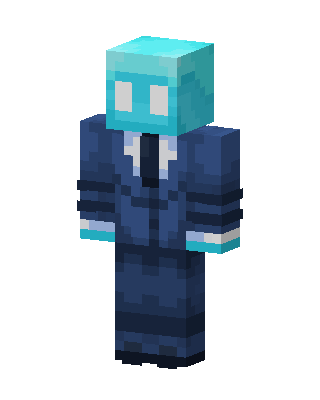 Blue Suit Boy0 views · Worn by 0
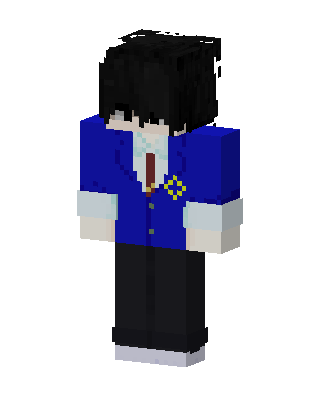 Blue Student Boy0 views · Worn by 0
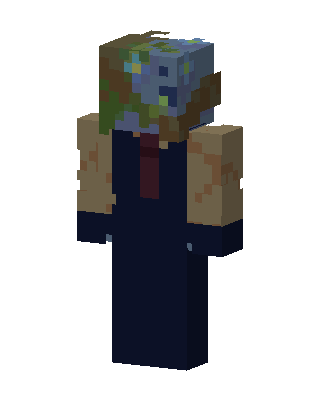 Blue Suit Boy0 views · Worn by 0
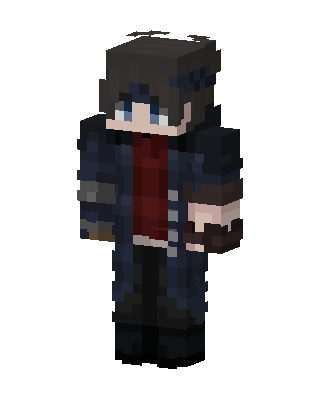 Blue Suit Boy0 views · Worn by 0
 Blue Suit Boy0 views · Worn by 0


