


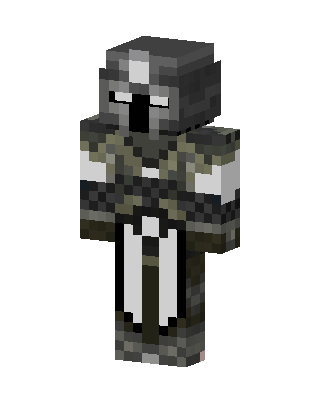
Armored Knight
Classic arms · mostly gray · first seen Oct 2026
5 viewsA knight in a gray helmet with a dark visor slit, camo green and gray chainmail, white sleeves, and a long white tabard.
How to use on Bedrock
- Download the skin.
- In Minecraft, open Dressing Room, then Classic skins.
- Choose Import, pick the file, then choose the classic (Steve) arms.
Similar skins
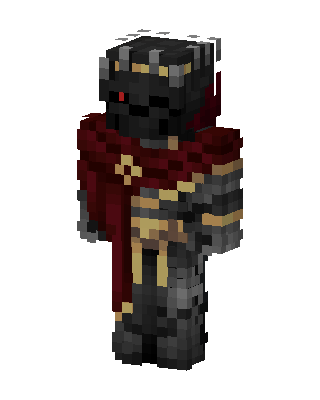 Dark Crimson Knight150 views · Worn by 2
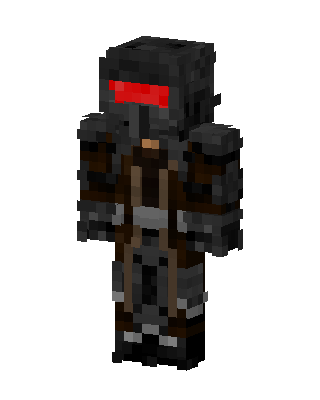 Wasteland Warden13 views · Worn by 0
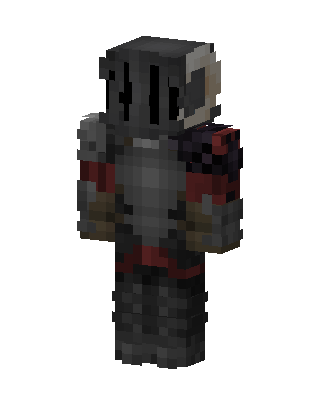 Crimson Knight11 views · Worn by 0
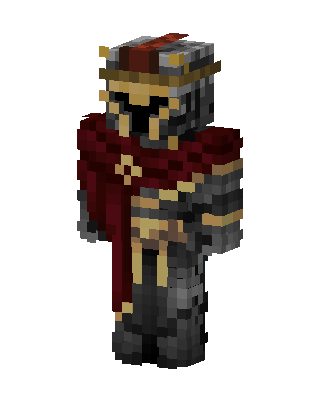 Crimson Knight10 views · Worn by 0
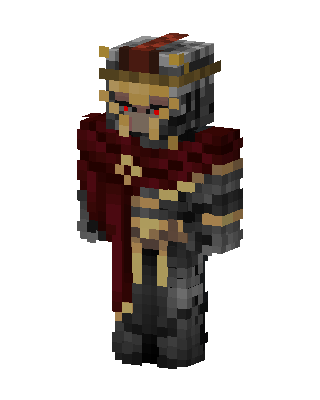 Crimson Dark Knight5 views · Worn by 0
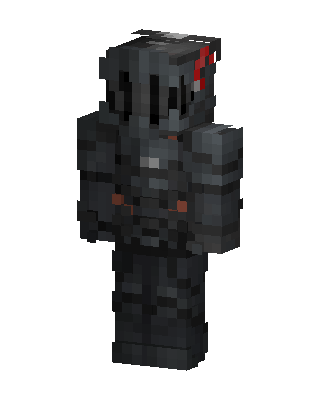 Gray Masked Villain Boy5 views · Worn by 0
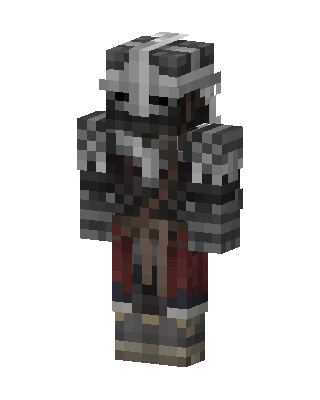 Crimson Knight5 views · Worn by 0
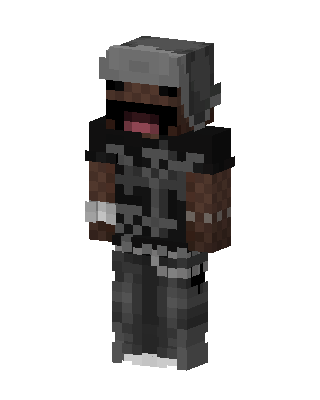 Derp Streetwear5 views · Worn by 0
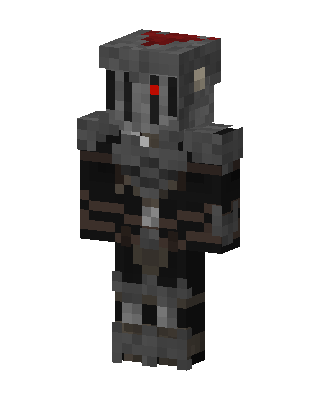 Gray Glowing Villain Boy4 views · Worn by 0
 Black Ops Soldier4 views · Worn by 0
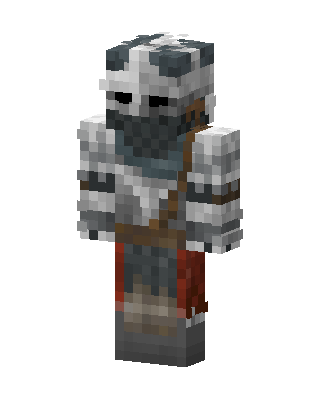 Frost Knight4 views · Worn by 0
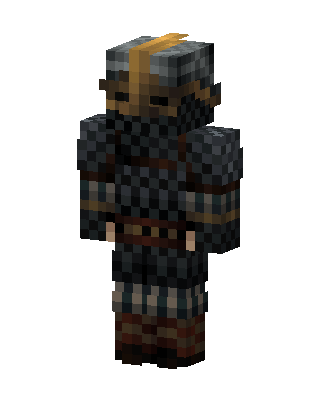 Chainmail Warrior4 views · Worn by 0


