


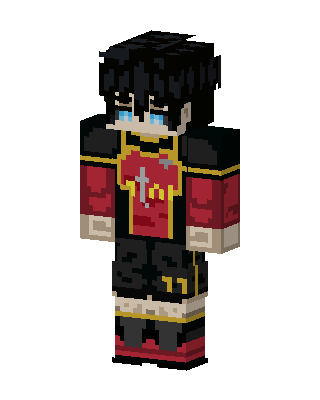
Crimson Knight
Classic arms · mostly black · first seen Oct 2026
1 viewA blue-eyed character with messy black hair, a red tunic with gold trim and a sword emblem, black shoulder pads, dark shorts and boots.
How to use on Bedrock
- Download the skin.
- In Minecraft, open Dressing Room, then Classic skins.
- Choose Import, pick the file, then choose the classic (Steve) arms.
Similar skins
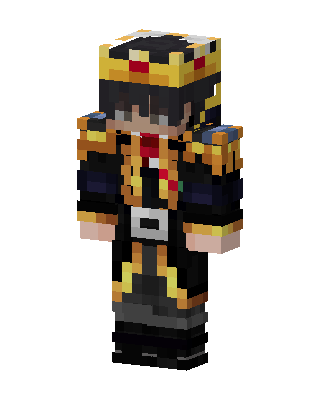 Royal Commander1 views · Worn by 0
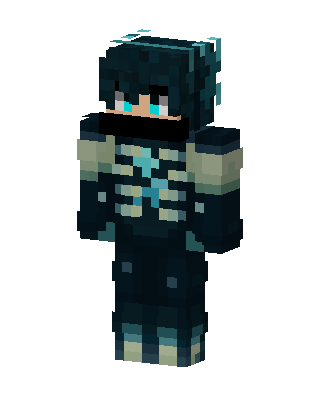 Abyss Walker0 views · Worn by 0
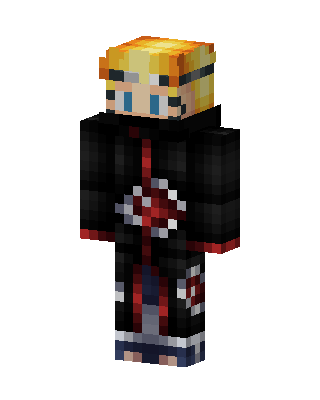 Naruto Akatsuki92 views · Worn by 1
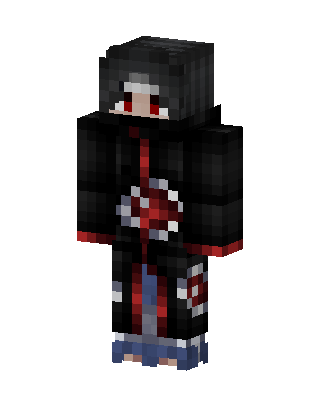 Itachi Uchiha15 views · Worn by 0
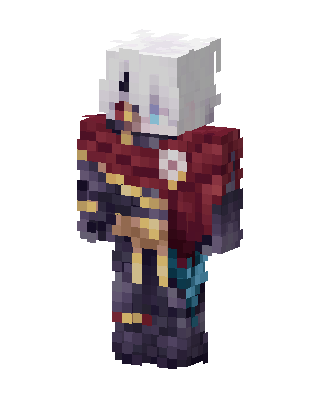 Crimson Knight10 views · Worn by 0
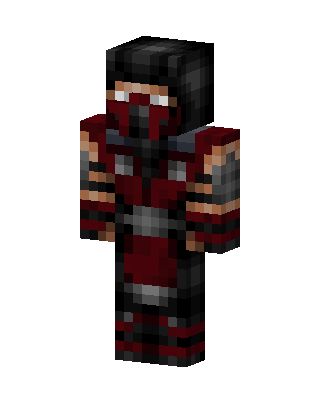 Scorpion Ninja6 views · Worn by 0
 Crimson Shade4 views · Worn by 0
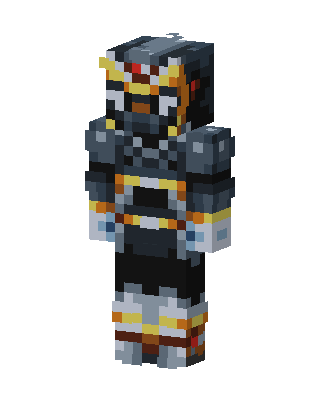 Armored Warlord2 views · Worn by 0
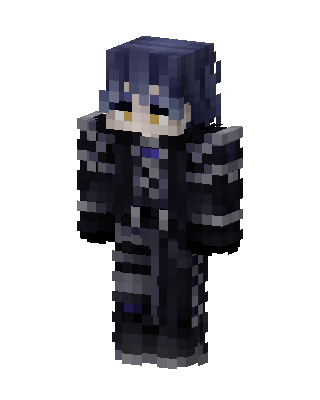 Shadow Knight2 views · Worn by 0
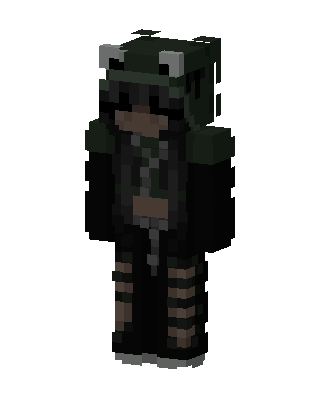 Frog Hoodie Girl2 views · Worn by 0
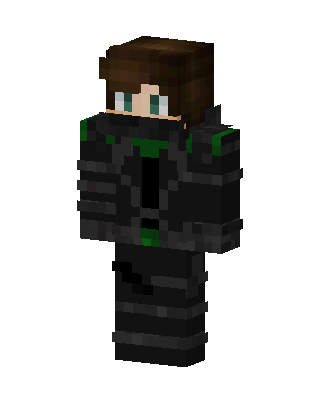 Shadow Operative2 views · Worn by 0
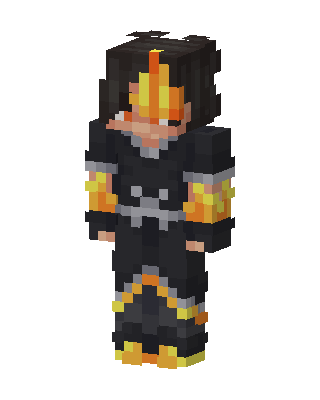 Flame Knight2 views · Worn by 0


