


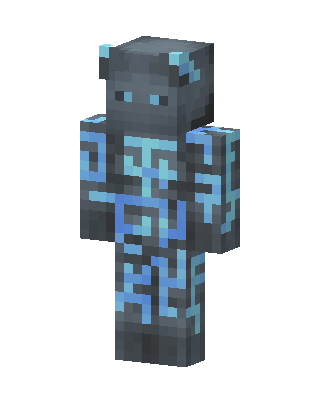
Glowing Rune Golem
Classic arms · mostly gray · first seen Oct 2026
0 viewsA gray stone-like creature with small round ears, light blue eyes, and glowing cyan rune patterns across its chest, arms and legs.
How to use on Bedrock
- Download the skin.
- In Minecraft, open Dressing Room, then Classic skins.
- Choose Import, pick the file, then choose the classic (Steve) arms.
Similar skins
 Wither Knight1 views · Worn by 0
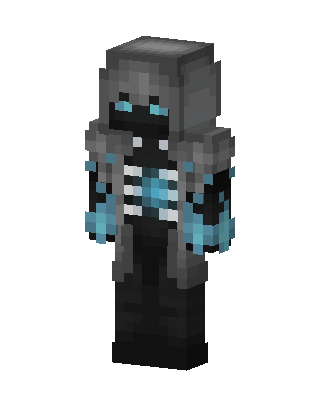 Frost Wraith1 views · Worn by 0
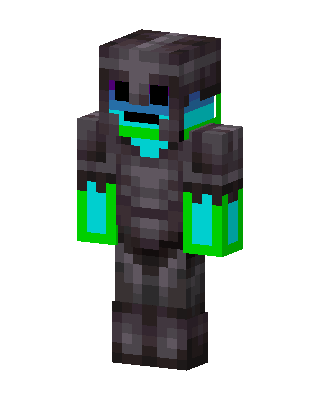 Gray Knight Boy0 views · Worn by 0
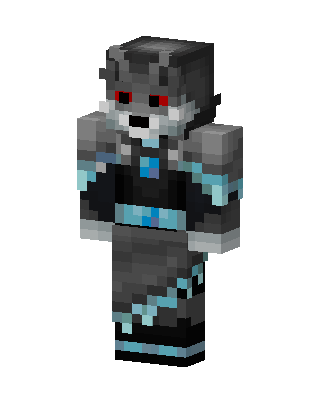 Frost Wolf0 views · Worn by 0
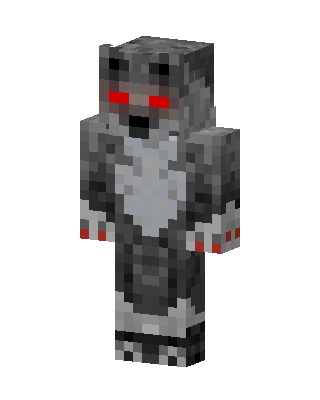 Red Eyed Wolf0 views · Worn by 0
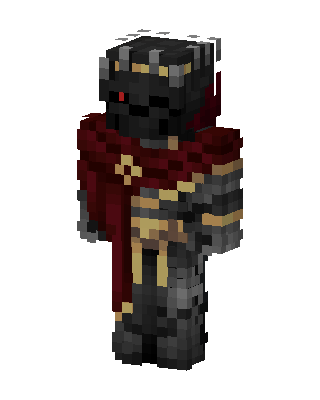 Dark Crimson Knight150 views · Worn by 2
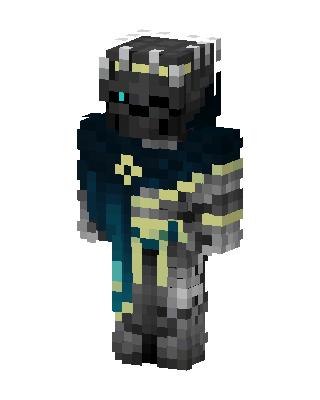 Abyssal Knight59 views · Worn by 1
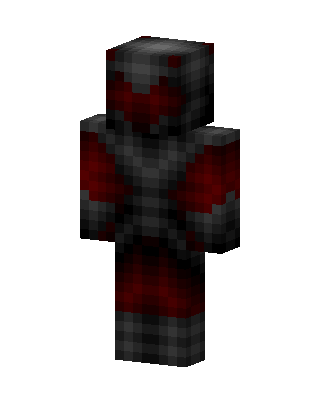 Crimson Shadow47 views · Worn by 1
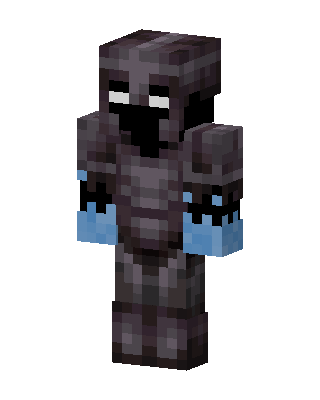 Shadow Knight31 views · Worn by 1
 Dual Core19 views · Worn by 1
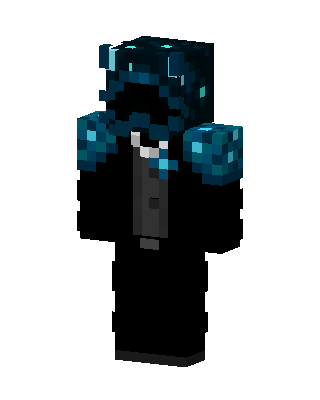 Sculk Tuxedo19 views · Worn by 1
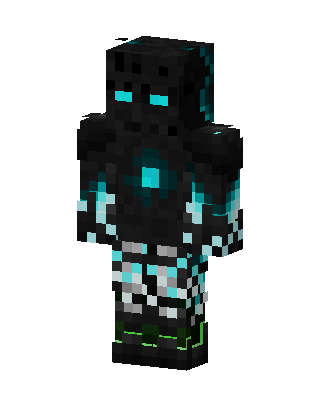 Cyan Void Golem18 views · Worn by 1


