


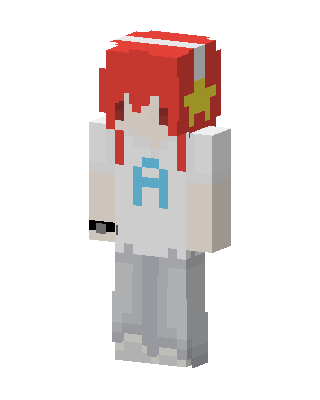
Star Headphone Boy
Slim arms · mostly white · first seen Oct 2026
1 viewRed-haired character with white and red headphones, a yellow star clip, a white shirt with a blue letter A, a black wristband and gray pants.
How to use on Bedrock
- Download the skin.
- In Minecraft, open Dressing Room, then Classic skins.
- Choose Import, pick the file, then choose the slim (Alex) arms.
Similar skins
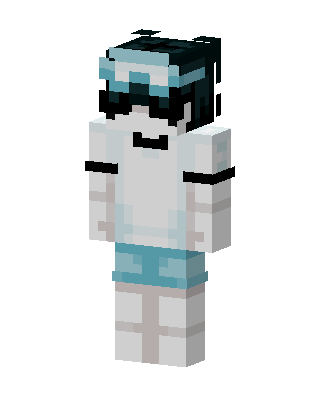 Frosty Goggles45 views · Worn by 1
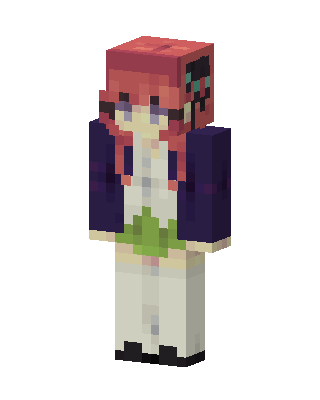 Nino Nakano16 views · Worn by 1
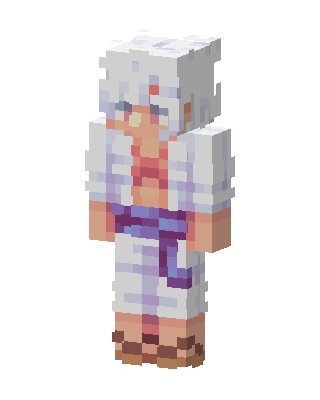 Gear 5 Luffy13 views · Worn by 1
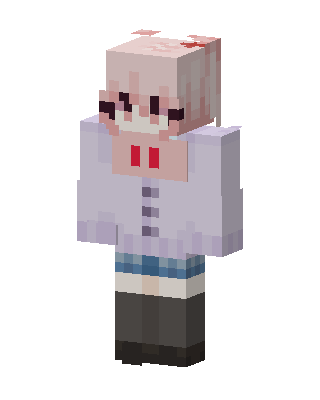 Pink Hair Hoodie5 views · Worn by 1
 Frost Casual19 views · Worn by 0
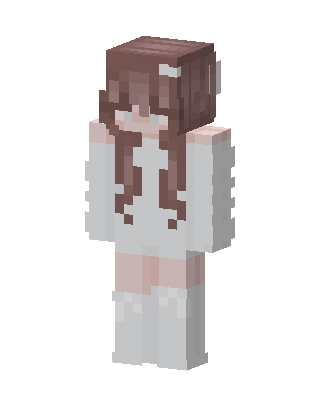 Angel Girl12 views · Worn by 0
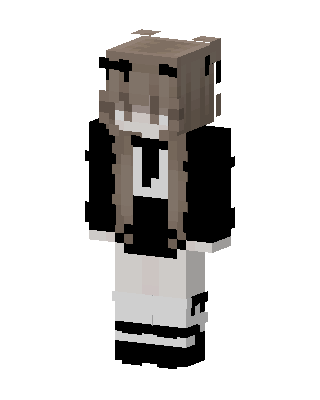 Monochrome Maid5 views · Worn by 0
 Frost Knight3 views · Worn by 0
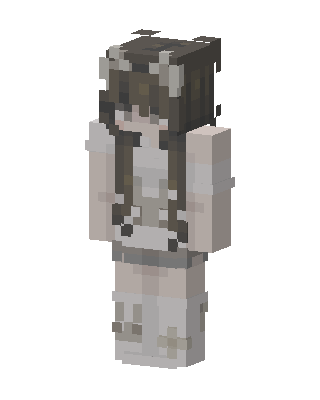 Maid Girl2 views · Worn by 0
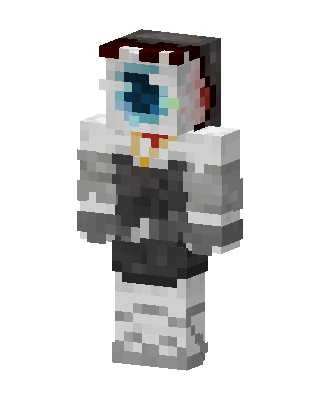 Eye Of Cthulhu1 views · Worn by 0
 Confetti Clown1 views · Worn by 0
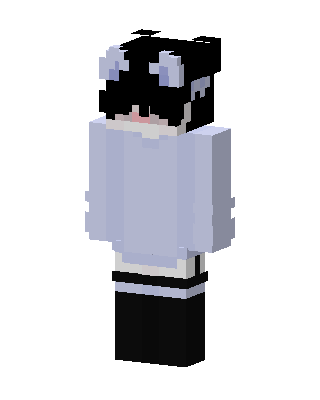 Panda Hoodie Girl1 views · Worn by 0


