


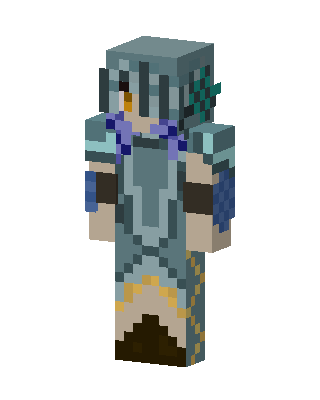
Frost Knight
Slim arms · mostly teal · first seen Oct 2026
0 viewsA knight in teal and steel-blue armor with a visored helmet, purple ties, blue shoulder shields, gold trim and a dark brown skirt.
How to use on Bedrock
- Download the skin.
- In Minecraft, open Dressing Room, then Classic skins.
- Choose Import, pick the file, then choose the slim (Alex) arms.
Similar skins
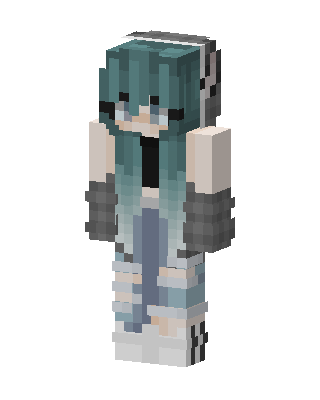 Teal Ombre Girl18 views · Worn by 0
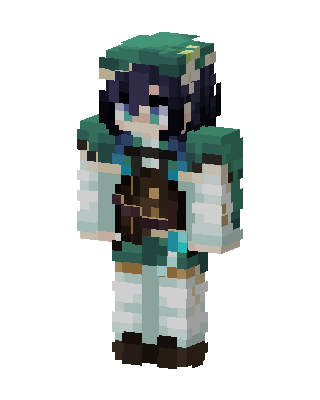 Teal Knight Girl0 views · Worn by 0
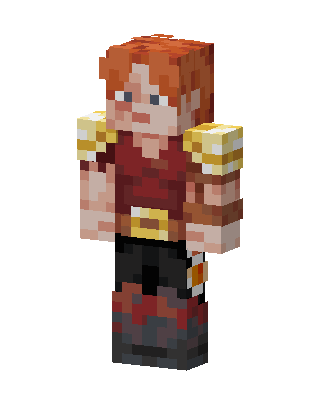 Red Gold Warrior14 views · Worn by 1
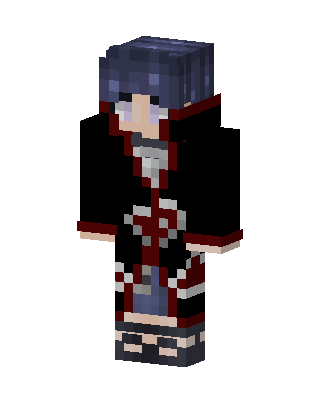 Itachi Uchiha10 views · Worn by 0
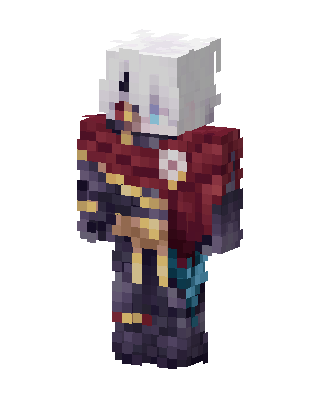 Crimson Knight10 views · Worn by 0
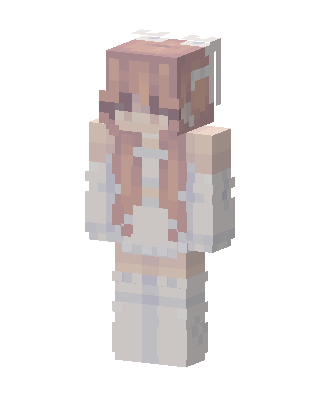 Peach Bunny8 views · Worn by 0
 Crimson King7 views · Worn by 0
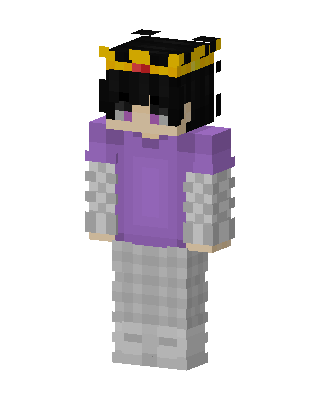 Crowned Hoodie Kid6 views · Worn by 0
 Abyssal Warden4 views · Worn by 0
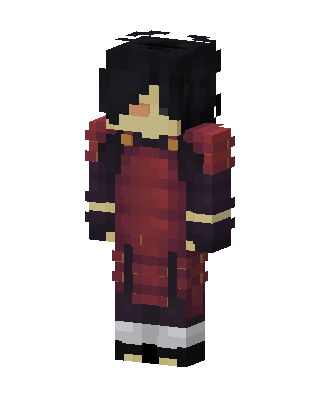 Madara Uchiha3 views · Worn by 0
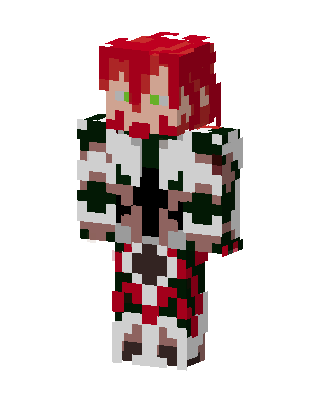 White Hero Girl3 views · Worn by 0
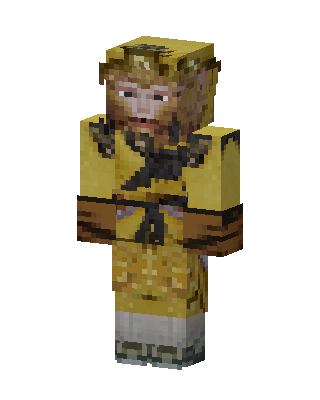 Sun Wukong3 views · Worn by 0


