



Smiling White Ghost
Classic arms · mostly gray · first seen Oct 2026
0 viewsAll-white blocky character with two black square eyes and a flat black line mouth on a plain white head and body.
How to use on Bedrock
- Download the skin.
- In Minecraft, open Dressing Room, then Classic skins.
- Choose Import, pick the file, then choose the classic (Steve) arms.
Similar skins
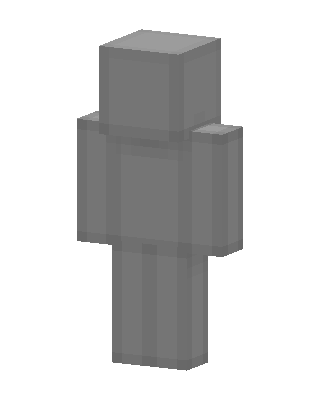 Gray Blank1.1k views · Worn by 23
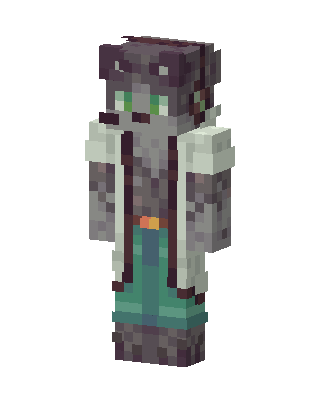 Gray Wolf Mage94 views · Worn by 4
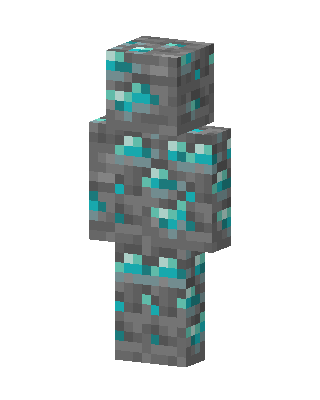 Skeppy84 views · Worn by 4
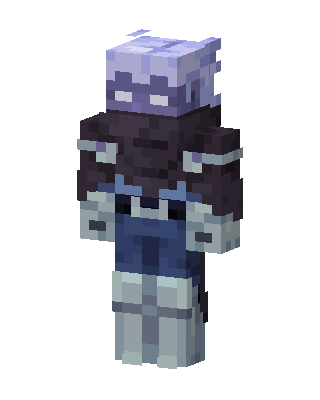 Frost Wither37 views · Worn by 2
 DreamXD37 views · Worn by 1
 Gray Cat Hoodie16 views · Worn by 1
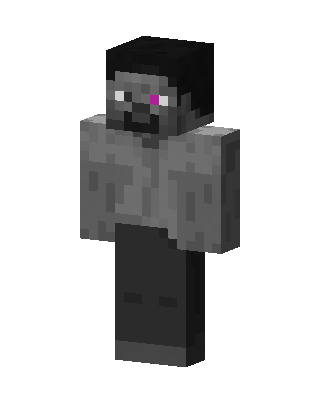 Ashen Zombie13 views · Worn by 1
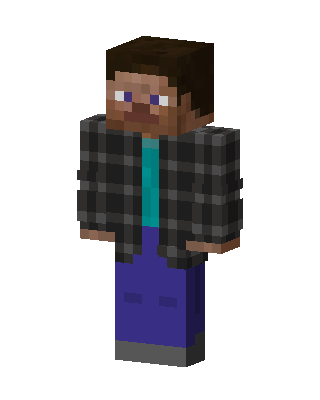 Flannel Steve10 views · Worn by 1
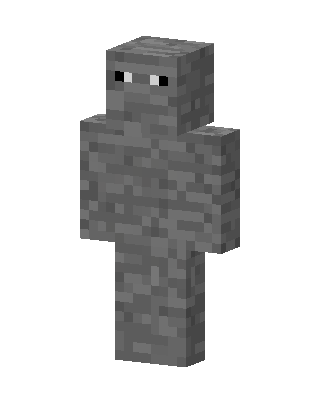 Stone Golem9 views · Worn by 1
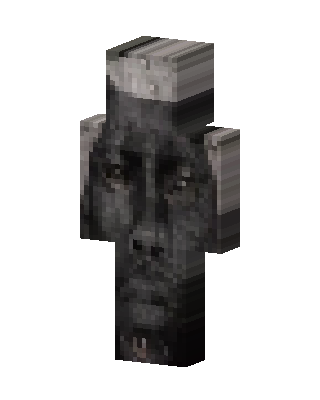 Shadow Hound8 views · Worn by 1
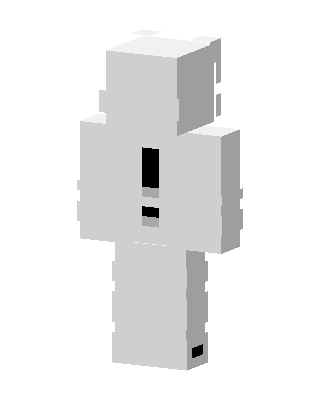 White Exclamation5 views · Worn by 1
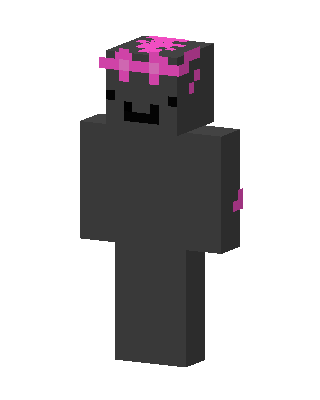 Dark Axolotl5 views · Worn by 1


