


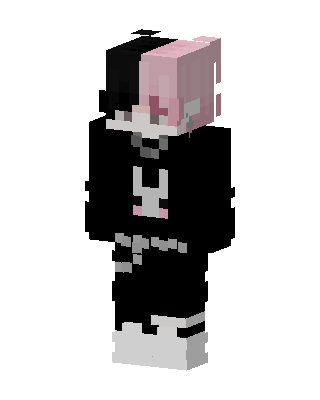
DaQuavis
Slim arms · mostly black · first seen Oct 2026
0 viewsHair split down the middle, half black and half pink, with a black hoodie with a white bunny design, black pants and white sneakers.
How to use on Bedrock
- Download the skin.
- In Minecraft, open Dressing Room, then Classic skins.
- Choose Import, pick the file, then choose the slim (Alex) arms.
Similar skins
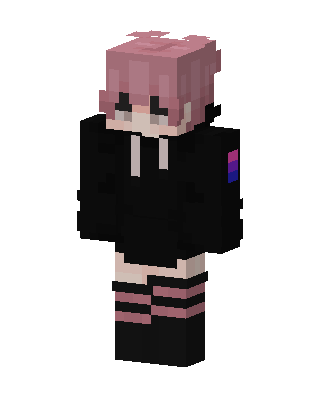 Pink Hoodie Kid37 views · Worn by 1
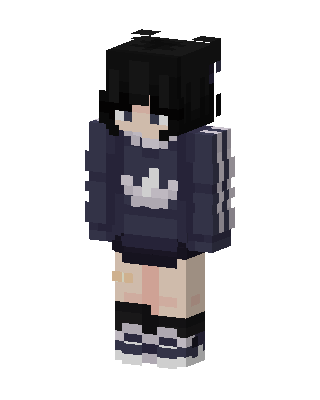 Navy Hoodie Girl19 views · Worn by 0
 Pink Paw Cat6 views · Worn by 0
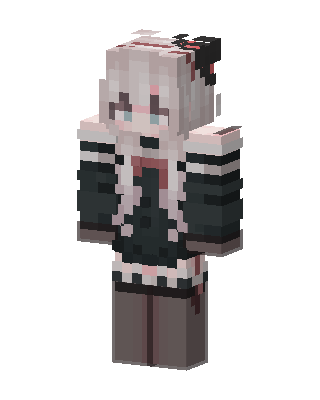 Gothic Maid3 views · Worn by 0
 Ombre Hoodie Girl3 views · Worn by 0
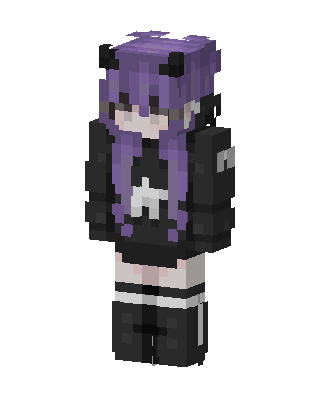 Black E-Girl3 views · Worn by 0
 Shadow Hoodie1 views · Worn by 0
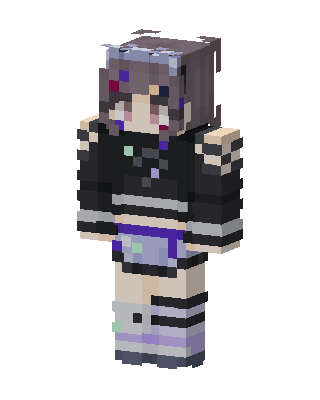 Pastel Goth Girl1 views · Worn by 0
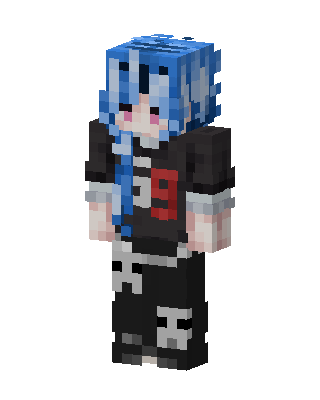 Black Anime1 views · Worn by 0
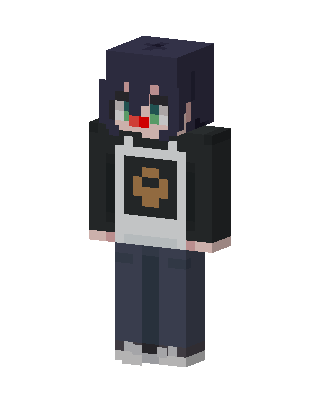 Dark Hoodie Kid1 views · Worn by 0
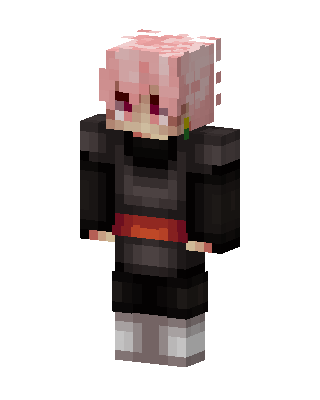 Goku Black1 views · Worn by 0
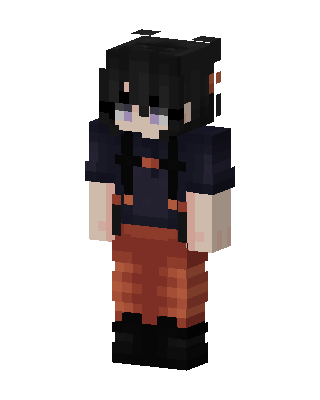 Rust Overalls0 views · Worn by 0


