


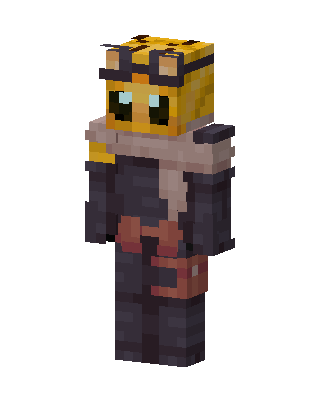
Beekeeper Knight
Slim arms · mostly gold · first seen Oct 2026
1 viewA honeycomb-patterned head with dark goggles and glowing teal eyes, wearing a gray scarf, dark armor, and a red leather belt with pouches.
How to use on Bedrock
- Download the skin.
- In Minecraft, open Dressing Room, then Classic skins.
- Choose Import, pick the file, then choose the slim (Alex) arms.
Similar skins
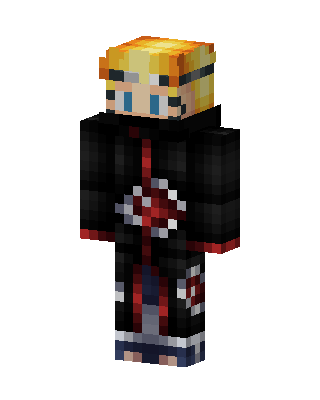 Naruto Akatsuki131 views · Worn by 1
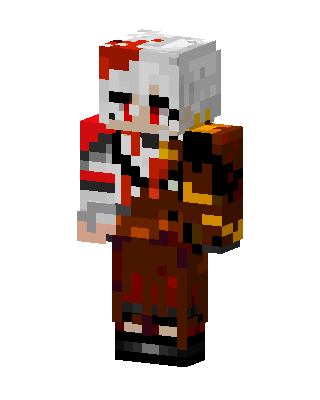 Brown Fighter Boy62 views · Worn by 1
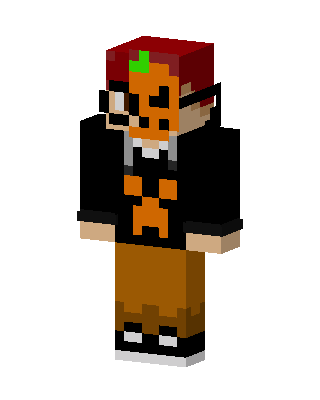 Pumpkin Hoodie Kid59 views · Worn by 1
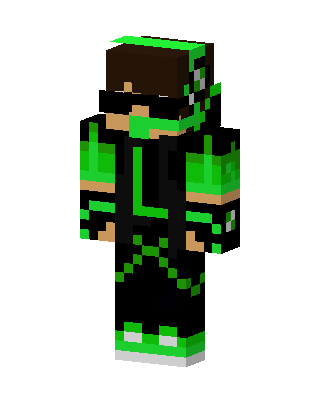 Green Masked Hero Boy38 views · Worn by 1
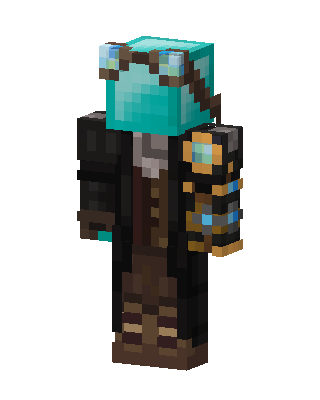 Steampunk Diamond19 views · Worn by 1
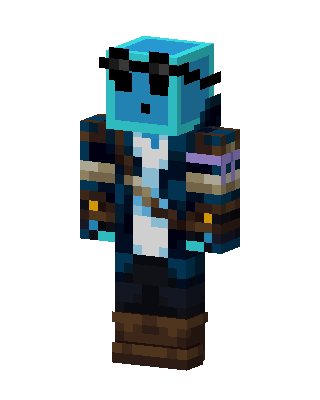 Slime Pirate18 views · Worn by 1
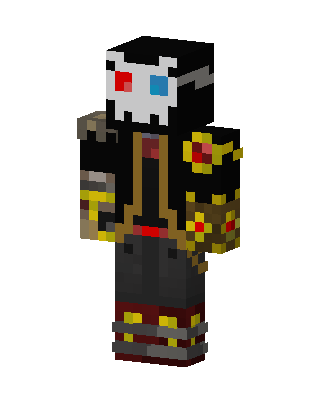 Black Masked Gamer Boy35 views · Worn by 0
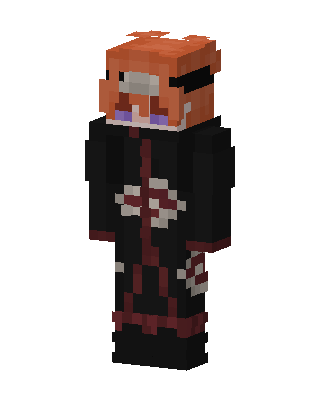 Black Ninja Boy19 views · Worn by 0
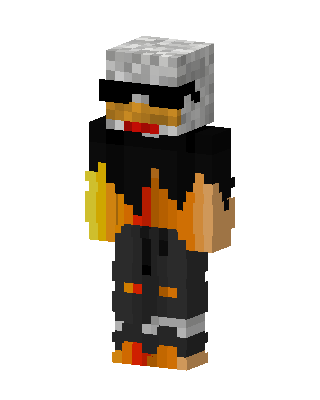 Flame Duck16 views · Worn by 0
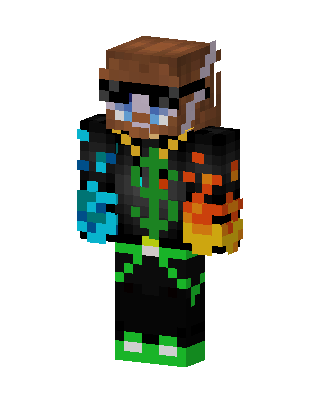 Elemental Gamer16 views · Worn by 0
 Cool Duck13 views · Worn by 0
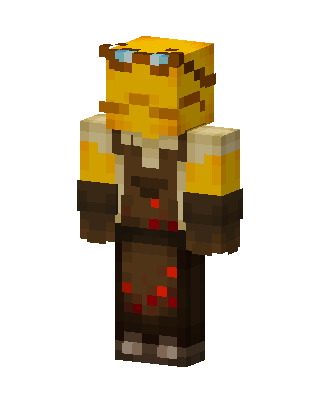 Bee Blacksmith12 views · Worn by 0


