


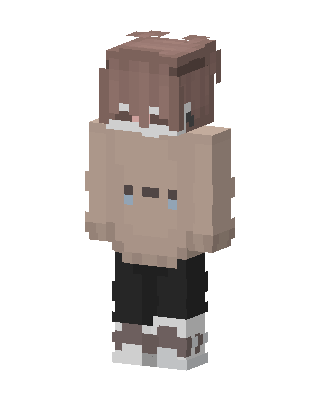
Crying Hoodie Boy
Slim arms · mostly brown · first seen Oct 2026
0 viewsBrown-haired character in a beige oversized hoodie with a sad face and blue tears, black pants, and white and brown sneakers.
How to use on Bedrock
- Download the skin.
- In Minecraft, open Dressing Room, then Classic skins.
- Choose Import, pick the file, then choose the slim (Alex) arms.
Similar skins
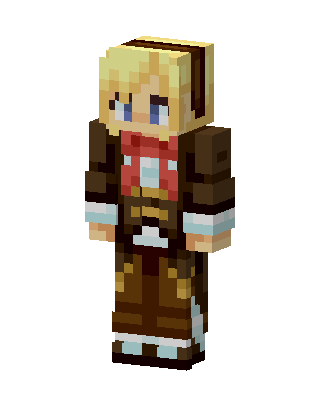 Aviator Girl27 views · Worn by 1
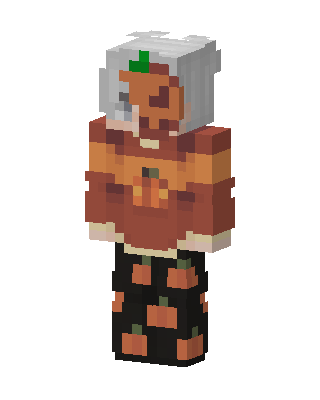 Pumpkin Girl15 views · Worn by 0
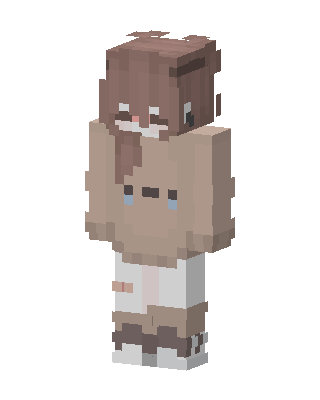 Cozy Cocoa11 views · Worn by 0
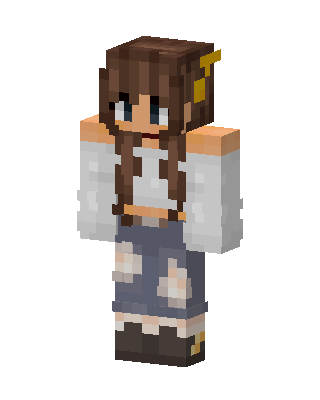 Cozy Denim Girl3 views · Worn by 0
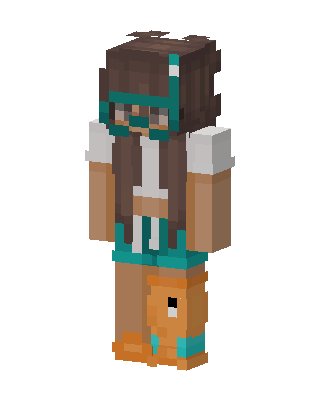 Snorkel Girl2 views · Worn by 0
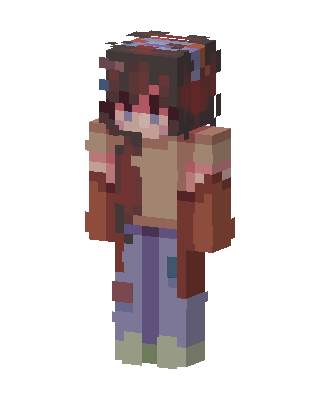 Patched Jeans Girl2 views · Worn by 0
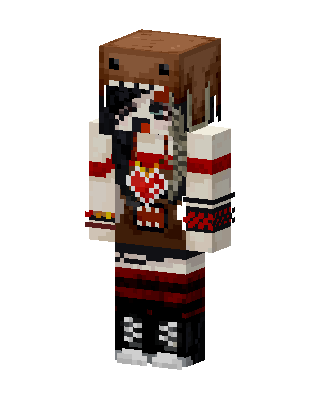 Domo Kun Girl2 views · Worn by 0
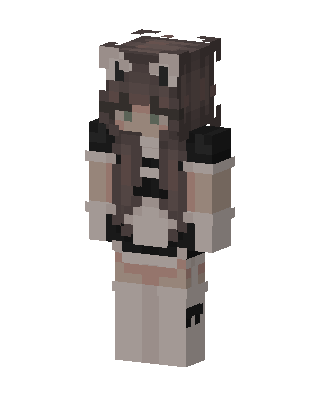 Brown Player Girl2 views · Worn by 0
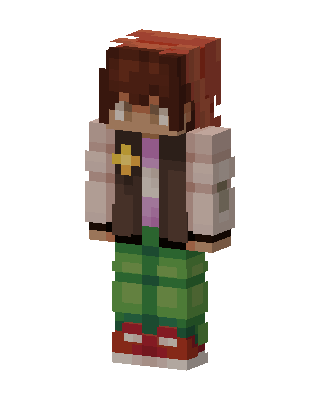 Green Plaid Casual2 views · Worn by 0
 Cozy Maid2 views · Worn by 0
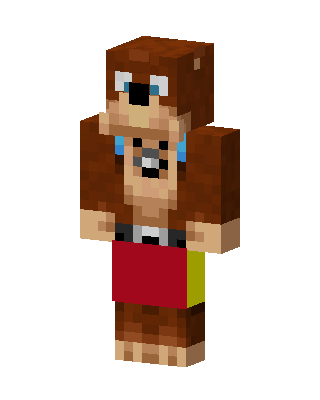 Banjo2 views · Worn by 0
 Flower Crown Girl2 views · Worn by 0


